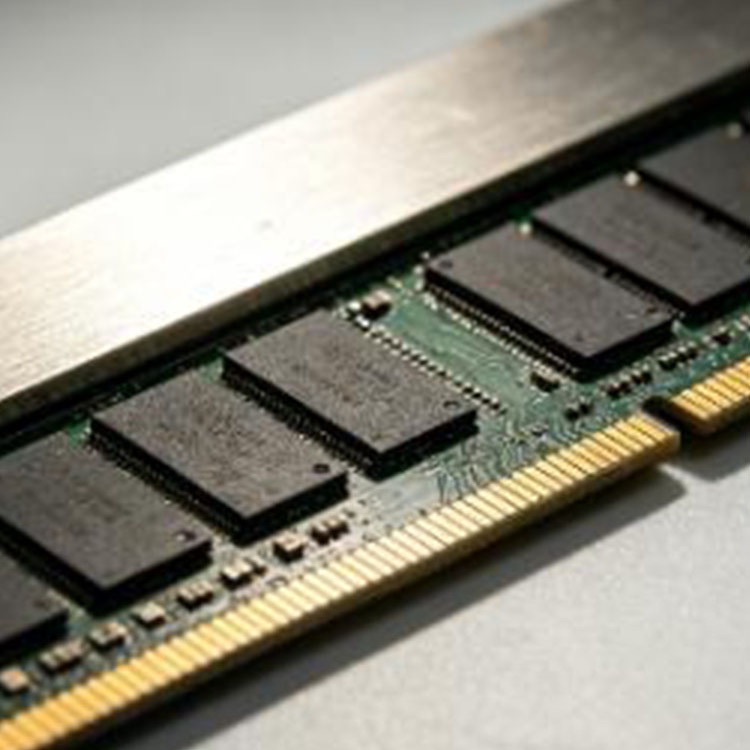
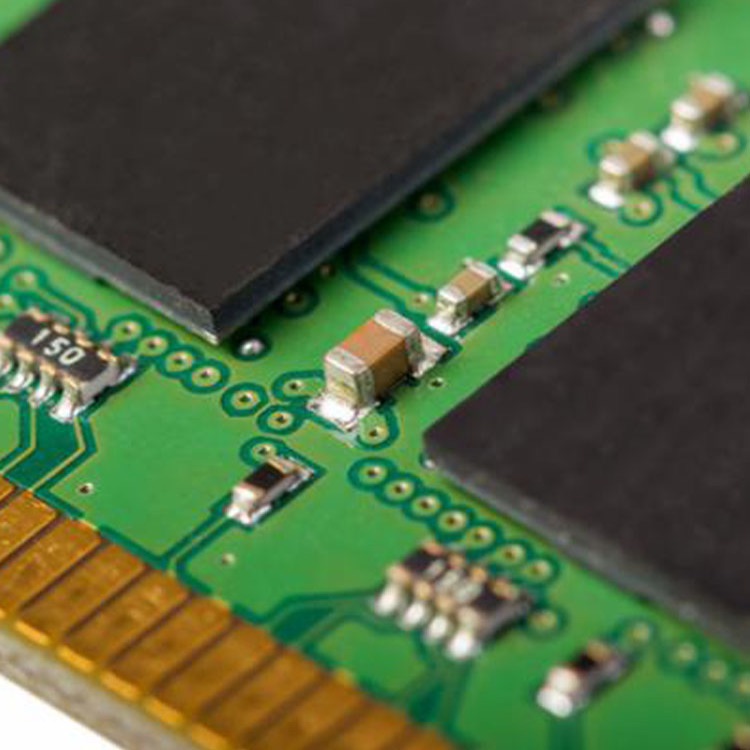
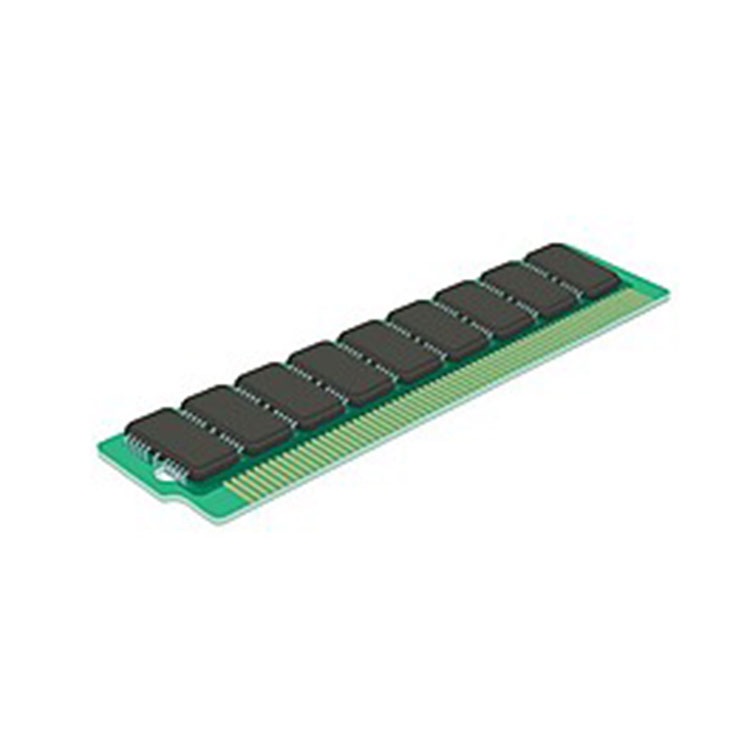
Por que é que as atualizações de memória dos servidores não são iguais às atualizações de RAM dos computadores pessoais
As atualizações de RAM dos servidores não são iguais às atualizações de RAM dos computadores pessoais, que consistem simplesmente em utilizar módulos de maior capacidade. Este artigo analisa em pormenor a tecnologia ECC, as diferenças entre RDIMM e UDIMM, os módulos LRDIMM, a compatibilidade com DDR4/DDR5, a ordem de instalação da memória e as armadilhas na aquisição que podem transformar uma atualização barata numa falha de arranque ou num servidor instável.
Not literally, of course, but the consumer-memory market has trained buyers to think in lazy shortcuts: match the DDR generation, buy more capacity, maybe chase a higher MT/s number, click checkout, and call it a day — which is exactly how teams get into trouble when they try the same move inside a Dell PowerEdge, HPE ProLiant, Lenovo ThinkSystem, Supermicro box, or GPU server loaded with Intel Xeon Scalable CPUs.
So why does a server memory upgrade feel so unforgiving?
Because servers are not built around vibes. They are built around validation, memory-controller rules, ECC behavior, rank structure, slot topology, firmware support, and workload uptime. I have seen buyers obsess over “Samsung vs Micron” while ignoring the one question that actually matters: will this exact module train, address, and run correctly in this exact platform?
Esta é a dura verdade.
Índice
A mentalidade de optar por memória RAM barata para o PC é o que faz com que as atualizações dos servidores corram mal
A desktop upgrade is often forgiving. A server upgrade is a contract.
On a PC, you might get away with two consumer DDR4 UDIMMs from different batches, slightly mismatched timings, and a motherboard that politely downclocks everything until it works. On a server, that same attitude can trigger POST errors, missing capacity, degraded bandwidth, memory training failure, or intermittent faults that only appear under virtualization, database, or AI workload pressure.
A real Server Memory Upgrade starts with the platform, not the module. The order should be boring and strict:
Modelo de servidor
Geração de CPU
Geração DDR
Requisito CEC
RDIMM, LRDIMM, UDIMM, or platform-specific module type
Classificação e densidade
Speed support
Ordem da população
Existing installed memory
Supplier testing and warranty process
Miss one, and “64GB RAM” becomes a meaningless label.
For buyers doing DDR4 replacements, I would start by checking the available Inventário de memória de servidor DDR4 against the exact server model and installed DIMMs. For newer platforms, especially Intel Xeon Scalable and AMD EPYC generations using DDR5, the same discipline applies to Opções de memória de servidor DDR5.
But the upgrade does not begin with a catalog page. It begins with evidence.
O ECC não é um slogan de marketing; é uma política de gestão de riscos
Assuntos do CEC.
In 2009, Google’s well-known field study, Erros de DRAM na Natureza, analyzed memory errors across a large fleet of commodity servers over 2.5 years. The uncomfortable number: more than 8% of DIMMs were affected by errors per year, and observed DRAM error rates reached 25,000 to 70,000 errors per billion device hours per Mbit.
That should bother anyone who treats RAM as a cheap line item.
The study also pushed against the old industry habit of blaming everything on random “soft errors.” Google’s researchers found strong evidence that memory errors were dominated by hard errors, meaning the DIMM, chip, or related behavior can become a persistent operational problem rather than a one-time cosmic-ray story.
Here is my unpopular opinion: if a workload matters enough to run on a server, then memory reliability is part of the application architecture. Not an accessory. Not a checkbox. Not something procurement should “optimize” away because one quote came in 11% cheaper.
A proper ECC memory upgrade is about data integrity, not bragging rights. ECC can detect and correct certain memory errors before they become visible corruption, crashes, or silent application weirdness. That does not make ECC magic. It makes ECC one layer in a broader discipline: qualified modules, stable firmware, correct DIMM population, thermal control, diagnostics, and traceable supply.
And yes, that sounds less exciting than RGB RAM.
Ótimo.
RDIMM vs UDIMM vs LRDIMM: The One-Letter Mistake That Kills Boot
This is where PC buyers get humbled.
UDIMM, RDIMM, and LRDIMM are not casual variants of the same thing. They behave differently electrically. They load the memory controller differently. They are validated differently. Kingston’s server memory guidance is blunt about this: different memory types such as UDIMM, RDIMM, LRDIMM, and MRDIMM generally cannot be mixed in the same system, and if mixed, the server may not boot.
Why are we still pretending capacity is enough?
Tipo de memória
Utilização comum
Server Upgrade Risk
Buyer’s Reality Check
UDIMM
Desktops, entry workstations, some small servers
Lower capacity ceiling, often not suitable for enterprise platforms
“It fits” does not mean “it is supported.”
ECC UDIMM
Entry server/workstation platforms
ECC support depends on CPU, chipset, and motherboard
Still not the same thing as RDIMM.
RDIMM
Enterprise servers, data centers, virtualization hosts
Must match platform rules, rank, speed, and population order
The default serious-server choice in many DDR4/DDR5 systems.
LRDIMM
High-capacity server configurations
Cannot usually mix with RDIMM; may have different latency/cost behavior
Useful when capacity density matters more than simplicity.
DDR4 vs DDR5
Different platform generations
Not socket-compatible; different keying and signaling
Do not “upgrade” DDR4 into DDR5 unless the server platform supports DDR5.
Mixed ranks/speeds
Sometimes supported within strict rules
Can downclock, reduce bandwidth, or fail validation
Memory Population Order Is the Upgrade Detail Amateurs Ignore
Slot order matters.
A PC builder may think in pairs: slot A2, slot B2, done. A server builder has to think in channels, CPUs, ranks, memory controllers, color-coded slots, and workload bandwidth. On a dual-socket server, the wrong population pattern can punish performance even when the total installed capacity looks correct in BIOS.
Dell’s memory population material for 3rd Gen Intel Xeon Scalable PowerEdge servers notes that balanced configurations require each memory channel to be populated with one or two identical DIMMs, allowing memory access requests to distribute across available slots and maximize performance. In that same guidance, eight DIMMs can provide higher bandwidth, while sixteen DIMMs can provide higher capacity.
Capacity is not performance.
I have watched teams buy a perfectly valid set of DIMMs and still leave performance on the table because they populated the board like they were filling empty hotel rooms. Servers do not work that way. The memory channels are lanes. Fill them wrong, and traffic backs up.
For a real server RAM upgrade, ask these before issuing the PO:
Is this a one-CPU or two-CPU server?
How many memory channels per CPU does the platform expose?
Which slots must be filled first?
Are all channels balanced?
Are ranks symmetrical where the platform expects symmetry?
Will the server downclock because of DIMM count?
Are existing modules being reused?
Are you mixing capacities, speeds, or manufacturers?
Is the BIOS/UEFI version known to support the target configuration?
This is also where “same capacity” becomes a trap. Two 64GB DDR4 RDIMMs can have different rank structures. Two DDR5 modules can share capacity and speed but differ in part number, density, and validation history. A 64GB 2Rx4 module is not automatically interchangeable with every other 64GB module in a production host.
The label helps.
It does not decide.
Used Server Memory Is Not the Problem. Vague Server Memory Is.
Here is another opinion that annoys people: tested used server memory can be perfectly rational.
Used is not dirty. Unknown is dirty.
If you are maintaining legacy DDR4 fleets, spare nodes, backup clusters, lab systems, refurbished servers, or cost-sensitive virtualization hosts, tested used modules can make more sense than forcing a new-memory purchase into old infrastructure. The issue is whether the seller can prove what the module is, how it was screened, whether the part number is clear, and whether the warranty process is usable.
That is why I would rather buy from a supplier that can explain memória de servidor DDR4 usada testada than from a marketplace seller who writes “server RAM, pulled, working” and disappears after shipment.
A professional memory quote should not read like a mystery box. It should include:
Brand: Samsung, Micron, SK hynix, Kingston, Crucial, or approved equivalent
Capacity: 16GB, 32GB, 64GB, 96GB, 128GB, or target density
Generation: DDR3, DDR4, DDR5
Type: ECC RDIMM, LRDIMM, ECC UDIMM, MRDIMM where supported
Rank: 1Rx8, 2Rx8, 2Rx4, 4Rx4, 8Rx4, or platform-specific layout
Part number or MPN
Quantity and lot consistency
Warranty/RMA terms
Compatibility notes
If that sounds like too much work, you are not buying server memory. You are gambling.
The Procurement Failure Nobody Wants to Admit
Procurement often breaks the upgrade before engineering touches a screwdriver.
The most expensive server memory upgrade is not the one with the highest unit price. It is the one that arrives late, half-matched, unsupported, mislabeled, or impossible to RMA cleanly. Uptime Institute’s Análise anual de interrupções em 2024 frames digital infrastructure failures around causes, costs, and consequences, which is exactly the lens buyers should use for memory decisions.
No, a bad DIMM purchase will not always create a headline outage.
But it can create a weekend maintenance rollback. It can create a database failover. It can create weird ECC logs that nobody wants to own. It can create a VMware host that sees less memory than expected. It can create an AI node that underperforms because the channels are populated badly.
And it can create the worst kind of problem: the one that looks fixed until load comes back.
For bulk projects, I would push buyers toward a fornecedor de RAM para servidor a granel that asks annoying questions early: server model, memory generation, module type, target capacity, quantity, destination, warranty expectations, and whether existing DIMMs will remain in service.
Annoying questions are good.
They save rollbacks.
My Server Memory Upgrade Checklist
Before upgrading server RAM, I would use this checklist and refuse to skip steps:
1. Identify the exact platform
Write down the full model, not just “Dell server” or “HP server.” A Dell PowerEdge R740, R750, R760, HPE DL380 Gen10, Lenovo SR650 V2, or Supermicro X12/X13/X14 board can have different memory ceilings, slot maps, CPU rules, and firmware behavior.
2. Record the current memory
Capture installed capacity, module type, speed, rank, part number, and slot position. Do not trust old spreadsheets. Open the chassis, use iDRAC/iLO/XClarity/IPMI data, or check OS-level tools carefully.
3. Confirm ECC and module type
Is the platform expecting ECC RDIMM, LRDIMM, ECC UDIMM, or another validated server memory class? Do not mix RDIMM and LRDIMM because the capacity looks convenient.
4. Check DDR generation
DDR4 and DDR5 are not interchangeable. The notch, electrical design, signaling, and platform support are different. A DDR5 server memory upgrade means the server platform was built for DDR5.
5. Plan population order
Map the slots before purchase. In dual-socket systems, keep CPU-side configurations symmetrical unless the vendor manual says otherwise.
6. Decide whether capacity or bandwidth is the priority
A database server, virtualization host, AI data-loader node, and storage appliance may not want the same memory layout. More GB is not always the best answer.
7. Validate the supplier
Ask about testing, part-number control, packing, anti-static handling, warranty, RMA process, and repeat-order support. Use the ServerDimm quality and warranty process as a model for the level of detail buyers should expect.
8. Avoid casual mixing
If you are tempted to mix modules, read a dedicated guide such as É possível misturar a RAM do servidor? before turning a cheap expansion into a boot failure.
The Real Difference: PC RAM Upgrades Add Capacity; Server RAM Upgrades Reduce Risk
This is the cleanest way I can say it.
A PC RAM upgrade is usually a performance convenience. A server memory upgrade is an infrastructure decision. It affects uptime, data integrity, workload placement, maintenance windows, procurement risk, and the credibility of whoever approved the purchase.
That is why the primary keyword here — Server Memory Upgrade — should never be reduced to “buy bigger RAM.” The serious version includes ECC memory upgrade planning, RDIMM vs UDIMM validation, server memory compatibility checks, supported population order, and supplier accountability.
The industry likes to pretend server memory is a commodity.
Não é.
A 32GB DDR4 2666 RDIMM, a 64GB DDR4 3200 2Rx4 module, a 96GB DDR5 5600 RDIMM, and a 128GB DDR5 high-density DIMM may all be “server RAM” in a catalog. But in a real server, they are either correct or wrong. There is not much romance in between.
FAQs
What makes server memory different from PC RAM?
Server memory is enterprise RAM designed around platform validation, ECC error handling, registered or load-reduced module types, strict slot population rules, and sustained uptime demands rather than casual desktop performance upgrades. Unlike PC RAM, server RAM must match CPU memory-controller rules, firmware support, rank structure, module type, and validated capacity limits before installation.
In plain English: server memory is less forgiving because the server is doing more than opening browser tabs. It may be running databases, virtual machines, storage services, AI workloads, or customer-facing applications where instability has a real cost.
Can I use PC RAM in a server?
PC RAM can only be used in a server when that specific server platform supports the exact memory type, generation, ECC behavior, voltage, rank, and capacity of the module being installed. Many enterprise servers require ECC RDIMM or LRDIMM memory, so ordinary desktop UDIMM modules often will not boot or will be unsupported.
This is why “it fits in the slot” is bad advice. The slot shape is only one layer. The firmware, CPU memory controller, motherboard validation list, and population guide matter more.
What is an ECC memory upgrade?
An ECC memory upgrade means installing error-correcting code memory that can detect and correct certain memory errors before they cause data corruption, application instability, or system crashes. In servers, ECC is commonly paired with RDIMM or LRDIMM modules and is used for workloads where uptime, accuracy, and predictable operation matter.
ECC is not a cure for every hardware problem. It is a risk-control feature. You still need the right module type, clean population order, stable firmware, and supplier testing.
What is the difference between RDIMM and UDIMM?
RDIMM memory uses a register to buffer command and address signals, improving stability and scalability for server-class systems, while UDIMM memory is unbuffered and more common in desktops and some entry platforms. The two module types are not freely interchangeable, and many enterprise servers are validated specifically for RDIMM or LRDIMM memory.
That one letter matters. RDIMM is not just “better desktop RAM.” It changes how the memory subsystem communicates with the controller, especially at higher capacities and larger DIMM counts.
Why is server memory compatibility so strict?
Server memory compatibility is strict because the platform must correctly train, address, balance, and monitor DIMMs across CPUs, memory channels, ranks, speeds, and ECC behavior under sustained workload pressure. A module can match capacity and generation while still failing because its type, rank, density, firmware support, or population position is unsupported.
This is why professional buyers validate the configuration before purchase. A successful server RAM upgrade is not a pile of modules. It is a supported layout.
How should I plan a server RAM upgrade?
A server RAM upgrade should be planned by confirming the exact server model, CPU generation, DDR generation, ECC requirement, module type, rank, speed, current slot population, target capacity, workload needs, and warranty expectations before comparing prices. The safest workflow starts with compatibility, then moves to sourcing, testing, delivery, and installation planning.
The blunt rule is simple: buy the configuration, not the module. A DIMM is only right after the server platform agrees with it.
Your Next Steps: Stop Buying Capacity, Start Buying Fit
Before your next server memory upgrade, collect the server model, current DIMM part numbers, installed slot layout, target capacity, preferred generation, and workload requirement. Then send those details to a supplier that understands ECC, RDIMM, LRDIMM, DDR4, DDR5, rank, population order, and RMA accountability.
If you are sourcing for a real deployment, not a hobby experiment, contact the ServerDimm compatibility support team with your server model, memory target, module type, quantity, and shipping destination.
Do not ask, “What is the cheapest RAM?”
Ask, “What is the correct memory configuration for this server?”
A ServerDimm fornece memória de servidor de marca nova e usada para distribuidores, compradores OEM, revendedores e equipas de centros de dados. Apoiamos o fornecimento de DDR4 e DDR5 com inventário testado, verificações de compatibilidade e serviço de cotação responsivo.