How to Check Server Memory Compatibility Before You Buy
Most buyers still shop server RAM by capacity first. That is backwards. This article shows how to verify server memory compatibility the way OEM manuals, data center operators, and experienced procurement teams actually do it.
Capacity lies first. The industry keeps pretending server memory compatibility is a dull checklist, but the money says otherwise: according to the Uptime Institute 2024 Global Data Center Survey, 54% of operators said their most recent significant outage cost more than $100,000, and 20% put the damage above $1 million, which is why I treat a wrong DIMM order as a procurement failure, not a harmless parts mistake. Why risk a six-figure headache over a memory line item that should have been verified before the PO?
Here is the ugly part. In a market where Reuters reported on January 5, 2026 that prices in some memory segments had more than doubled since February 2025, “compatible enough” is not a strategy; meanwhile, Google’s field study on DRAM errors found more than 8% of DIMMs were affected by errors per year, and Alibaba plus CUHK’s production data center study tied DRAM behavior to 2,137 server failures while showing that more than 40% of those failures displayed correctable errors within one hour of the event. Still think the sticker on the anti-static bag is the whole story?
Table of Contents
The Server Memory Compatibility Audit I Actually Use
This is my server memory compatibility checker. It is boring by design, because the rules that matter are the ones OEMs repeat in their manuals: match generation, match module class, respect population symmetry, and verify what the CPU and motherboard will really train at boot rather than what a reseller decided to place in a title. Why do buyers skip this and then act surprised when a server refuses to POST? (Dell)
Check first
What you confirm
What breaks if you ignore it
Fastest proof source
Example red flag
Platform generation
DDR4 vs DDR5, CPU family, board support
Module will not fit or will never train
CPU spec + OEM guide
Buying DDR5 for a DDR4-only platform
Module class
ECC UDIMM, RDIMM, LRDIMM, 3DS RDIMM
POST failure or unsupported config
Installed label + OEM guide
Mixing RDIMM and LRDIMM
Population rules
Per-CPU symmetry, channel balance, 1DPC vs 2DPC
Speed drop, bandwidth loss, boot issues
OEM population guide
Random 6-DIMM fill on an 8-channel CPU
Rank and density
1Rx4, 2Rx4, 2Rx8, 3DS, max per-slot density
Unsupported density or unstable training
Installed DIMM label + vendor matrix
Assuming all 64GB modules behave the same
Final part match
Full vendor part number or approved FRU
Wrong spare pool, messy receiving, wasted install window
Existing module label + supplier validation
Ordering by capacity and speed only
That table is not theory. Dell’s guidance says RDIMMs and LRDIMMs cannot be mixed and that the memory layout across both CPUs must match, Lenovo shows balanced configurations are the route to full bandwidth, Intel ties supported types and speeds to the processor family, and Micron flatly says DDR5 server memory is incompatible with DDR4 motherboards.
Start with the platform, not the RAM listing
I always identify the server and CPU first, because how to know what RAM is compatible with my server starts with the platform, not the marketplace filter. If you are choosing between DDR4 server memory and DDR5 server memory, stop shopping and pin down the processor generation; Intel says Xeon W-3500 and W-2500 support ECC RDIMM and 3DS RDIMM only, up to 4800 MT/s, while Micron states DDR5 server memory will not fit a DDR4 server motherboard. Why let a reseller’s title override the CPU datasheet?
Read the module already installed before you buy anything
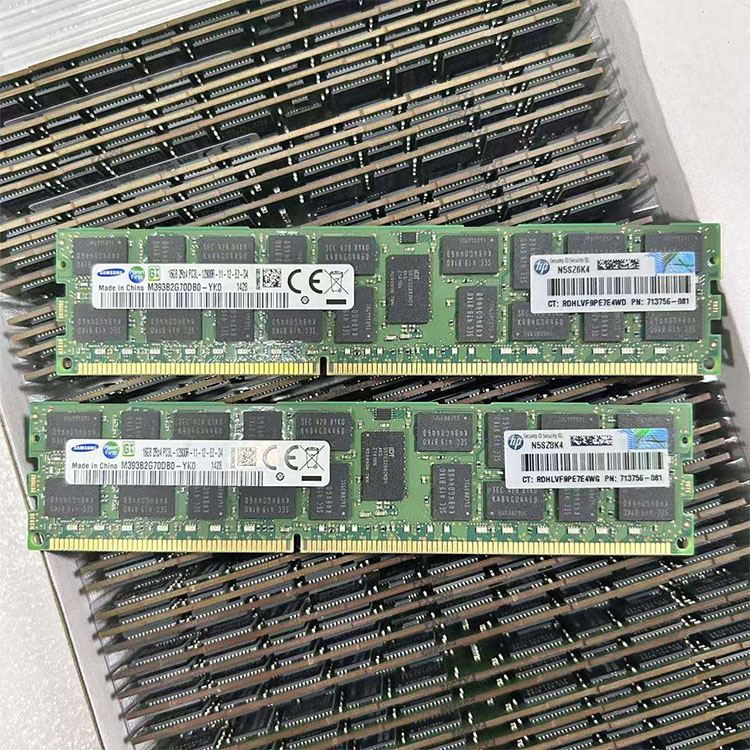
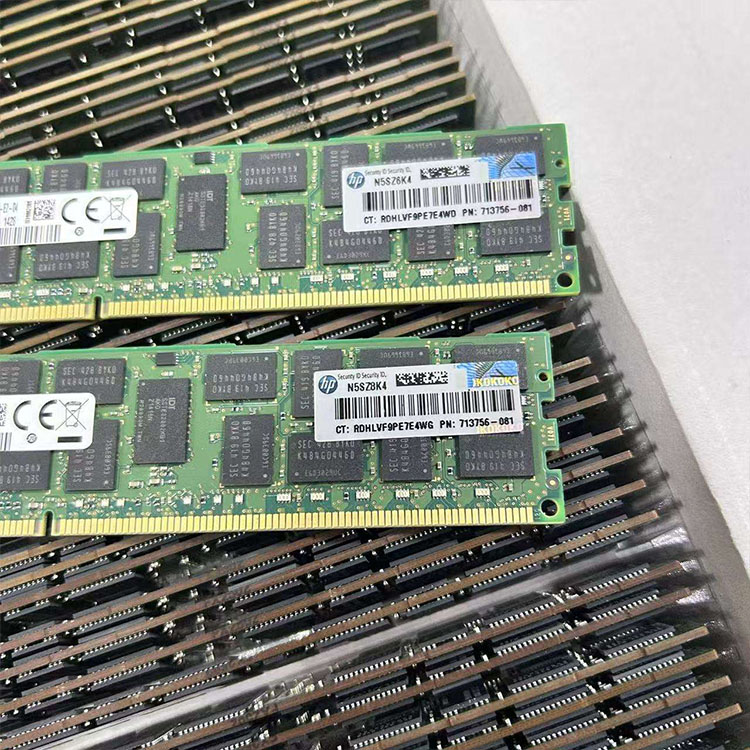
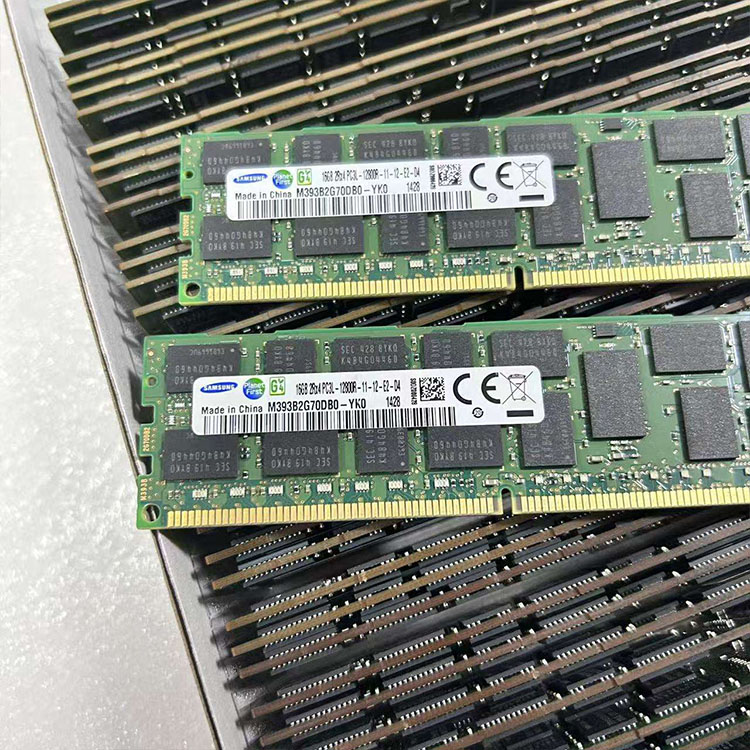
I trust the existing DIMM label more than any search filter. Pull one module and read the full part number, capacity, rank notation such as 1Rx4 or 2Rx4, speed in MT/s, and whether it is ECC RDIMM, LRDIMM, or another supported type; if you are maintaining older hardware, tested used DDR4 server memory only makes sense after that baseline is locked and the supplier can map back to the exact family already in the box. Why guess when the answer is printed on the module?
Treat RDIMM vs LRDIMM compatibility as a hard stop
This one is simple. Dell says RDIMMs and LRDIMMs cannot be mixed, and HPE says LRDIMM, RDIMM, and UDIMM are distinct memory technologies that cannot be mixed within a server, which is exactly why so many buyers who only compare capacity and speed end up with the wrong buffer type and a dead install window instead of compatible server memory. Want fewer surprises? Run a server memory specification and compatibility review before quote approval, not after the shipment lands.
Balance matters more than people want to admit
I have watched teams obsess over 5600 MT/s stickers and then populate memory like they were filling random parking spaces. Lenovo’s guidance for 4th and 5th Gen Intel Xeon Scalable servers says balanced memory configurations are how you get the highest bandwidth, with all channels and sockets aligned, and it explicitly recommends balanced populations such as 4, 8, or 16 DIMMs per socket, with peak memory performance achieved at 8 DIMMs per processor; Dell makes the same broader point by requiring identical memory size and position across the two CPUs. Why buy premium modules and then sabotage bandwidth with an unbalanced layout?
Speed on the label is not speed in the server
This is where the fake server memory configurator logic falls apart. Intel notes that maximum memory speeds are associated with 1 DIMM per channel configurations and that adding DIMMs to a channel can reduce the maximum speed, while Dell’s examples show higher-rated modules stepping down depending on the final topology, so the question is never “what speed did I buy,” it is “what speed will this board and CPU train at in this exact slot population.” Why do buyers still confuse rated MT/s with deployed MT/s?
Where Buyers Get Burned
I do not trust generic “compatible with” labels. In this business, server RAM compatibility is usually a sales adjective until someone can verify the server model, CPU SKU, existing DIMM part number, target capacity, and the actual module class, and that is why I would rather work with a supplier that can show a pre-shipment validation path than one that only promises a low price. Is cheap memory still cheap after one failed maintenance window?
Used is not the problem. Vague is the problem, because a properly matched legacy replacement can be perfectly sensible, but a vague buy is where budget projects go to die; ServerDimm’s current site structure makes the right internal path pretty obvious here, with DDR4 server memory, DDR5 server memory, tested used DDR4 server memory, quality testing and warranty support, and direct access to the compatibility support team covering the exact points buyers need before issuing a PO. Why hide the technical review step when that is the part that saves the order?
FAQs
What is server memory compatibility?
Server memory compatibility is the exact match between your server’s supported memory standard and the module you plan to buy, including DDR generation, ECC type, RDIMM or LRDIMM class, rank structure, speed, per-slot capacity, and CPU-era population rules for that specific motherboard and BIOS. That is why capacity alone never answers the question.
Can I mix RDIMM and LRDIMM if the capacities match?
No, you generally cannot mix RDIMM and LRDIMM in the same server because they are different buffered memory technologies with different electrical loading behavior, and major OEM guidance from Dell and HPE treats mixed configurations as unsupported and likely to fail POST or destabilize the platform. Matching capacity does not rescue a wrong module class.
How do I know if my server needs DDR4 or DDR5?
You determine DDR4 versus DDR5 by the server generation and processor platform, not by guesswork, because newer platforms such as Intel Xeon W-3500 and W-2500 are built around DDR5 ECC RDIMM support, while Micron states DDR5 server modules are incompatible with DDR4 motherboards. The CPU family decides the memory era.
Why did my server downclock memory after an upgrade?
Memory speed often drops after an upgrade because server CPUs tie maximum MT/s to population density, channel load, and DIMMs-per-channel, so a configuration that can run at top speed with 1DPC may step down when you add a second DIMM to the same channel. Rated speed is not guaranteed deployed speed.
What should I send a supplier to verify compatible server memory?
The minimum compatibility brief is your server brand and full model, CPU model, existing DIMM part numbers, target total capacity, preferred module capacity, and whether you need new or tested used inventory, because those details decide generation, buffer type, speed ceiling, and approved population patterns. Anything less invites mistakes.
ServerDimm supplies new and used branded server memory for distributors, OEM buyers, resellers, and data center teams. We support DDR4 and DDR5 sourcing with tested inventory, compatibility checks, and responsive quote service.