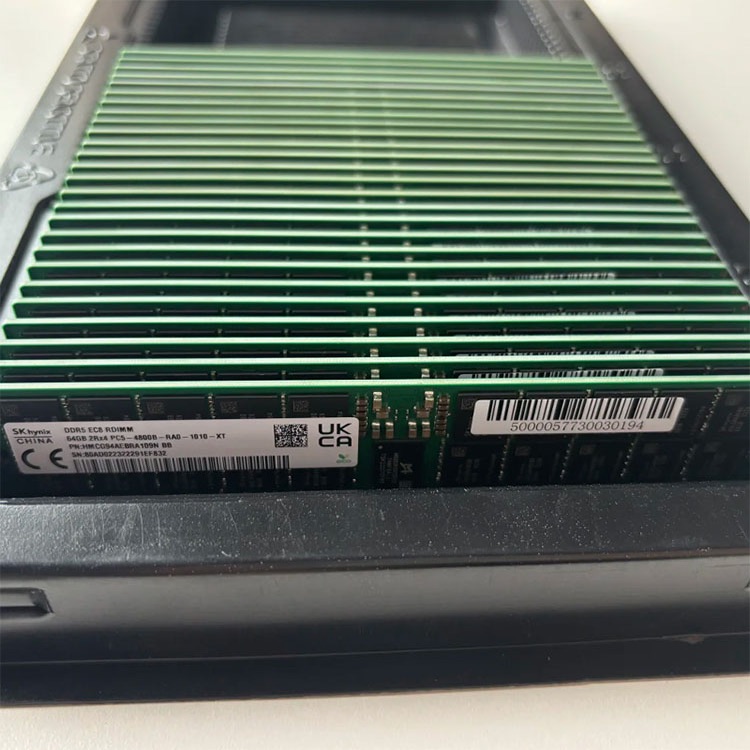
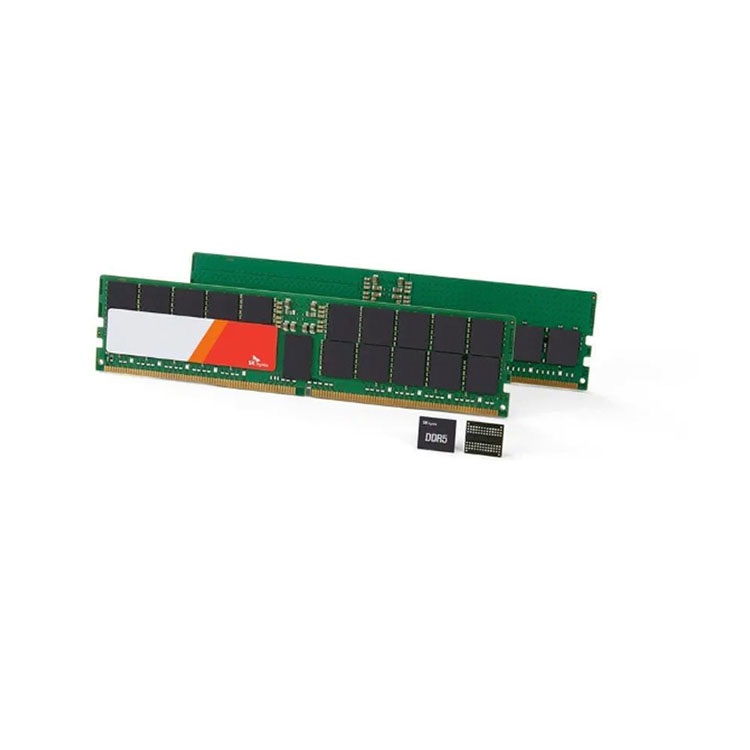
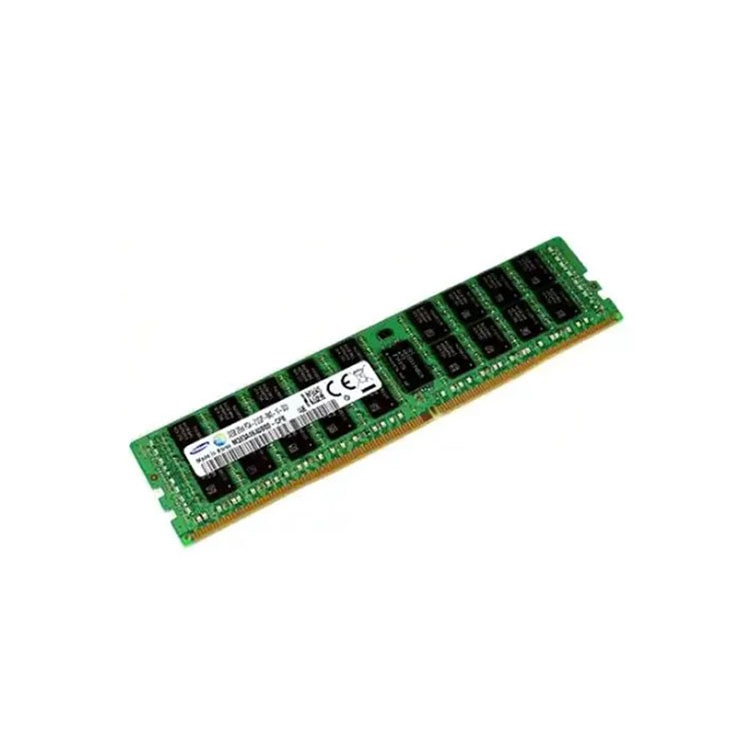
Server DIMM population order is not a neat little motherboard ritual. It decides whether your expensive RDIMMs use the available memory channels properly or crawl through an unbalanced configuration that procurement accidentally created.
When a server board gives you A1, A2, B1, B2, C1, C2, and a mess of color-coded sockets around two CPUs, it is not asking you to decorate the motherboard; it is asking you to respect the electrical and architectural path between the processor’s memory controllers, the DIMM channels, and the firmware logic that decides what configuration is safe to train at boot.
Why do so many teams still treat DIMM population order like an afterthought?
I have seen this mistake in the wild more than once: a buyer orders the right capacity, the right generation, even the right brand, then someone fills the slots like they are stacking books on a shelf. The server boots. Everyone relaxes. Then the workload underperforms, NUMA behavior gets ugly, the memory speed drops, or the platform throws errors that nobody wants to own.
That is the hard truth: Server Memory Population Order is a performance rule before it is an installation rule.
If you are upgrading a live estate, start with a real server memory compatibility check before you buy anything. Capacity alone is not a plan. It is a guess with a purchase order attached.
What Server Memory Population Order Actually Means
Server Memory Population Order is the specific sequence for installing DIMMs into motherboard slots so each CPU’s memory channels are filled in a supported, balanced, and electrically sane pattern. It controls channel usage, interleaving, speed training, capacity symmetry, and whether the platform runs as designed or limps along in a compromised layout.
That sounds boring.
It is not.
Dell’s PowerEdge guidance says balanced configurations deliver the highest memory bandwidth and lowest latency, while unbalanced layouts can create disjointed memory regions and extra interleave sets; Dell also states that DIMMs should be populated in assembly order starting from A1 through A16 on covered Xeon platforms. Dell’s memory channel population guidance is blunt about this.
Lenovo’s ThinkSystem guidance says the same thing in different words: balanced memory configuration is tied directly to memory bandwidth and overall system performance. Its 5th Gen AMD EPYC “Turin” paper notes 12 memory channels per processor and explains that interleaving works best when populated channels share the same DIMM type, capacity, and rank structure. Lenovo’s balanced memory paper is worth reading before a dense EPYC build.
So no, this is not installer folklore. It is processor architecture wearing a plastic slot label.
The Population Mistake That Steals Bandwidth Quietly
Here is where the industry gets dishonest. Vendors love to sell speed. Buyers love to compare speed. Everyone wants to say “DDR5-5600” in the meeting.
But the server does not care about your meeting.
The server cares about channels, ranks, DIMMs per channel, CPU symmetry, BIOS rules, and whether the memory controller can train the modules at the promised rate under the actual population pattern. Lenovo measured configurations on 4th and 5th Gen Intel Xeon Scalable platforms using Intel Memory Latency Checker and showed that a one-DIMM configuration delivered only 13% of full potential memory bandwidth, while a two-DIMM configuration delivered about 25% in the tested setup. Lenovo’s Intel balanced memory analysis puts numbers on a problem many teams only feel after deployment.
Memory Choice
Looks Fine on Paper
What Can Happen in the Server
Practical Fix
Random slot filling
Total capacity matches the plan
Channels are uneven, bandwidth drops, latency rises
Follow OEM DIMM population order exactly
One CPU heavily populated
Enough RAM for the workload
NUMA imbalance and uneven memory access
Mirror memory per CPU where required
Mixed DIMM sizes
Capacity target is reached
Multiple interleave sets and inconsistent performance
Use matched capacity per channel where possible
Mixed rank/module class
Price looks attractive
POST failure, unsupported layout, speed drop
Confirm RDIMM/LRDIMM, rank, and part number
2DPC without a reason
More capacity per socket
Lower trained speed versus 1DPC
Use 1DPC unless capacity requires more
This is why I do not trust a quote that only says “64GB DDR5 RDIMM.” I want the server model, CPU SKU, existing DIMM labels, target capacity per socket, and final slot map. A good supplier should ask for that. If they do not, they are quoting blind.
When choosing between DDR4 server memory and DDR5 server memory, the question is not “which module is faster?” The question is “which platform, slot order, channel layout, and trained speed will I actually get after installation?”
Why Reliability People Care More Than Spec-Sheet Buyers
Memory errors are not rare enough to ignore.
Google Research’s field study, “DRAM Errors in the Wild,” analyzed Google’s server fleet over 2.5 years and found more than 8% of DIMMs affected by errors per year, with error rates far higher than prior assumptions. Google Research’s DRAM field study should make anyone nervous about casual server RAM upgrades.
And before someone says, “But ECC fixes that,” let me stop you.
ECC helps. It does not excuse sloppy configuration. ECC RDIMM, LRDIMM, 3DS RDIMM, rank count, density, and channel balance all still matter because the platform has to support the installed topology before error correction ever gets a chance to save you.
This is also why I like tying memory population work to quality and warranty review for ECC RDIMM server memory. Testing matters. Lot consistency matters. Clear RMA terms matter. But none of that rescues a configuration the OEM rules never supported.
The Cost Side: AI Has Made Bad Memory Planning More Expensive
The old habit was simple: overbuy now, sort it out later.
That habit is getting punished.
The U.S. Department of Energy reported that U.S. data centers consumed about 176 TWh in 2023, equal to 4.4% of total U.S. electricity use, and projected 325 to 580 TWh by 2028. DOE’s 2024 data center energy release makes the scale obvious.
Meanwhile, Reuters reported in January 2026 that AI infrastructure demand had absorbed much of the world’s memory chip supply, lifting prices as manufacturers prioritized higher-margin data center components. Reuters’ memory chip shortage report also noted pressure on PC, smartphone, and console markets.
Then Reuters reported that Counterpoint expected server-memory chip prices could double by late 2026 because Nvidia’s AI server memory shift could add sudden demand the supply chain cannot absorb easily. Reuters’ server-memory pricing report is not a reason to panic-buy. It is a reason to stop wasting modules on bad layouts.
So here is my unpopular opinion: a memory upgrade that ignores server DIMM population rules is not a technical mistake. It is a financial mistake.
You paid for channels you are not using properly. You paid for MT/s you may not train at. You paid for capacity that may create lopsided performance. And you may pay again when someone has to reopen the chassis during a maintenance window.
How to Populate Memory in a Server Without Guessing
Use this order of operations.
Start With the Platform, Not the DIMM
Identify the server model, motherboard revision if relevant, CPU family, and BIOS/iLO/iDRAC firmware assumptions. A Dell PowerEdge R740, Dell PowerEdge R750, HPE ProLiant DL380 Gen10, HPE ProLiant DL380 Gen11, Lenovo ThinkSystem SR650 V3, and AMD EPYC 9005 platform do not all play by the same memory rules.
And yes, the CPU matters. Intel Xeon Scalable, AMD EPYC 7003, EPYC 9004, and EPYC 9005 platforms differ in channel count and supported topology.
Read the Existing DIMM Label
Pull one installed DIMM and read the full manufacturer part number, not just capacity. You want capacity, speed, rank notation such as 1Rx4 or 2Rx4, module class, and brand.
This is where the ServerDimm guide on OEM part numbers vs DRAM manufacturer part numbers earns its place. OEM numbers help procurement. Manufacturer numbers help technical matching. In messy fleets, you usually need both.
Balance Per CPU Socket
If you have two CPUs, do not load CPU1 like a rich landlord and leave CPU2 underfed. Many platforms expect identical memory configuration across processors for best performance and supportability.
Bad symmetry creates bad behavior.
Respect 1DPC and 2DPC Reality
One DIMM per channel often trains faster than two DIMMs per channel. That does not mean 2DPC is wrong. It means you should use it when capacity demands it, not because someone bought too many smaller modules.
Confirm the Final Slot Map Before Buying
A real RFQ should include the target slot map. If you cannot describe where the modules will go, you are not ready to buy them.
For quote discipline, use a structured server memory quote checklist instead of sending “Need 64GB RAM, best price.” That kind of message belongs in 2012.
The Procurement Rule I Wish More Teams Followed
Buy the layout, not the module.
I know that sounds backward, but it is the only way to stay honest. The DIMM is only correct after it fits the target topology. A Samsung 64GB DDR5 RDIMM, Micron 32GB DDR4 RDIMM, or SK Hynix 128GB DDR5 module is not “right” in isolation. It becomes right when the server platform, CPU memory channels, population order, and support matrix agree.
If you are choosing generation strategy, read the DDR4 vs DDR5 server memory guide before comparing price. Legacy DDR4 estates can still be sensible. DDR5 builds can be the right call. But lazy mixing of platform assumptions is how teams create slow, expensive servers.
One more thing: stop worshiping maximum capacity. In virtualization, databases, analytics, and AI-adjacent workloads, balanced bandwidth can matter as much as raw GB. Sometimes 8 identical DIMMs beat a weird pile of larger mixed modules. Sometimes the clean build is cheaper after you include labor, downtime, and rework.
That is not vendor poetry. That is maintenance-window math.
FAQs
What is Server Memory Population Order?
Server Memory Population Order is the required sequence for placing DIMMs into server motherboard slots so CPU memory channels are filled in a supported, balanced pattern that preserves bandwidth, latency, trained speed, and platform stability during upgrades, replacements, and capacity expansion projects. It is not optional decoration; it is part of the server architecture.
In practical terms, the order tells you which slots to fill first, how to mirror modules across CPU sockets, and when to use one DIMM per channel or two DIMMs per channel. Ignore it and the server may still boot, but that does not mean it is running well.
Why does DIMM population order matter?
DIMM population order matters because server CPUs access memory through defined channels, and balanced channel population allows the processor to interleave data across modules efficiently instead of forcing traffic through uneven paths that reduce bandwidth, raise latency, or create unsupported memory regions. The impact can be visible in real workload performance.
The nasty part is that the mistake is often silent. No smoke. No dramatic failure. Just a server that benchmarks badly, trains memory below the expected MT/s, or behaves inconsistently under load.
Can I mix different DIMM sizes in a server?
Mixing different DIMM sizes can work only when the server vendor’s population rules allow it, but it must be planned around channel symmetry, rank structure, CPU socket balance, and supported interleave behavior rather than treated as a simple capacity addition. Random mixing is where many “cheap” upgrades become unstable or slow.
If you must mix capacities, document the existing layout first, check the OEM memory population guide, and ask the supplier to validate the exact final configuration. Do not rely on a marketplace title.
What is the best server RAM slot order?
The best server RAM slot order is the OEM-defined population sequence for your exact server model, CPU family, and memory configuration, usually filling specific primary slots first so every populated CPU has balanced memory channels and supported DIMM-per-channel behavior. There is no universal A1-first rule that applies safely to every server.
For Dell, HPE, Lenovo, Supermicro, and Cisco UCS systems, use the official technical manual or configurator. Similar-looking boards can use different slot labels and different population logic.
How do I populate memory in a dual-CPU server?
To populate memory in a dual-CPU server, install matching DIMMs in the vendor-specified slots for each processor so CPU1 and CPU2 have identical memory capacity, module type, rank structure, and channel distribution unless the official guide explicitly supports another design. Symmetry protects bandwidth, NUMA behavior, and serviceability.
Do not upgrade only one socket because it is convenient. That shortcut can hurt workload placement, memory locality, and troubleshooting clarity later.
Does memory population order affect DDR5 server memory speed?
Memory population order can affect DDR5 server memory speed because trained MT/s depends on CPU support, channel loading, DIMMs per channel, module type, rank, and whether the board can validate the final topology at boot. A DDR5-5600 module does not guarantee DDR5-5600 operation in every populated slot pattern.
This is why the right question is not “what speed is printed on the label?” The right question is “what speed will this server train at with this exact layout?”
Your Next Steps
Do this before the next upgrade window.
Document the server model, CPU SKU, current DIMM part numbers, current slot population, target capacity, preferred module condition, and required quantity. Then map the final layout against the OEM population rules before asking for pricing.
If you want fewer surprises, send that package through the ServerDimm contact page and ask for a quote that confirms module class, generation, rank, compatibility, tested condition, warranty path, and recommended server RAM slot order.
I will put it plainly: do not buy server memory until you know where every DIMM is going.
ServerDimm supplies new and used branded server memory for distributors, OEM buyers, resellers, and data center teams. We support DDR4 and DDR5 sourcing with tested inventory, compatibility checks, and responsive quote service.