How to Build a Server Memory Spare Pool for Enterprise Operations
A practical, opinionated guide to Server Memory spare pool design for data centers, system integrators, and enterprise IT teams that cannot afford panic buying during DIMM failures.
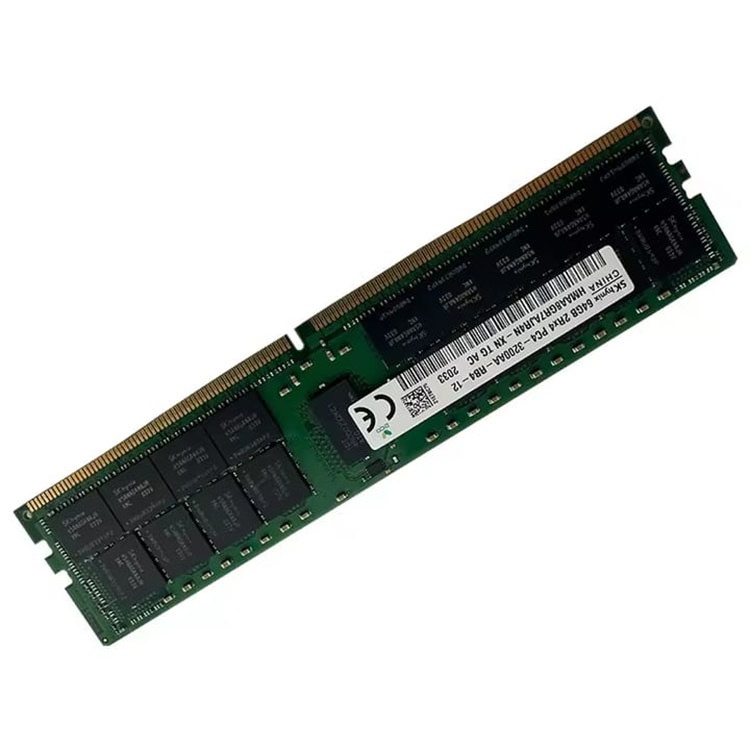
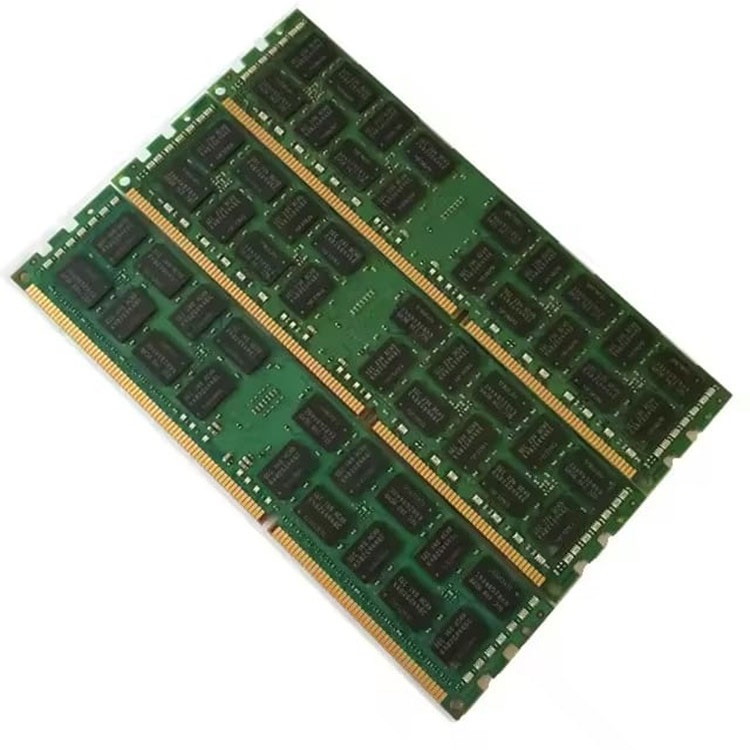
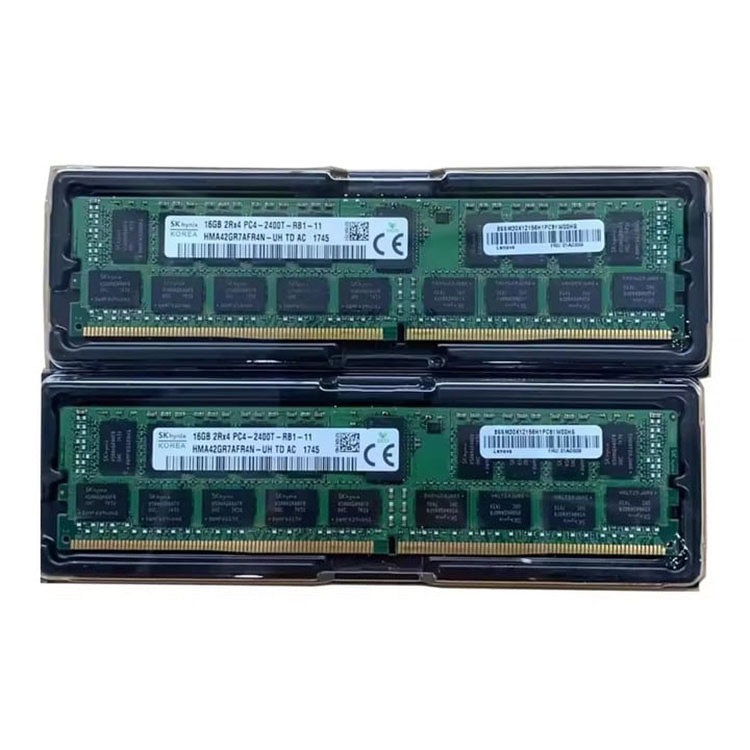
A proper server memory spare pool is a controlled reserve of validated ECC RDIMM or LRDIMM modules, matched by generation, capacity, rank, speed, voltage, platform rules, and business priority, so operations teams can replace failed or risky Server Memory without waiting for a supplier scramble at 2 a.m.
Why do so many teams still treat it like a junk drawer?
I’ll say the quiet part: most enterprise server memory management failures are procurement failures wearing an engineering costume. The admin sees the error. The server logs the corrected ECC events. The application owner screams. But the root cause often started months earlier, when someone bought “compatible” DDR4 or DDR5 memory without checking part numbers, rank layout, BIOS support, population order, or warranty terms.
A server memory spare pool is not just extra RAM. It is uptime insurance with labels.
For baseline sourcing, I would anchor the pool around the site’s bulk Server Memory supply page because it maps naturally to enterprise buyers handling DDR3, DDR4, DDR5, ECC, RDIMM, and LRDIMM programs. For live environments still running Intel Xeon Scalable Gen 1/Gen 2 platforms, the practical center of gravity is often DDR4 Server Memory. For newer AMD EPYC 9004, Intel Xeon Scalable 4th/5th Gen, and high-density AI-adjacent nodes, the pool must also account for DDR5 Server Memory.
The Hard Data Behind Server Memory Spare Pool Planning
The memory failure conversation gets poisoned by folklore. “ECC fixes it.” “DDR5 is safer.” “New DIMMs don’t fail.” “Used memory is risky.” I’ve heard every version of it, and most of it is too lazy for production operations.
The old Google field study still matters because it was not a lab stunt: DRAM Errors in the Wild analyzed memory errors across a large fleet for 2.5 years, covering multiple vendors, capacities, technologies, and many millions of DIMM-days; it reported 25,000 to 70,000 errors per billion device-hours per Mbit and more than 8% of DIMMs affected by errors per year.
Then Facebook-era production research pushed the knife deeper. The Carnegie Mellon/Facebook paper Revisiting Memory Errors in Large-Scale Production Data Centers studied Facebook’s server fleet over 14 months, representing billions of device-days, across DIMMs from four vendors and capacities from 2GB to 24GB; it also found that page offlining reduced memory error rate by 67% in their real-system analysis.
That is the ugly lesson. Memory errors cluster. They repeat. They are not always cute little one-bit fairy tales that ECC silently cleans forever.
And downtime is not theoretical either. Uptime Institute’s 2024 outage analysis reported that 54% of respondents said their most recent significant, serious, or severe outage cost more than $100,000, and 16% said it cost more than $1 million; it also found four in five serious outages could have been prevented with better management, processes, and configuration.
So here is my blunt rule: if a server cluster is important enough to monitor, it is important enough to stock memory for.
The Spare Pool Model I Would Actually Trust
1. Segment the fleet before buying a single DIMM
Start with the installed base. Not wishful thinking. Not “mostly Dell.” Real inventory.
I would not mix spare pools for DDR4-2666, DDR4-2933, and DDR4-3200 unless the platform rules are documented. Downclocking is not a defect by itself, but an unplanned downclock after a rushed replacement is how teams discover they never understood memory population order.
For that reason, I’d pair this article internally with Server Memory Guides when writing a cluster-specific operating procedure, especially for population order, part-number reading, and server memory not detected issues.
2. Define “approved spare” by exact constraints
A useful spare pool record should include:
Field
Example
Why It Matters
Generation
DDR4 or DDR5
DDR5 will not fit DDR4 slots, and platform support differs
Capacity
32GB, 64GB, 96GB, 128GB
Mixed capacity can break balanced channel layouts
Module type
RDIMM or LRDIMM
Many platforms reject mixed RDIMM/LRDIMM configs
Rank
1Rx4, 2Rx4, 4Rx4
Rank affects population limits and speed behavior
Speed
2933, 3200, 4800, 5600 MT/s
Server may downclock depending on CPU and DIMM count
Brand
Samsung, Micron, SK Hynix, Kingston
Useful for controlled sourcing and repeat builds
Condition
New or tested used
Determines warranty, risk, and documentation
Test status
Passed burn-in / diagnostic screen
Stops “unknown good” modules entering production
Location
Rack cage, depot, regional office
A spare in the wrong country is not a spare
This is where buyers get embarrassed. They have 100 spare modules, but only 12 are usable for the failed host. The rest are museum pieces.
3. Separate emergency spares from expansion stock
A server memory spare pool should have two shelves, physically or logically.
Emergency stock is for replacing failed or suspect modules. Do not raid it for upgrades. Do not let a project manager “borrow” it. Do not use it to finish a deployment because a purchase order was late.
Expansion stock is for planned capacity work: adding 512GB per node, standardizing 1TB hosts, moving from 32GB DIMMs to 64GB DIMMs, or preparing a virtualization refresh.
Mixing these two pools is how mature teams become amateur teams in one quarter.
4. Treat DDR5 on-die ECC honestly
DDR5 on-die ECC is useful. It is not magic.
Synopsys explains that DDR5 on-die ECC corrects single-bit errors inside the DDR5 memory array, but it does not protect against errors on the DDR channel; for stronger end-to-end reliability, it is used with side-band ECC.
That distinction matters. If someone tells you “DDR5 already has ECC, so we do not need enterprise ECC RDIMMs,” stop the meeting. They are confusing chip-level correction with platform-level data integrity.
For procurement teams planning newer platforms, the site’s DDR5 Server Memory category is the natural internal destination because it separates newer module families from older DDR4 stock.
Spare Memory Allocation: A Practical Formula
Here is the formula I use when no better historical data exists:
Example: 80 Dell R740 servers with 24 DIMMs each equals 1,920 installed DIMMs. At a 5% spare rate, that is 96 spare DIMMs. If the platform is aging and supplier lead time is 14 days, I would push that toward 144–192 DIMMs, split by exact capacity and part-number class.
Too much? Maybe.
But compare it with a six-hour outage on a database cluster where the postmortem says, “Replacement memory was unavailable locally.” Nobody wants to read that sentence out loud.
Where Buyers Get Burned
They buy capacity, not configuration
“64GB DDR4” is not a purchasing spec. It is a vague noun phrase.
A real spec looks more like this: 64GB DDR4-3200 ECC RDIMM, 2Rx4, Samsung/Micron/SK Hynix approved, validated for Dell PowerEdge R740/R750 or HPE DL380 Gen10, with matching rank and speed behavior across populated channels.
This is why I would point procurement readers to 10 Server Memory Specs to Confirm Before Ordering through the broader guide section, then keep the quote workflow tied to Buying & Sourcing Tips. The buying mistake is rarely one big error. It is usually six small unchecked assumptions.
They trust “tested used” without asking tested how
Tested used Server Memory can be a smart buy. I’ll defend that opinion all day. But untested pulled memory sold with pretty labels is not the same thing.
Ask for testing process, RMA terms, packing method, anti-static handling, batch traceability, and compatibility review. The Quality & Warranty page fits naturally here because spare-pool planning needs post-sale support, not just a low quote.
They forget geography
A spare pool in Shenzhen does not save a server in Frankfurt tonight. A spare pool in New Jersey does not save a Singapore deployment before Monday.
For global enterprise operations, split stock into regional pools:
Region
Suggested Stock Logic
Primary data center
Full emergency set for top production platforms
Secondary data center
50–75% mirror of primary spare stock
Regional depot
High-turnover DIMMs only
Integrator warehouse
Expansion stock and bulk replenishment
Lab
Low-value mixed spares, never counted as production stock
The ugly truth: logistics is part of server memory redundancy. Anyone who says otherwise has never watched customs paperwork slow down an outage response.
The Build Process: From Audit to Live Spare Pool
Step 1: Export the real memory inventory
Pull data from iDRAC, HPE iLO, Lenovo XClarity, VMware vCenter, Redfish, or your CMDB. Capture server model, CPU generation, BIOS version, DIMM slot map, module part number, capacity, speed, rank, serial number, and current error logs.
Do not rely on invoices. They tell you what was bought, not what is installed.
Step 2: Classify the fleet by replacement pain
Give every platform a pain score from 1 to 5:
Score
Meaning
1
Easy to source, low business impact
2
Common module, moderate service impact
3
Production workload, standard module
4
High-density or older platform, limited sourcing
5
Revenue system, rare configuration, long lead time
Your spare pool should overstock pain-score 4 and 5 systems. Not equally. Equally is lazy.
Step 3: Standardize approved spare kits
Create kits like:
DDR4-3200 32GB ECC RDIMM kit for virtualization hosts
DDR4-2933 64GB LRDIMM kit for memory-heavy database nodes
DDR5-4800 64GB RDIMM kit for new compute clusters
DDR5-5600 96GB RDIMM kit for high-capacity refresh projects
Each kit should list approved OEM platforms, allowed brands, minimum BIOS level, population rules, and test evidence.
Step 4: Write the replacement runbook
The runbook should answer boring questions before the incident:
Who approves taking a DIMM from the pool?
What logs must be captured before replacement?
When do corrected ECC errors trigger replacement?
How is the removed module quarantined?
Who updates the CMDB?
When is the spare pool replenished?
Which supplier handles urgent replenishment?
Boring saves money.
Step 5: Reconcile monthly
Every month, compare physical stock against the spare pool ledger. Every quarter, compare the spare pool against the live fleet. Every hardware refresh, retire obsolete DIMMs or move them to lab-only status.
A spare pool that is not audited becomes e-waste with a spreadsheet.
FAQs
What is a server memory spare pool?
A server memory spare pool is a controlled reserve of compatible ECC RDIMM or LRDIMM modules kept outside live production so failed, aging, or capacity-constrained servers can be restored without emergency sourcing, freight delays, compatibility checks, or rushed quote approvals during an incident. It supports server memory redundancy by making replacement predictable instead of reactive.
In plain language: it is the RAM you already trust before something breaks.
How many spare DIMMs should an enterprise keep?
An enterprise should usually keep spare DIMMs equal to 3–8% of installed production modules, adjusted upward for older platforms, mixed OEM fleets, long supplier lead times, high-density configurations, and revenue-sensitive workloads where waiting for replacement Server Memory would create unacceptable downtime exposure. Smaller pools work only when sourcing is fast and standardized.
For fragile legacy environments, I would rather overstock 64GB DDR4 RDIMMs than explain a preventable outage to finance.
Does DDR5 on-die ECC replace enterprise ECC memory?
DDR5 on-die ECC does not replace enterprise ECC memory because it mainly corrects errors inside the DRAM chip array, while server-class ECC RDIMM or LRDIMM designs help protect data across the broader memory subsystem through platform-level error detection and correction. Treat on-die ECC as added protection, not a full server reliability policy.
This is one of the most common DDR5 buying mistakes I see in technical copy and sales conversations.
What is the best way to build a memory spare pool?
The best way to build a memory spare pool is to audit installed servers, group systems by platform and workload risk, define approved DIMM specifications, stock emergency and expansion inventory separately, validate every module before storage, and reconcile usage monthly. The process must combine engineering rules with procurement discipline.
Start with the servers that would hurt the business fastest, not the ones that are easiest to document.
Is server RAM failover the same as keeping spare memory?
Server RAM failover is not the same as keeping spare memory because most enterprise servers do not “fail over” from one physical DIMM to a spare module in storage; instead, redundancy comes from ECC correction, platform RAS features, clustering, workload migration, and fast replacement using a prepared spare pool. The pool shortens recovery time.
The phrase sounds automated. The work is operational.
Your Next Steps
Build the spare pool before the alert storm.
Audit your installed Server Memory by platform, capacity, speed, rank, and part number. Separate DDR4 and DDR5 requirements. Decide which systems deserve 5–8% spare coverage. Lock the emergency stock so project teams cannot consume it casually. Then use a supplier process that checks compatibility, testing, warranty, and replenishment speed before the purchase order is approved.
ServerDimm supplies new and used branded server memory for distributors, OEM buyers, resellers, and data center teams. We support DDR4 and DDR5 sourcing with tested inventory, compatibility checks, and responsive quote service.