Does a Database Server Need Faster Memory or More Capacity?
Most database servers do not need the fastest memory first. They need enough validated, compatible RAM to keep the real working set in memory, avoid paging, and protect uptime. But there are exceptions, and expensive ones.
The Uncomfortable Answer: Capacity Usually Wins First
Capacity lies first.
I have watched teams spend real money on higher-clocked DIMMs while their database server was still throwing temp spills, buffer churn, page reads, and ugly wait stats because nobody had bothered to ask the one question that matters before buying database server RAM: does the active working set actually fit in memory under load?
So what is faster RAM supposed to rescue?
Here is my blunt answer: most database servers need more usable memory capacity before they need faster memory. Not always. But often enough that I treat “faster RAM” as the second conversation, not the first.
A database is not a gaming PC. The job is not to win a benchmark screenshot. The job is to keep hot tables, indexes, execution plans, joins, sorts, and buffer/cache layers away from slow storage paths as much as possible. Once the server starts paging, spilling to disk, or constantly evicting useful pages from memory, a few hundred extra MT/s on the DIMM label will not save the design.
Google’s old but still useful field study, DRAM Errors in the Wild, analyzed more than 2.5 years of production server fleet data and found more than 8% of DIMMs affected by errors per year. That is not a cute lab footnote. That is why I care about ECC, validation, and procurement discipline before I care about marketing-grade speed claims.
And then there is outage cost. Uptime Intelligence reported in its Annual Outage Analysis 2024 that 54% of respondents said their most recent significant, serious, or severe outage cost more than $100,000, with 16% above $1 million. Tell me again why the memory decision should be treated like a bargain-bin accessory?
Database Server RAM Is a Working-Set Problem, Not a Sticker Problem
The phrase “how much RAM does a database server need” sounds simple. It is not.
I start with the active working set: hot tables, hot indexes, temp structures, connection overhead, buffer/cache sizing, query memory grants, replication or backup impact, monitoring agents, OS reserve, and peak concurrency. Then I look at the platform: CPU generation, supported DDR generation, DIMM slots, channel count, RDIMM or LRDIMM support, maximum per-slot density, and whether the operating system and database edition can even use the memory I am about to buy.
This is where buyers get sloppy.
SQL Server is a good example. Microsoft’s SQL Server 2022 edition limits show that Standard Edition has a 128GB maximum memory limit for the Database Engine buffer pool per instance, while Enterprise can use the operating system maximum. So if you are running SQL Server Standard and pretending a 512GB RAM purchase will magically feed one instance’s buffer pool, I have bad news.
MySQL tells a similar story from a different angle. Oracle’s MySQL 8.4 InnoDB buffer pool documentation says the buffer pool caches table and index data in main memory, and on dedicated servers up to 80% of physical memory is often assigned to it. That is capacity talking. Not RGB heat spreaders. Not vanity speed.
PostgreSQL adds another wrinkle. Its current documentation on shared_buffers says a reasonable starting value for a dedicated database server with 1GB or more RAM is 25% of system memory, while warning that PostgreSQL also relies on the operating system cache and that values above 40% are unlikely to perform better for many workloads. In plain English: more database server memory helps, but reckless allocation can still hurt.
Faster RAM Matters, But Only After You Stop Starving the Database
Speed matters later.
A server that already has enough RAM to avoid paging, reduce physical reads, hold the useful index set, and keep sort/hash operations under control may benefit from faster memory, especially when CPU cores are waiting on memory bandwidth rather than storage. But that is a different diagnosis from “the database feels slow.”
Ask better questions.
Is the workload OLTP with random reads and tight latency targets? Is it analytics scanning wide fact tables? Is it SQL Server with columnstore? Is it PostgreSQL with hash joins spilling to temp files? Is it MySQL/InnoDB where buffer pool hit ratio collapses during reporting windows? Is it virtualization hosting multiple database VMs fighting for the same NUMA node?
The answer changes the buy.
Lenovo’s work on balanced memory configurations for Intel Xeon 6 two-socket servers is a useful reminder that memory layout is not decorative: it says unbalanced memory can reduce total memory bandwidth to as low as 13% of a balanced configuration with 8 identical DIMMs per processor. Dell’s Xeon 6 DDR5 note says 1DPC configurations can support up to 6400 MT/s, while 2DPC typically runs at 5200 MT/s in that platform family.
So yes, faster memory can matter.
But buying faster DIMMs and then populating channels badly is like buying expensive tires and bolting them onto a bent axle. The receipt looks impressive. The machine does not.
RAM Speed vs Capacity for Database Server Workloads
Decision Area
More RAM Capacity Usually Wins When
Faster RAM Usually Wins When
What I Would Check First
OLTP databases
Hot indexes and pages do not fit in memory
Buffer hit rate is already high and CPU waits point to memory bandwidth
Buffer cache hit rate, page reads/sec, wait stats
Analytics / reporting
Queries spill to temp storage or scan data repeatedly
Working set fits and scans are bandwidth-bound
Temp spills, scan volume, NUMA locality
SQL Server
Buffer pool, plan cache, query grants, or columnstore cache are constrained
Edition and workload can use the bandwidth
SQL Server edition limit, max server memory, wait stats
MySQL InnoDB
Buffer pool misses cause repeated disk reads
Buffer pool is sized correctly and storage is no longer the bottleneck
innodb_buffer_pool_size, disk reads, dirty page pressure
PostgreSQL
shared_buffers, OS cache, work_mem, and concurrent sessions are under-sized
Cache is stable and queries are CPU/memory-throughput limited
Host has enough memory and balanced channel population
NUMA, ballooning, swapping, per-VM reservation
Legacy DDR4 fleets
Existing platform still has life and needs density
Platform cannot use newer speed anyway
Server model, CPU generation, RDIMM/LRDIMM rules
New DDR5 builds
Capacity plan drives VM density or analytics footprint
Platform supports high MT/s at the chosen DPC layout
1DPC vs 2DPC, channel balance, approved DIMM list
The Database Memory Buying Mistakes I Still See in 2026
I dislike vague memory quotes.
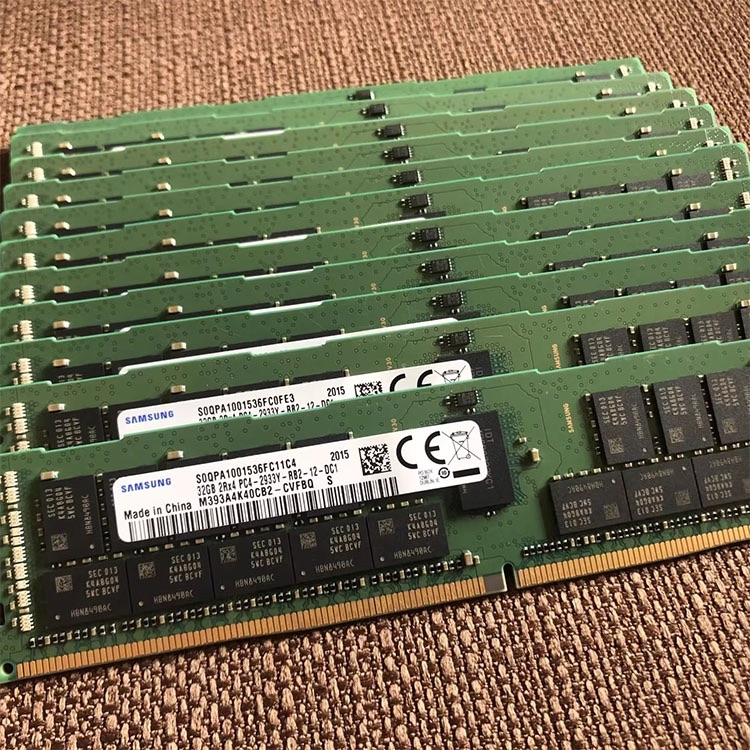
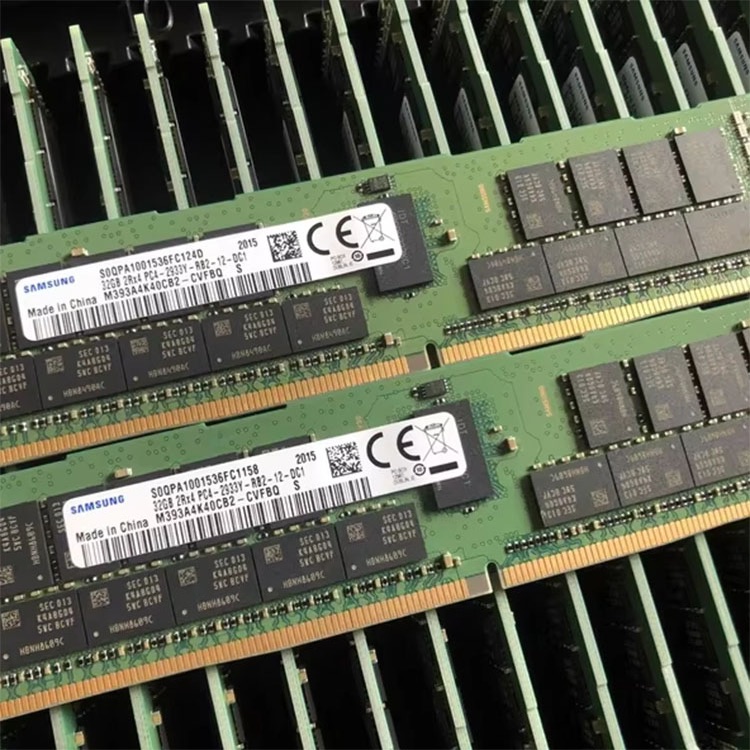
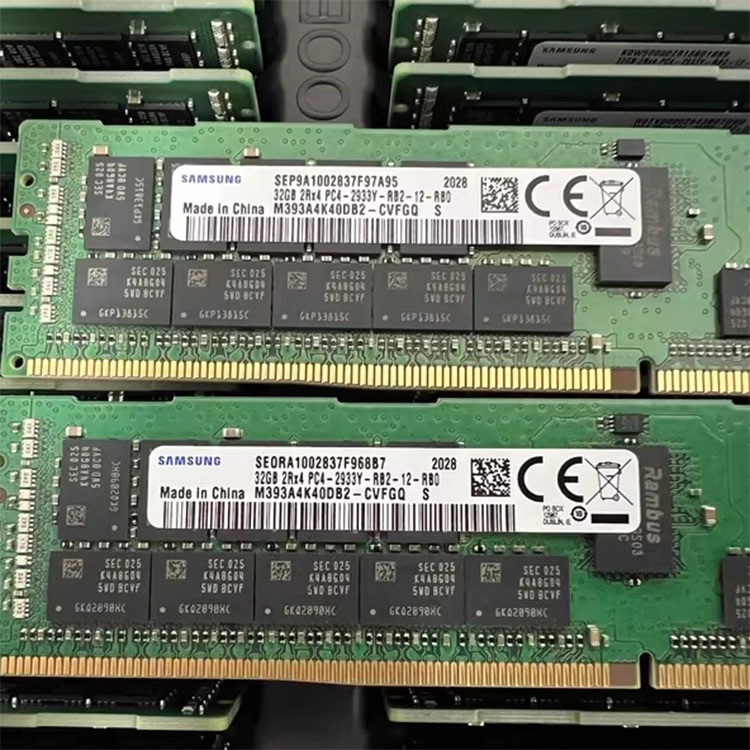
A quote that says “64GB DDR4 ECC server RAM” is not enough for a serious database server memory purchase. I want the manufacturer part number, rank, x4 or x8 organization, speed bin, RDIMM or LRDIMM class, tested condition, warranty terms, and platform match. Otherwise, I am not looking at procurement. I am looking at a future blame meeting.
For DDR4 estates, I would send buyers into the DDR4 server memory category only after confirming the server generation and current DIMM labels. For new density builds, the DDR5 server memory path makes sense, but only if the CPU, motherboard, BIOS, and DIMM population rules support the target speed and capacity.
But do not stop at the category page.
Before buying, run a proper server memory compatibility audit and compare the intended module against the actual platform. ServerDimm’s broader guide to buying server memory is useful because it frames memory as compatibility, reliability, supply, and workload fit instead of a price-per-gigabyte contest.
That is the right mental model.
The Sizing Method I Actually Trust
Here is the field process I would use before approving database server RAM.
First, measure the workload for a full business cycle. Not ten quiet minutes. Not a synthetic demo. A real window that includes batch jobs, reporting spikes, backups, index maintenance, ETL, replication, and user concurrency.
Second, classify the pain. Are you seeing physical reads, page life expectancy collapse, SQL Server RESOURCE_SEMAPHORE waits, PostgreSQL temp files, MySQL buffer pool misses, Linux swap activity, NUMA imbalance, or storage saturation? Different symptoms point to different buys.
Third, size for the working set plus headroom. I usually want enough memory for the hot data and indexes, database engine cache, query memory, connections, OS cache, and operational spikes. For a dedicated database server, leaving the OS gasping is amateur work.
Fourth, validate the DIMM architecture. ECC RDIMM and LRDIMM are not casual substitutes. DDR4 and DDR5 are not interchangeable. 2Rx4 and 2Rx8 can behave differently in platform support matrices. And yes, rank and channel balance still matter when everyone would rather talk about capacity.
Fifth, demand testing and warranty clarity. For production buys, I would lean on a supplier’s quality testing and warranty support language before I trusted a cheap lot. If the project is large, I would also use the contact and quote request path with the exact server model, CPU generation, current DIMM part number, target capacity, acceptable brands, and deployment date.
Boring saves money.
When More Capacity Is the Right Answer
More database server RAM is usually the right answer when the active workload does not fit comfortably in memory.
That includes cases where SQL Server buffer pool churns constantly, MySQL InnoDB cannot retain hot table and index pages, PostgreSQL creates temp files for sorts and joins, or a virtualized database host starts ballooning memory under pressure. Once the database is forced to treat storage as an extension of RAM, performance becomes expensive, unstable, and workload-sensitive.
The hard truth: many “slow database” complaints are not CPU problems. They are memory and I/O design problems wearing a CPU costume.
Capacity also helps operational stability. Backups, reindexing, ETL, batch reporting, and failover events do not politely wait until the workload is quiet. If the system is sized for average load, it will embarrass you during real load.
When Faster Memory Is the Right Answer
Faster RAM becomes the right answer when capacity is already adequate and the bottleneck has moved to memory bandwidth or latency.
That can happen in high-core-count systems, wide analytics scans, in-memory OLTP, heavy columnstore workloads, large PostgreSQL hash operations that stay in memory, or dense virtualization hosts where databases are spread across many cores. But I want evidence first: CPU counters, memory bandwidth telemetry, NUMA locality checks, wait analysis, and before/after testing.
I do not buy speed because the brochure says DDR5-5600 or DDR5-6400.
I buy speed when the platform can actually run it at the intended DIMM population and the workload proves it can use it. Otherwise, the better purchase may be fewer larger DIMMs, a balanced 1DPC layout, or a platform refresh rather than stuffing every slot and accepting a downclock.
The Practical Verdict for Database Server Performance Tuning
If you are tuning database server performance, stop asking “faster memory or more capacity” as if the two choices are equal at the start.
Ask this instead: is the database short of memory, short of memory bandwidth, or trapped by bad configuration?
For most production databases, the sequence is simple: fix configuration, add enough compatible ECC capacity, balance the memory channels, then consider speed. SQL Server memory requirements, MySQL buffer pool sizing, PostgreSQL shared_buffers and OS cache behavior, NUMA layout, and DIMM population rules all come before chasing the fastest module on a supplier list.
I know that sounds less exciting.
Good. Databases reward boring discipline.
FAQs
Does a database server need faster memory or more capacity?
A database server usually needs more RAM capacity before faster memory when the active data set, indexes, sort operations, joins, buffer pool, or concurrent sessions exceed available memory and force disk reads, paging, temporary spills, or unstable execution plans during workload peaks. Faster memory matters later, once the database is no longer memory-starved.
In practice, I would buy capacity first for most OLTP systems, mixed workloads, and virtualized database hosts. I would only prioritize faster RAM after proving that the workload already fits in memory and is limited by memory bandwidth or latency.
How much RAM does a database server need?
A database server needs enough RAM to hold its hot working set, database cache, query execution memory, connection overhead, operating system reserve, monitoring tools, and peak workload headroom without paging or forcing repeated disk access. The exact number depends on database size, workload pattern, concurrency, engine settings, and platform limits.
For a small SQL Server, MySQL, or PostgreSQL workload, 64GB may be plenty. For a heavier production system, 256GB, 512GB, or more can be rational. The wrong method is buying by database file size alone.
Is faster RAM worth it for SQL Server?
Faster RAM is worth it for SQL Server only when the instance has adequate usable memory, the edition can use the configured capacity, wait stats and performance counters show memory-throughput pressure, and the server platform supports the target DIMM speed under the planned channel population. Otherwise, capacity, configuration, and storage behavior usually matter more.
I would check SQL Server edition limits, max server memory, buffer pool behavior, PAGEIOLATCH waits, RESOURCE_SEMAPHORE waits, columnstore usage, and NUMA layout before approving a speed-focused memory purchase.
What is the best memory for a database server?
The best memory for a database server is compatible ECC server RAM, usually RDIMM or LRDIMM depending on the platform, sized to the workload’s active data set and installed in a balanced channel layout that the server vendor supports. The best module is not merely the fastest or largest; it is the one the server can validate and use reliably.
For older fleets, that may mean DDR4 ECC RDIMM in 32GB or 64GB densities. For newer platforms, it may mean DDR5 RDIMM in 64GB, 96GB, or 128GB modules, depending on CPU generation and slot rules.
Can too much RAM hurt database performance?
Too much RAM can hurt database performance when it is configured badly, allocated without operating system headroom, paired with excessive connection memory, installed in an unbalanced channel layout, or used to justify ignoring query design, indexing, temp storage, and database engine limits. More capacity is useful only when the platform and software can use it cleanly.
I have seen oversized systems perform badly because the buyer solved the wrong problem. Memory does not fix missing indexes, bad joins, overloaded temp space, or an edition cap.
Final Thoughts: Buy Capacity With Evidence, Then Buy Speed With Proof
Do not buy database server RAM like a consumer upgrade.
Build a short technical brief before requesting a quote: server model, CPU generation, current DIMM part number, current capacity, target capacity, database engine, version, workload type, peak concurrency, pain symptoms, preferred module class, warranty expectation, and deployment window.
Then use that brief to source compatible ECC memory, confirm whether DDR4 or DDR5 is the right path, and ask for testing and replacement terms before the purchase order goes out.
Your next step is simple: audit the workload, read the installed DIMM labels, confirm the platform rules, and request memory based on evidence—not hope.
ServerDimm supplies new and used branded server memory for distributors, OEM buyers, resellers, and data center teams. We support DDR4 and DDR5 sourcing with tested inventory, compatibility checks, and responsive quote service.