Why Some ERP and Database Workloads Depend More on Large Memory Capacity
ERP and database teams often blame CPU, storage, or “slow SQL” when the real bottleneck is simpler: the working set no longer fits in memory. This article explains why SAP HANA, SQL Server, Oracle Database In-Memory, and other enterprise systems depend on large memory capacity.
I have watched procurement teams approve newer processors, faster NVMe drives, and another round of “performance tuning” while the database team quietly admits that the active data, buffer pool, column store, or ERP posting workload simply cannot stay resident in RAM anymore, which means the server is not computing slowly; it is waiting expensively. Why is that still treated like a mystery?
Here is the hard truth: memory intensive workloads punish guesswork. Not gently. Not eventually. Immediately.
ERP and database workloads do not behave like a stateless web tier. They carry history. They carry transaction chains. They carry indexes, locks, columnar structures, undo/redo pressure, cached execution plans, reporting queries, batch jobs, and month-end spikes that arrive with the subtlety of a truck through a glass wall.
SAP says the quiet part plainly in its SAP HANA sizing guidance: SAP HANA sizing revolves mainly around main memory size, and compression varies enough that sizing should use SAP sizing tools or reports, not fantasy math.
That is why I do not ask, “How much RAM does this server have?” first.
I ask: What must remain in memory when the business is under pressure?
Capacity Beats Clock Speed When the Working Set Is Too Large
Most vendors sell speed because speed is easy to print on a quote.
Capacity is uglier. It forces uncomfortable questions: How big is the hot dataset? How much headroom exists after OS reserve, database memory reserve, HA overhead, VM overhead, and growth? Are we using ECC RDIMM or LRDIMM? Are all memory channels balanced? Are we mixing ranks like amateurs?
But here is my opinion after years around infrastructure buying: if an ERP or database workload is paging, churning cache, or constantly evicting hot pages, another CPU tier is often just decorative metal.
Microsoft’s SQL Server documentation says a sudden drop in Page Life Expectancy can show heavy churn in and out of the buffer pool, meaning the workload could not fully benefit from data already in memory. That is not abstract. That is the database waving a red flag. Microsoft SQL Server memory monitoring makes this visible through buffer pool metrics and cache hit behavior.
So when someone asks, “Why do databases need so much RAM?” my blunt answer is this: because disks are where databases go to apologize for bad sizing.
Memory Capacity vs Memory Bandwidth: Stop Confusing the Two
Memory bandwidth matters when the CPU is streaming through large volumes of data quickly.
Memory capacity matters when the working set must fit in RAM at all.
These are not the same problem. A DDR5 platform with more channels may move data faster, but if the server only has 512GB installed and the real working set peaks at 900GB during quarter close, bandwidth will not rescue you. You are short. Full stop.
Workload Type
What Eats Memory
Capacity Signal
Bad Buying Habit
SAP HANA ERP / S/4HANA
Column tables, delta stores, compression structures, calculation views, peak business periods
Peak memory during month-end, year-end, or migration testing
Buying “average utilization” instead of peak-safe capacity
SQL Server OLTP
Buffer pool, plan cache, memory grants, tempdb pressure, index-heavy reads
Falling Page Life Expectancy, high physical reads, low cache stability
Adding CPU before fixing buffer pool pressure
Oracle Database In-Memory
IM column store, analytic objects, RAC duplication choices, hot partitions
Treating the In-Memory option as magic instead of sizing the column store
Mixed ERP + Reporting
Transaction tables, reporting extracts, warehouse queries, batch jobs
Spikes during BI refresh, payroll, MRP, billing, close
Sizing for daytime users and ignoring batch windows
Virtualized Databases
Guest memory, hypervisor reserve, NUMA locality, ballooning risk
Host contention, NUMA imbalance, unpredictable latency
Overcommitting memory because the spreadsheet looked efficient
Oracle is just as direct in its own way. The Oracle Database In-Memory documentation says the In-Memory Column Store is the key feature for real-time analytics and mixed workloads, and that for queries to benefit, sizing the IM column store is the required task.
Notice the pattern.
SAP says size memory. Microsoft shows when cache churn hurts. Oracle says the column store must be sized. Yet buyers still obsess over CPU SKUs like that will make a 600GB working set fit into 384GB.
It will not.
Why ERP Workloads Are Especially Brutal
ERP workloads are political systems disguised as databases.
Finance wants fast close. Operations wants MRP. Sales wants availability-to-promise. Compliance wants reports. Executives want dashboards. Nobody wants to hear that the “database server” is actually carrying the business model in volatile memory.
ERP workloads memory requirements are heavy because ERP data is relational, historical, interconnected, and timing-sensitive. A single posting run or planning cycle may touch inventory, pricing, vendor data, customer balances, tax logic, currency tables, audit trails, and workflow states. That is not a neat little query. That is an argument with the entire company.
SAP HANA makes this even more explicit because it is an in-memory database. AWS advises that for SAP HANA migration, teams should determine system size from peak memory utilization, and even recommends measuring during high-load periods such as year-end processing or major sales events. AWS SAP HANA sizing guidance is useful because it says what many internal teams avoid: allocated memory is less useful than measured peak demand.
This is where I usually see the procurement mistake.
They buy capacity for the normal Tuesday. The business fails on the abnormal Friday.
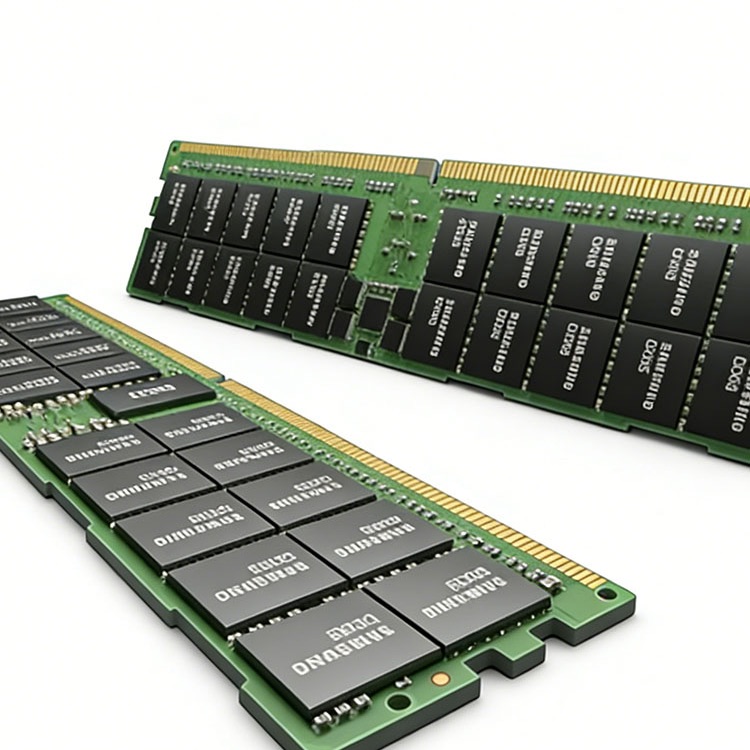
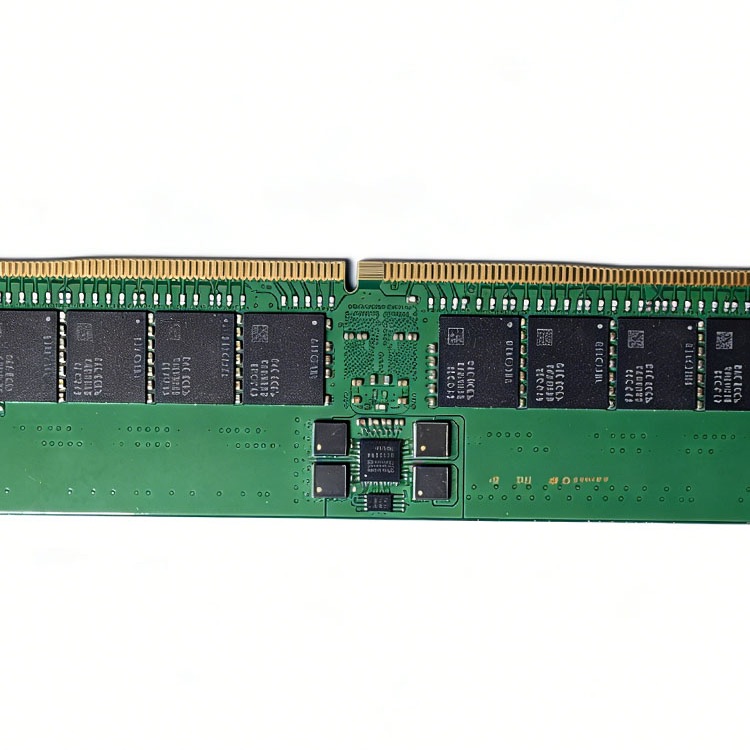
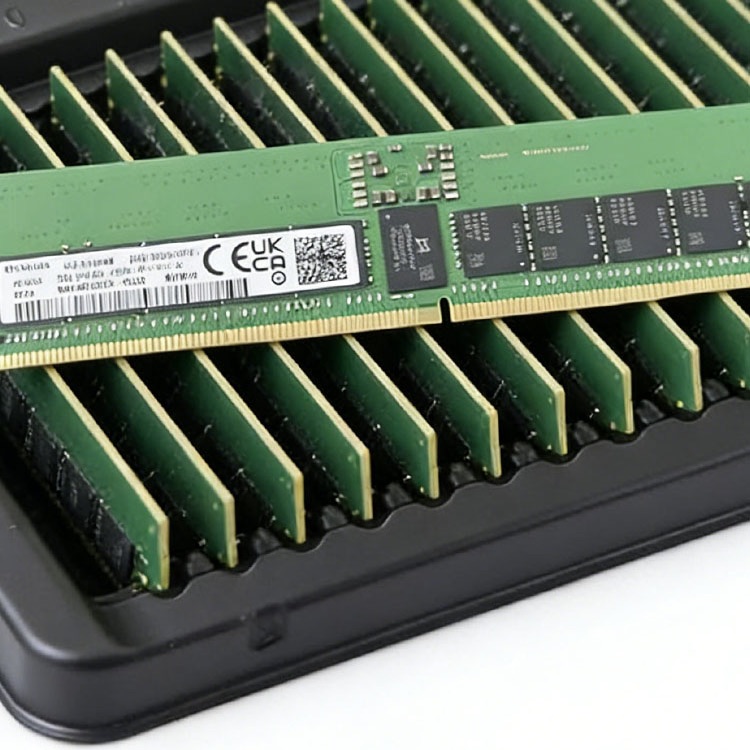
For large memory server workloads, I would rather see teams start from a verified platform and module plan: validated ECC RDIMM, LRDIMM where density requires it, clean population rules, and exact part matching. ServerDimm’s bulk server RAM supplier page fits that procurement motion because it is built around DDR3, DDR4, DDR5, ECC, RDIMM, and LRDIMM sourcing for enterprise and data center buyers. For refresh projects, I would map older Xeon Scalable or EPYC systems against DDR4 server memory and newer high-density platforms against DDR5 server memory before anyone talks price.
Price matters. Wrong memory costs more.
The Reliability Angle Nobody Wants in the Meeting
Memory is not just capacity. It is risk.
I have seen teams treat ECC as a magic religious object. “It has ECC, so we’re fine.” No. ECC reduces risk. It does not erase fleet reality, aging modules, marginal DIMMs, firmware problems, poor validation, bad handling, or sloppy replacement stock.
Google’s field study, DRAM Errors in the Wild, found 25,000 to 70,000 errors per billion device-hours per Mbit and more than 8% of DIMMs affected by errors per year. That is not a Reddit anecdote. That is production-scale data.
A Carnegie Mellon/Facebook paper, Revisiting Memory Errors in Large-Scale Production Data Centers, studied Facebook’s server fleet over 14 months and billions of device-days, which is exactly the kind of evidence buyers should read before pretending memory risk is theoretical.
And outages are not cheap theater. Uptime Institute’s Annual Outage Analysis 2024 reported that 54% of surveyed respondents said their most recent significant, serious, or severe outage cost more than $100,000, while 16% said it cost more than $1 million.
That changes the buying conversation.
A $40 difference per DIMM looks clever until the failed ERP node sits in a warehouse of “compatible” modules that nobody tested properly. This is why I like putting a validation article directly into the buyer journey: tested used server memory validation belongs in the same conversation as cost, warranty, and lead time.
The Sizing Method I Actually Trust
I do not trust generic RAM calculators for ERP and database workloads.
I trust measured peaks, workload windows, vendor rules, and ugly spreadsheets that name exact servers, sockets, DIMM slots, memory channels, ranks, speeds, BIOS versions, operating systems, database versions, and growth assumptions.
Here is the sizing sequence I would use before approving memory capacity for an ERP or database host:
1. Measure the real peak, not the polite average
Average memory utilization is how teams lie to themselves.
For SAP HANA, I want peak memory during month-end, quarter close, year-end, migration dry runs, and reporting surges. For SQL Server, I want buffer pool behavior, physical reads, memory grants, and Page Life Expectancy drops. For Oracle Database In-Memory, I want populated objects, IM column store sizing, and hot/cold segment behavior.
2. Separate capacity problems from bandwidth problems
If the working set does not fit, buy capacity.
If it fits but scans are starving CPU pipelines, then bandwidth, memory channels, NUMA placement, and CPU architecture matter more. Many teams blend these into one vague “RAM performance” issue and then buy the wrong fix.
3. Respect NUMA like it can hurt you
Because it can.
On multi-socket servers, memory locality can turn a clean database design into a latency tax. I want DIMMs populated symmetrically across channels and sockets. I want the database memory plan to match the physical platform. And I want virtualization teams to stop pretending that “assigned RAM” and “fast local memory” are always the same thing.
4. Plan the spare pool before the incident
A spare pool is not a junk drawer.
For live ERP, database, and analytics systems, a real spare strategy means approved modules, exact specs, tested stock, quarantine rules, and replenishment discipline. ServerDimm’s guide on how to build a server memory spare pool is relevant here because capacity planning without replacement planning is only half a policy.
Best Server Memory for Database Workloads: What I Would Buy Around
I would not start with brand preference.
I would start with platform truth.
For database workloads, the best server memory is the memory that matches the server’s supported generation, DIMM type, rank layout, speed rules, channel population plan, capacity target, and validation requirement. That usually means ECC RDIMM for many mainstream database hosts and LRDIMM when density per socket matters more than simplicity.
Here is the uncomfortable buyer checklist:
Decision Point
What I Want to See
Why It Matters
DDR Generation
DDR4-2933/3200 or DDR5-4800/5600 matched to platform support
Wrong generation is physically and electrically incompatible
DIMM Type
ECC RDIMM or LRDIMM, not vague “server RAM”
Database uptime depends on corrected error handling and supported topology
Capacity Plan
25–40% headroom beyond measured peak for serious ERP/database systems
Growth, batch spikes, failover, and reporting rarely ask permission
Channel Balance
Symmetric population across CPU memory channels
Avoids avoidable bandwidth and latency penalties
Rank and Speed
Confirmed against OEM memory rules
Mixed ranks can downclock or limit supported configurations
Supplier Evidence
Test records, exact part numbers, warranty, packaging discipline
“Pulled working” is not a validation policy
Spare Strategy
Emergency stock separated from expansion stock
Prevents a planned upgrade from stealing outage recovery inventory
For active sourcing, I would push buyers toward a quote flow that forces specificity: server model, CPU generation, installed memory map, target capacity, preferred brands, quantities, and deployment timeline. That is exactly the kind of input ServerDimm asks for through its server memory quote request.
The bad quote says: “64GB DDR4 server RAM.”
The good quote says: “64GB DDR4-3200 ECC RDIMM, 2Rx4, platform-approved for Dell PowerEdge R750, matched set, tested, required quantity 192 modules, delivery to Frankfurt, warranty confirmed.”
See the difference?
One is shopping. The other is engineering with a purchase order.
FAQs
What are memory intensive workloads?
Memory intensive workloads are applications whose performance and stability depend primarily on having enough RAM to hold active datasets, indexes, caches, transaction state, and working objects, so the system avoids constant disk reads, paging, eviction, NUMA penalties, or cache churn during business-critical processing.
In plain English, these workloads slow down when the data they need cannot stay close to the CPU. ERP systems, SAP HANA, SQL Server, Oracle Database In-Memory, Redis, analytics platforms, and large virtualization clusters all fit this pattern when the active dataset grows beyond installed memory.
Why do databases need so much RAM?
Databases need so much RAM because memory holds frequently accessed data pages, indexes, execution plans, column stores, transaction structures, and temporary working data, allowing queries and business processes to avoid repeated disk reads that add latency, increase I/O pressure, and destabilize performance under peak demand.
This is why database workloads memory capacity is not just a hardware detail. It controls whether the system behaves predictably during payroll, billing, close, reporting, and customer-facing transaction spikes.
How much memory does SAP HANA require?
SAP HANA memory requirements depend on source database size, compression behavior, workload type, peak utilization, deployment model, and SAP sizing outputs, so responsible sizing should use SAP Quick Sizer, SAP sizing reports, SAP Notes, or measured peak usage rather than generic RAM-per-terabyte assumptions.
The lazy answer is “HANA compresses data, so you need less RAM.” The professional answer is “measure and size the actual workload.” Compression varies. Workload behavior varies. Business peaks vary.
Is memory capacity more important than memory bandwidth?
Memory capacity is more important than memory bandwidth when the workload’s active dataset cannot fit in RAM, because no amount of extra bandwidth can prevent paging, cache eviction, disk reads, or out-of-memory failures if the system lacks enough installed memory for the real working set.
Memory bandwidth becomes more important after capacity is sufficient. That is when channel count, DDR5 speed, NUMA locality, and CPU memory architecture start to dominate. Capacity first. Then bandwidth.
What is the best server memory for database workloads?
The best server memory for database workloads is validated ECC RDIMM or LRDIMM that matches the server platform, CPU generation, DIMM population rules, speed limits, rank layout, target capacity, and reliability needs of the database, with enough headroom for peak usage, failover behavior, and future growth.
For many servers, ECC RDIMM is the clean default. For very high-capacity systems, LRDIMM may be required. The wrong answer is buying by capacity label alone.
Your Next Steps: Stop Buying RAM Like It Is Office Supplies
Do not ask for “more memory.”
Ask for a workload-safe memory plan.
Audit peak usage, confirm platform limits, map DDR4 or DDR5 requirements, document RDIMM versus LRDIMM support, balance memory channels, reserve growth headroom, and keep tested spare stock ready before the next ERP or database incident turns into a finance problem.
Send your exact server model, current DIMM layout, target capacity, workload type, quantity, and shipping region through ServerDimm’s bulk server memory quote page and force the conversation to be specific from the first email. That is how serious teams buy memory for memory intensive workloads.
ServerDimm supplies new and used branded server memory for distributors, OEM buyers, resellers, and data center teams. We support DDR4 and DDR5 sourcing with tested inventory, compatibility checks, and responsive quote service.