How Much Memory Does a Virtualization Host Really Need?
Most teams do not run out of assigned RAM. They run out of honest capacity planning. Here is how to size virtualization host memory the way operators should, using working sets, host reserve, failover headroom, and real platform behavior instead of vendor fairy tales.
I’ll be blunt: the usual advice on virtualization host memory requirements is sloppy because it treats configured VM RAM as if it were the same thing as live memory demand, even though Microsoft, Red Hat, and VMware all document memory reclamation, startup-vs-steady-state behavior, or overcommit mechanics that make that shortcut unreliable in production. Why are we still pretending a spreadsheet sum equals reality?
The hard truth is this: a virtualization host really needs enough physical RAM for four buckets at the same time—host reserve, hypervisor overhead, VM working sets, and operational headroom for restart, failover, or patch windows. If you size only to provisioned guest memory, you are not planning capacity; you are buying hope.
Table of Contents
The number that matters is working set, not vanity vRAM
Three words first. Stop guessing now.
A VM with 16 GB assigned is not automatically consuming 16 GB in a way that justifies buying another tray of DIMMs, because Hyper-V separates Startup RAM, Minimum RAM, Maximum RAM, and memory buffer, while KVM treats guests as Linux processes whose memory is allocated on demand, and VMware explicitly warns that memory beyond a VM’s working set often just becomes cache and extra overhead. Why buy silicon for idle cache pages?
My rule is simple, and yes, I trust it more than the marketing brochures: Host RAM = host reserve + hypervisor/VM overhead + steady-state VM working set + failover/restart headroom
That formula is boring. Good. Boring is what keeps clusters alive at 2:13 a.m. when a node reboots and every “temporary” exception suddenly becomes your problem. Microsoft notes that Hyper-V reserves memory for the management host OS and uses Smart Paging only as a temporary bridge during restarts; Red Hat says memory overcommit is not an ideal fix for general shortages and publishes a baseline rule to leave up to 4 GB for the host OS plus at least 4 GB of swap on KVM hosts.
What ESXi, Hyper-V, and KVM actually count
I hate fake equivalence.
People talk about ESXi, Hyper-V, and KVM as if they all “do memory the same way,” but that is lazy operator talk: Hyper-V exposes dynamic controls for startup, minimum, maximum, and buffer; KVM leans on Linux memory management and swap; VMware treats overcommit as a working-footprint problem and leans on reclamation methods like ballooning when pressure rises. Same goal, different pain.
Platform
What the vendor docs say
What I think it means in practice
VMware ESXi / vSphere
Overcommit begins when the combined working memory footprint of VMs exceeds host memory; VMware also notes that memory assigned beyond the working set usually turns into guest cache and raises VM overhead.
Do not size by total assigned vRAM alone. Size by observed active memory, then keep room for reclaim to stay rare, not constant.
Microsoft Hyper-V
Hyper-V reserves memory for the management OS and uses Startup RAM, Minimum RAM, Maximum RAM, memory buffer, and Smart Paging to manage runtime pressure and restart reliability.
Separate boot requirements from steady-state requirements, or you will oversize every VM forever.
KVM / Red Hat
Guests do not get permanently dedicated physical blocks; the Linux host allocates memory on demand. Red Hat says overcommit is not the right cure for general shortages and advises leaving memory and swap for the host.
Treat the host like a living Linux system, not invisible firmware. If swap is constantly busy, your sizing was wrong.
So what is the practical takeaway?
If you run dense, mixed-production virtualization, I would rather see a host cruising with real free headroom than one bragging about heroic consolidation ratios. VMware’s own guidance makes clear that reclamation exists, but that does not mean you should size so tightly that ballooning and swapping become part of normal life. That is not efficiency. That is a slow-motion outage.
The cost of being wrong got worse in 2024 and 2025
Now it gets expensive.
According to the U.S. Department of Energy, data centers used about 4.4% of total U.S. electricity in 2023, up from 58 TWh in 2014 to 176 TWh in 2023, and DOE says that could rise to 325 to 580 TWh by 2028, or roughly 6.7% to 12% of total U.S. electricity. Oversizing hosts “just to be safe” is not free anymore; it lands on power, cooling, rack density, and procurement budgets.
And downtime is still brutal.
The Uptime Institute 2024 outage analysis says 54% of respondents reported that their most recent significant outage cost more than $100,000, and 16% said it cost more than $1 million; it also found that four in five respondents believed their last serious outage could have been prevented with better management, process, or configuration. If your VM host memory requirements are built on guesswork, you are gambling with six or seven figures so you can save a few lines in a capacity worksheet. Smart?
There is also a licensing angle most polite blog posts avoid.
In April 2024, Reuters reported that EU regulators questioned Broadcom over VMware licensing changes after complaints from business users and trade groups. I am not saying memory sizing alone solves licensing pain. I am saying sloppy memory planning is even harder to defend when platform economics are under scrutiny and every extra host or refresh cycle now gets examined line by line.
A sizing model I would actually trust in production
Here is the model.
I start with host reserve first, because pretending the host is weightless is one of the dumbest habits in virtualization. Hyper-V explicitly keeps memory for the management OS, and Red Hat explicitly says the KVM host needs its own RAM and swap budget, so I never let “available to VMs” equal “installed in the chassis.”
Then I look at steady-state demand, not boot-time drama.
For Hyper-V, that means separating Startup RAM from the lower steady-state memory that Dynamic Memory can reclaim after boot, while for VMware it means watching whether the working set is truly active or whether the guest is just hoarding cache. For KVM, it means respecting the fact that overcommit can work technically while still being a bad operational habit when swap and contention start doing the real work.
Here is the planning table I would use before buying a single DIMM:
Workload pattern
What to count first
What to avoid
My bias
Mixed production VMs
Observed active memory, host reserve, and N+1 failover headroom
Sizing by configured vRAM totals
Conservative
Hyper-V heavy environments
Startup RAM vs. Minimum RAM vs. buffer behavior
Locking every VM at boot-time memory forever
Moderate
KVM consolidation
Host RAM, swap, real guest demand
Treating overcommit as a substitute for capacity
Conservative
VDI / low-load pools
Runtime demand and restart behavior
Assuming idle equals harmless under reboot pressure
Moderate
Memory-heavy databases
Peak committed memory and HA events
Banking on ballooning or swap to save you
Aggressive only with proof
My opinion? Leave enough free RAM that a host failure or rolling maintenance event does not turn the rest of the cluster into a panic chamber. I would rather explain a slightly lower consolidation ratio to finance than explain why restart storms pushed Smart Paging, swapping, or ballooning into the foreground.
The hardware choice changes the math more than people admit
DIMMs matter too.
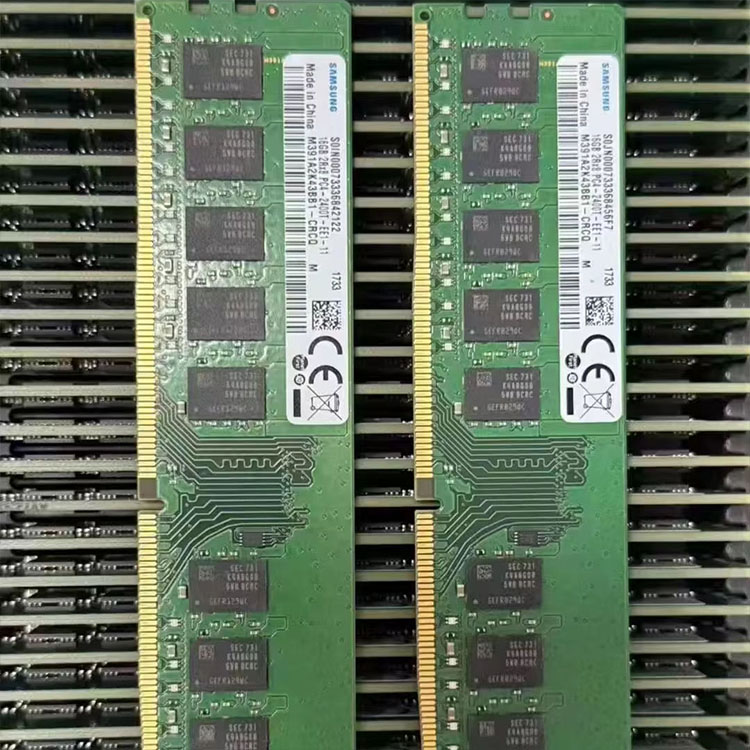
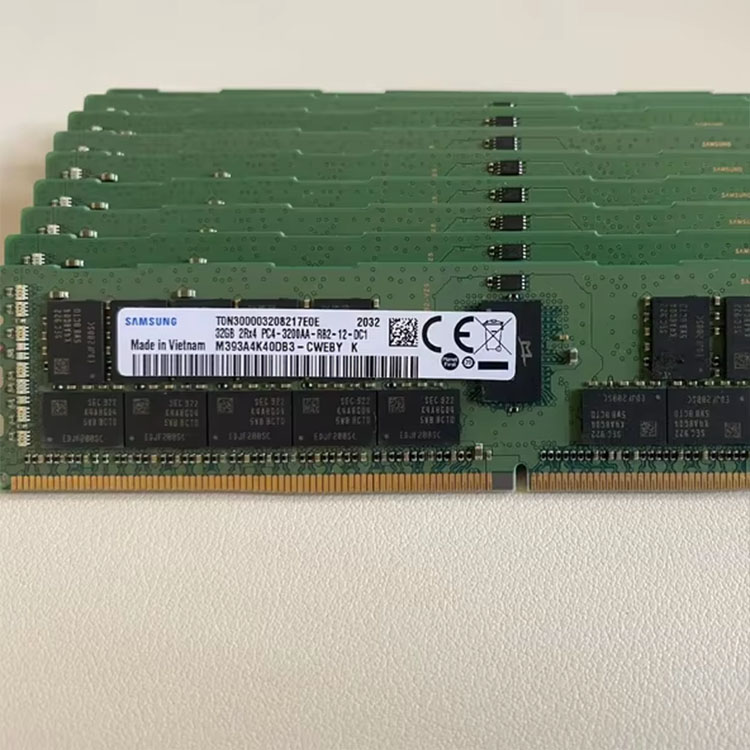
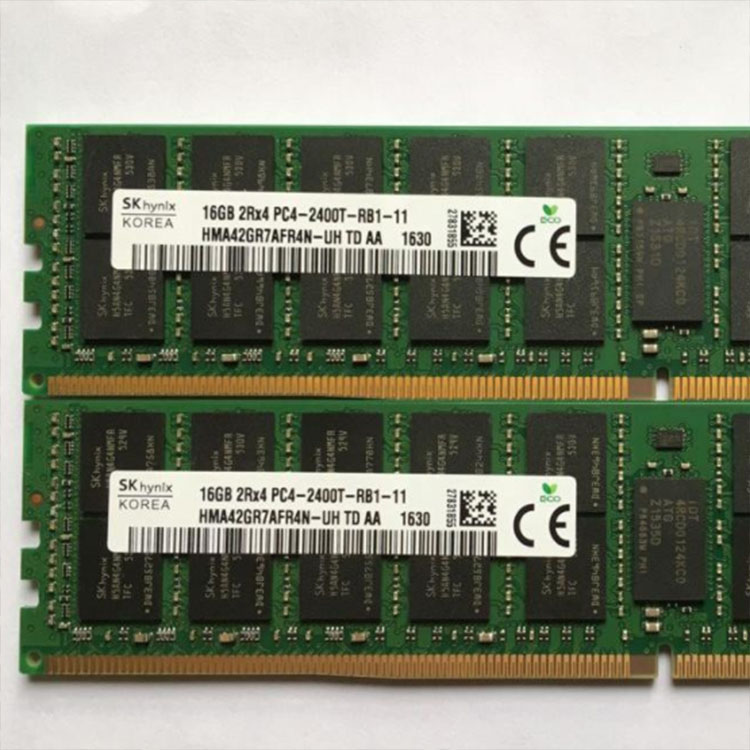
If you are refreshing older clusters where cost-per-GB still rules, a catalog like used DDR4 server memory is the practical conversation, not shiny theory; if you are building denser modern hosts, DDR5 server memory becomes the more realistic path, and ServerDimm’s live category pages show concrete parts such as Micron 64GB DDR5-5600 2RX4 and SK hynix 128GB DDR5-4800 2S2RX4 on the DDR5 side. That is the kind of inventory detail I actually want before I approve a host bill of materials.
Brand choice is not religion. It is compatibility and supply.
ServerDimm’s current site structure makes that pretty easy to weave into buying logic: you can compare DDR4 server memory against Micron server memory modules or Samsung server RAM inventory, and the visible product mix includes parts such as Samsung 64GB DDR4-3200 2RX4 and Micron 16GB DDR5-4800 1RX8. In other words, the site already supports the exact conversation virtualization teams should be having: generation, density, brand, and whether the spare pool matches the cluster you actually run.
And testing is not optional.
The site’s quality testing and warranty support for server memory page is one of the few internal links I would absolutely keep in this article because it speaks directly to specification review, system matching, compatibility validation, and post-sale support. That matters because a memory plan is only as good as the modules that arrive, boot, and survive a maintenance window.
FAQs
What are virtualization host memory requirements?
Virtualization host memory requirements are the total physical RAM a host needs to run the hypervisor, host operating system, management services, VM working sets, restart overhead, and safety headroom without forcing ballooning, swapping, or temporary paging mechanisms into normal day-to-day operation.
That is why I do not use total assigned guest memory as my main sizing figure. I use observed demand plus host reserve plus enough free space to survive maintenance and failure events.
How much RAM does a virtualization host really need?
A virtualization host really needs enough RAM to cover the host’s own reserved memory, the live memory footprint of its VMs, hypervisor overhead, and extra capacity for restarts, failover, and burst conditions, rather than merely matching the total configured memory assigned across every guest.
In plain English, the right answer is “more than the host OS needs, less than the sum of all guest vanity numbers, and never so tight that reclamation becomes normal.” That is not a dodge. That is honest engineering.
Is memory overcommit in virtualization safe?
Memory overcommit in virtualization is a platform feature that lets total guest-assigned memory exceed physical host RAM, but it is only safe when real workloads stay below pressure thresholds and the operator treats reclamation as an emergency cushion rather than the default business model for consolidation.
I do use overcommit in the real world as a controlled buffer, especially in mixed or bursty estates. But I do not build production plans that depend on swapping, ballooning, or Smart Paging to look competent.
What is the difference between ESXi host memory requirements, Hyper-V host memory requirements, and KVM host memory requirements?
ESXi host memory requirements revolve around working-set pressure and reclamation, Hyper-V host memory requirements revolve around Startup RAM, Minimum RAM, Maximum RAM, buffer, and host reservation, while KVM host memory requirements depend heavily on Linux host behavior, swap availability, and whether overcommit is masking a real shortage.
That difference is why copy-pasting one sizing ratio across all three platforms is usually a bad idea. Same problem class, different memory mechanics.
Should I buy DDR4 or DDR5 for a virtualization host?
DDR4 or DDR5 for a virtualization host should be chosen by platform generation, target density, spare-pool strategy, and procurement economics, with DDR4 making more sense for older installed fleets and DDR5 making more sense for newer dense nodes that benefit from higher-capacity, higher-speed module availability.
If the cluster is older and you need cheap, validated capacity, DDR4 is still a rational call. If you are pushing dense consolidation on newer hardware, DDR5 is usually where the conversation ends.
Your next step
Run the numbers. Then run them again.
If I were publishing this on ServerDimm, I would not end with vague inspiration. I would tell readers to audit their current host reserve, compare actual active VM memory against configured vRAM, decide how much N+1 or restart headroom they really need, and then price the result against live inventory in DDR4 server memory, DDR5 server memory, and the site’s quality testing and warranty support resources before they buy. Then, if the bill of materials is real, I would push them straight to contact the ServerDimm team with part numbers, target capacities, and host model details. That is how you turn “how much RAM do I need?” into an answer that survives procurement and production.
ServerDimm supplies new and used branded server memory for distributors, OEM buyers, resellers, and data center teams. We support DDR4 and DDR5 sourcing with tested inventory, compatibility checks, and responsive quote service.