VDI memory sizing fails when teams count users instead of working sets. Here is a blunt, field-style guide to server RAM for VDI, with formulas, sizing examples, failover headroom, and procurement traps that hurt uptime.
The Dirty Secret: Most VDI Memory Plans Are Fiction
Start with users.
Most VDI memory sizing spreadsheets look professional because they contain rows, formulas, and a few tidy assumptions, but the real weakness is usually buried in one lazy cell: “average RAM per user,” copied from an old pilot, rounded down to protect the budget, and never stress-tested against Monday morning logons. Who signs off on that and expects calm helpdesk tickets?
I don’t trust averages in VDI. I trust concurrency, measured working set, boot storms, profile behavior, graphics policy, antivirus timing, NUMA boundaries, and the ugly question no vendor slide wants to answer: what happens when one host disappears at 9:12 a.m.?
That is where VDI memory sizing gets real.
Microsoft’s session host virtual machine sizing guidance makes the same point in a polite way: workload type, user count, resource requirements, logon timing, and headroom all matter, and Microsoft warns that virtual machines can carry a 15–20% capacity cost compared with bare metal while user response times may run 10–20% higher because of hypervisor overhead.
So, no, “100 users × 4GB = 400GB” is not a plan. It is a napkin with confidence issues.
Bad sizing gets exciting at the exact moment finance, operations, and the CIO are all asking why the new virtual desktop infrastructure feels slower than the laptops it replaced.
For a first-pass VDI RAM sizing model, I would break the user population into four working classes:
User class
Typical apps
Starting RAM assumption per user
Notes I would not ignore
Task worker
Browser, ERP screen, lightweight Office
2–3GB
Watch browser tab growth and Teams offload behavior
Knowledge worker
Office, browser, PDF, CRM, light BI
4–6GB
Most “average users” are really here, not in the light bucket
Power user
Excel models, large PDFs, local databases, dev tools
8–12GB
Memory pressure can spike fast during reporting windows
Graphics / engineering user
CAD viewer, 3D, GIS, video, design tools
12–32GB+
GPU frame buffer, vGPU profile, and display count change the math
That table is not a replacement for measurement. It is a way to stop pretending all users behave the same.
Microsoft’s Azure Virtual Desktop table gives useful anchor points: single-session light, medium, and heavy examples map to 2 vCPU/8GB RAM, 4 vCPU/16GB RAM, and 8 vCPU/32GB RAM respectively; for multi-session hosts, Microsoft suggests maximum users per vCPU of 6 for light, 4 for medium, and 2 for heavy workloads, with 8 vCPU/16GB RAM as a listed minimum VM configuration for those examples.
Here is the hard truth: CPU often gets blamed first because CPU charts are noisy, but memory is where VDI quietly turns mean. Once the host starts ballooning, compressing, swapping, paging, or punishing storage because RAM was undersized, the user does not say “memory contention.” The user says, “VDI is garbage.”
VMware Horizon, Citrix, and AVD Do Not Save Bad Math
A broker is not magic.
VMware Horizon, Citrix Virtual Apps and Desktops, and Azure Virtual Desktop can all be engineered well, but none of them repeal arithmetic; if the host has 768GB installed and your actual steady-state demand plus failover demand is 850GB, the platform branding only changes the logo on the incident report. Why do so many teams still shop by platform name before workload evidence?
For VMware Horizon memory sizing, I would start from desktop OS assignment, profile design, display protocol, and pool model. Persistent desktops behave differently from non-persistent pools. Windows 10 and Windows 11 behave differently after updates. A 2GB “starting point” for a basic desktop may appear in vendor documentation, but once Microsoft 365 Apps, browser isolation, Teams, OneDrive sync, security agents, and profile containers arrive, that number becomes a floor, not a production target.
For Citrix VDI RAM requirements, HDX policy and graphics matter. Citrix’s current system requirements for HDX 3D Pro say the host computer should have at least 4GB of RAM and four vCPUs at 2.3GHz or higher, and Citrix also notes user device guidance such as 4GB RAM minimum and 8GB RAM for optimum performance on the endpoint side. That endpoint detail does not size the server, but it reminds us that display, GPU, and session behavior are part of the full chain.
And for Azure Virtual Desktop, the Microsoft guidance is useful because it says the quiet part clearly: capacity planning has to cover workload type, concurrent user count, resource requirements, logon periods, peak load, and headroom.
My opinion: if your VDI plan does not include a failed-host calculation, it is not capacity planning. It is capacity optimism.
The Failover Number Nobody Wants to Budget
Let’s build a practical example.
Assume 400 concurrent knowledge workers. You measure, not guess, and find a realistic 5GB RAM working-set target per active session after Office, browser, line-of-business apps, profile container activity, and security tooling settle down.
Base session memory:
400 users × 5GB = 2,000GB
Now add platform and operating reserve. I usually keep this separate because hiding reserve inside the user number creates bad arguments later.
Example reserve:
2,000GB × 15% = 300GB
Now add operational buffer for logon storms, patch-day weirdness, browser bloat, and monitoring noise:
2,300GB × 20% = 460GB
Subtotal:
2,760GB
Now add N+1 failover. If you are running 5 hosts and one host fails, the remaining 4 must absorb the load. That means the usable capacity target per host is not total installed RAM divided by happy-path demand. It is total demand divided by surviving hosts.
That does not mean installing exactly 690GB. It means your server memory plan has to account for memory population rules, channel balance, DIMM sizes, future expansion, and the fact that a dual-socket server does not like sloppy slot loading.
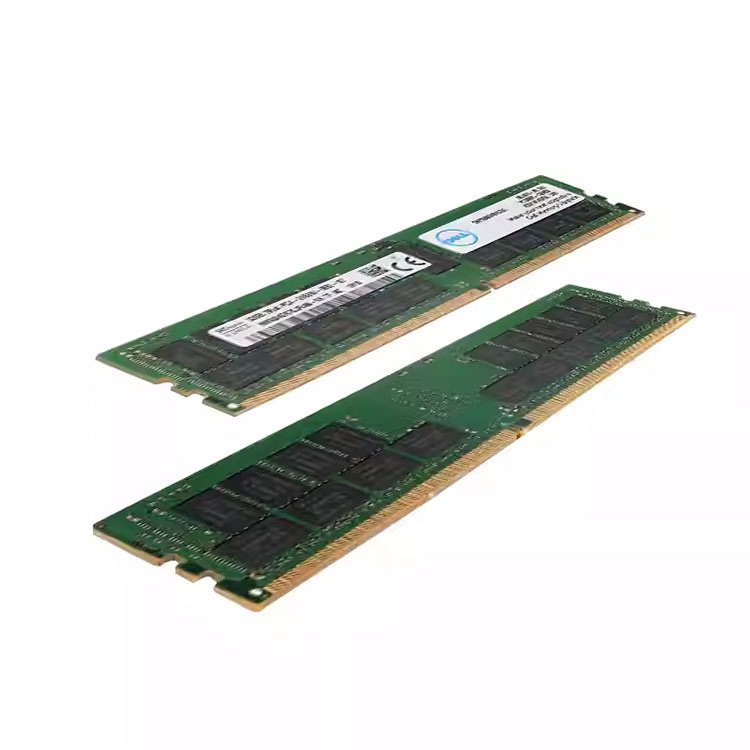
This is where I would stop reading brochures and start checking actual module strategy: DDR4 server memory for mainstream refreshes still running broad enterprise platforms, DDR5 server memory for newer density-driven hosts, and server memory compatibility checks before anyone buys a pallet of modules based on capacity alone.
Capacity Is Not the Same as Compatibility
A 64GB DIMM can still be the wrong 64GB DIMM.
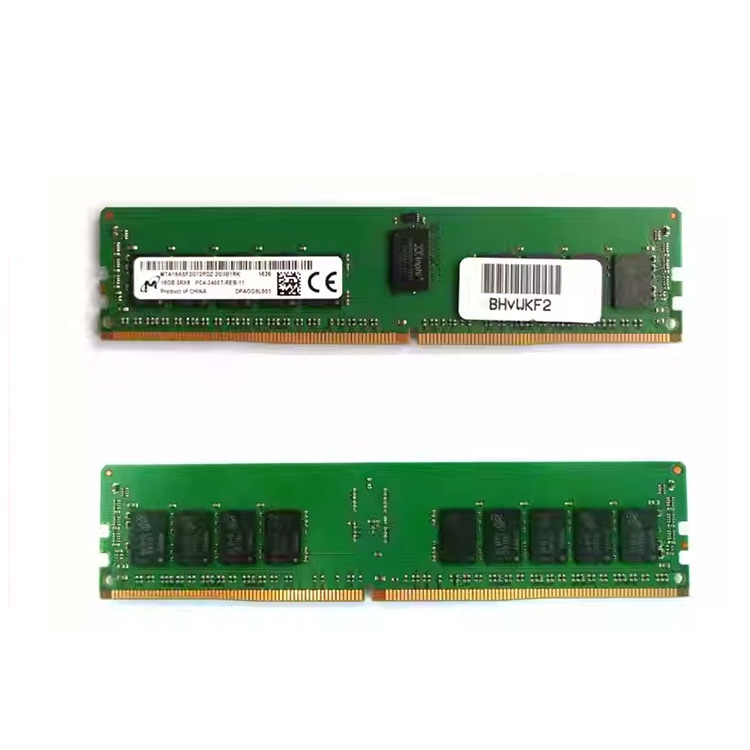
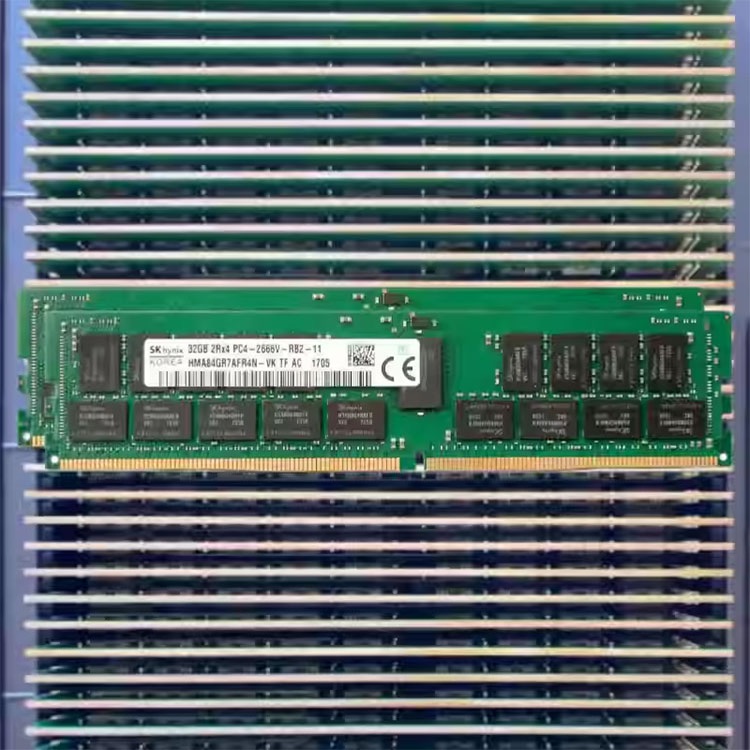
In VDI environments, I care about ECC RDIMM versus LRDIMM, DDR4 versus DDR5, 2Rx4 versus 4Rx4, channel balance, DIMMs per channel, memory speed downclocking, CPU generation, BIOS support, and whether the quote lists an exact manufacturer part number or just a friendly capacity label. That is procurement hygiene, not nerd trivia.
ServerDIMM’s own server memory pages show why the internal link path matters: the site separates new DDR4, new DDR5, used memory, brands such as Samsung, Micron, Kingston, and SK Hynix, plus quality and warranty support for compatibility review and testing.
For a VDI host, I would rather buy slightly less headline speed and get validated capacity, balanced channels, ECC behavior, and clean RMA documentation. The reverse trade is amateur hour.
The Google production study DRAM Errors in the Wild found memory errors across a large server fleet over 2.5 years, covering many millions of DIMM days, with observed DRAM error rates of 25,000 to 70,000 errors per billion device hours per Mbit and more than 8% of DIMMs affected by errors per year.
A later Alibaba/CUHK production data-center study, An In-Depth Correlative Study Between DRAM Errors and Server Failures, analyzed over 3 million memory modules in 250,000 servers across eight months, including 2,137 server failures caused by DRAM errors; the paper found that for more than 40% of those failures, correctable DRAM errors appeared within one hour before the failure.
That is why I do not treat ECC, validation, and lot clarity as optional. In dense VDI, a memory issue is not one user’s problem. It is a floor-wide complaint generator.
The Sizing Table: What I Would Put in Front of Finance
Here is a blunt planning table for VDI server memory requirements. It is not a final BOM. It is the conversation starter that prevents fantasy density.
Scenario
Example user count
Per-user RAM target
Base active memory
Add reserve and buffer
Real planning note
Light pooled desktops
300
3GB
900GB
1.2–1.4TB
Safe only if browser, Teams, and security agents are controlled
Knowledge-worker VDI
400
5GB
2TB
2.6–3.0TB
Most office deployments land here after measurement
Power-user pool
150
10GB
1.5TB
2.0–2.4TB
Lower density, higher satisfaction
Graphics VDI
80
20GB
1.6TB
2.2TB+
vGPU profile, display count, and app behavior decide the final number
Mixed estate
600
Segmented
Do not average blindly
Model by persona
One big average hides the users who break the farm
I would also force finance to look at outage math. Uptime Institute’s 2024 Global Data Center Survey reported that 54% of respondents said their most recent significant outage cost more than $100,000, while 20% reported an outage over $1 million.
Now compare that to the cost of adding headroom before the rollout. Suddenly “too much RAM” looks less wasteful.
And memory market timing is not friendly. Reuters reported on January 5, 2026, that AI infrastructure demand had pushed a global memory supply crunch, with some memory prices more than doubling since February 2025 and analysts expecting the upturn could run into 2027.
So my buying advice is simple: do not undersize now and assume cheap expansion later. That assumption has teeth.
The VDI Memory Sizing Workflow I Trust
Step 1: Segment users before sizing hosts
Do not begin with “500 users.” Begin with task, knowledge, power, graphics, kiosk, contractor, developer, and executive users. Yes, executives count. They are often the first people to notice slow logons.
Step 2: Measure working set, not assigned RAM
Assigned RAM is a ceiling. Working set is behavior. Track memory use during logon, steady work, video meetings, reporting windows, browser-heavy periods, and end-of-day profile writes.
Step 3: Model concurrency honestly
A 1,000-user estate may have 620 peak concurrent sessions. Or 910. The difference is a hardware purchase.
Step 4: Add platform overhead
Include ESXi, vSphere, Hyper-V, AHV, host OS, monitoring agents, EDR, backup tools, vGPU managers, and anything else living on or around the host.
Step 5: Add N+1 or N+2 failover
If you cannot survive a host loss, write that in the risk register. Do not hide it in the spreadsheet.
Step 6: Match memory modules to the platform
Use the exact server model, CPU generation, DIMM population guide, supported module type, rank, and speed. When the BOM gets serious, I would use ServerDIMM’s bulk server RAM supplier path for volume planning, then cross-check quality testing and warranty support before rollout.
Step 7: Pilot before bulk deployment
Pilot with real users, not IT staff behaving nicely for a test. Capture Login VSI-style load data if you have it. Use native monitoring if you do not. But measure.
The Procurement Traps That Break VDI Projects
The first trap is mixing memory like desktop RAM. VDI hosts are not gaming PCs with a side hustle. RDIMM and LRDIMM rules matter. Channel symmetry matters. CPU socket population matters.
The second trap is buying by speed instead of fit. A DDR5-5600 module may train lower depending on CPU, DIMM-per-channel population, BIOS, and platform rules. If the server runs it at DDR5-4800 under your configuration, the sticker did not lie; your assumption did.
The third trap is confusing cheap with controlled. Used server RAM can be perfectly sensible in maintenance or expansion projects, but only when origin, testing, module class, and compatibility are handled cleanly. That is why used DDR4 server memory and used DDR5 server memory should be evaluated as controlled sourcing options, not bargain-bin guesses.
My rule: if the quote cannot tell me exact capacity, DDR generation, ECC status, RDIMM/LRDIMM class, rank, speed, brand, part number, tested status, and warranty process, it is not a VDI memory quote. It is a risk transfer document.
FAQs
What is VDI memory sizing?
VDI memory sizing is the process of calculating how much physical server RAM is required to support virtual desktops or published sessions under real workload, concurrency, overhead, and failover conditions. It includes per-user memory demand, hypervisor reserve, profile behavior, graphics requirements, operational buffer, and host-loss capacity planning.
In plain English, it answers one question: will users still have a usable desktop when everyone logs in, apps get heavy, and a host fails?
How do I calculate memory for VDI?
You calculate memory for VDI by multiplying concurrent users by measured RAM demand per user, then adding hypervisor reserve, desktop OS overhead, graphics or profile overhead, operational headroom, and failover capacity. The safest model separates user workload classes instead of applying one average to the whole environment.
A practical formula is: concurrent users × RAM per user + 15–25% reserve + 20–30% buffer + N+1 failover. Then validate it in a pilot.
How much RAM does a VDI server need?
A VDI server needs enough RAM to support its assigned virtual desktops or sessions during peak concurrency while leaving room for hypervisor overhead, logon storms, failover, and maintenance operations. In many business environments, this means hundreds of gigabytes to multiple terabytes per host cluster, not a single universal number.
A 2-socket host with 512GB may be fine for one pool and reckless for another. The workload decides.
Is 4GB RAM enough for a VDI user?
4GB RAM can be enough for a light or moderate VDI user running controlled office applications, but it is often too low for modern browser-heavy work, Microsoft 365 Apps, Teams, security agents, and profile containers. Treat 4GB as a starting assumption, not proof of production readiness.
I would test it under real logon timing and real browser behavior before defending it in a design review.
What matters more for VDI: RAM speed or RAM capacity?
RAM capacity usually matters more than RAM speed for VDI when the environment is under memory pressure, because swapping, ballooning, and paging hurt user experience more visibly than small differences in memory frequency. Speed still matters in dense, modern platforms, but validated capacity and correct population come first.
I would rather run stable ECC RDIMMs in a balanced configuration than chase MT/s numbers that the server cannot maintain.
Should VDI hosts use ECC RDIMM or LRDIMM?
VDI hosts should use the memory type supported by the server platform, most commonly ECC RDIMM for mainstream enterprise configurations and LRDIMM when higher capacity per host is required and officially supported. RDIMM and LRDIMM should not be mixed unless the platform documentation explicitly supports that exact configuration.
For production VDI, “it fits in the slot” is not compatibility.
Final Thoughts: Build the VDI Memory Plan Before You Buy the DIMMs
Here is my blunt closing position: VDI memory sizing is not a shopping exercise. It is an outage-prevention exercise disguised as a bill of materials.
Start by segmenting users. Measure the working set. Add headroom. Model failed-host survival. Respect VMware Horizon, Citrix, and Azure Virtual Desktop guidance, but do not let vendor minimums become your production target. Then buy server RAM like an adult: exact module type, ECC behavior, population rules, part number clarity, tested inventory, and a warranty path that will not vanish when deployment starts.
For your next step, build a one-page VDI memory worksheet with user classes, peak concurrency, per-user RAM targets, host count, N+1 failover, and target DIMM configuration. Then send the server model, CPU generation, current memory layout, target capacity, preferred DDR4 or DDR5 module class, and quantity through ServerDIMM’s contact and quote path so compatibility can be checked before procurement turns into troubleshooting.
ServerDimm supplies new and used branded server memory for distributors, OEM buyers, resellers, and data center teams. We support DDR4 and DDR5 sourcing with tested inventory, compatibility checks, and responsive quote service.