When Should You Upgrade Memory Instead of the CPU?
Most slow computers do not need a new CPU first. They need a hard look at memory pressure, paging, workload size, memory channels, ECC requirements, and whether the current system is starving the processor.
The Uncomfortable Truth: Your CPU Is Usually the Scapegoat
Most teams blame the CPU because it is visible, expensive, and easy to brag about on a purchase order. I have watched this happen in small repair shops, reseller quoting desks, and server refresh meetings: someone sees a sluggish machine, says “processor,” and the room nods like they solved a murder.
They didn’t.
Watch the counters. When Pages/sec stays high, Commit Charge sits near the limit, the disk queue jumps, browser tabs reload, database queries pause, and users complain that the machine “feels old” even though CPU utilization is loafing at 35%, the boardroom’s favorite CPU swap becomes an expensive distraction. Why replace the engine when the fuel line is pinched?
A RAM upgrade should come before a CPU upgrade when the workload is running out of usable memory, spilling to disk, compressing memory aggressively, or forcing applications to fight over limited working space. Microsoft still lists 4 GB of RAM as the Windows 11 minimum, but let’s be honest: that is a survival number, not a professional productivity number, especially if the machine runs Microsoft 365, Chrome, Teams, security agents, and a few background services at the same time through normal work hours. See Microsoft’s own Windows 11 system requirements.
But desktops are only the soft version of this problem. In servers, the mistake gets expensive fast.
If you are working with virtualization, SQL Server, CAD workstations, VDI, analytics nodes, Proxmox, VMware ESXi, Hyper-V, or container-heavy Linux hosts, the better first question is not “Which CPU should I buy?” It is this: is the current CPU waiting on memory, storage, or I/O because the system does not have enough RAM to keep the active workload resident?
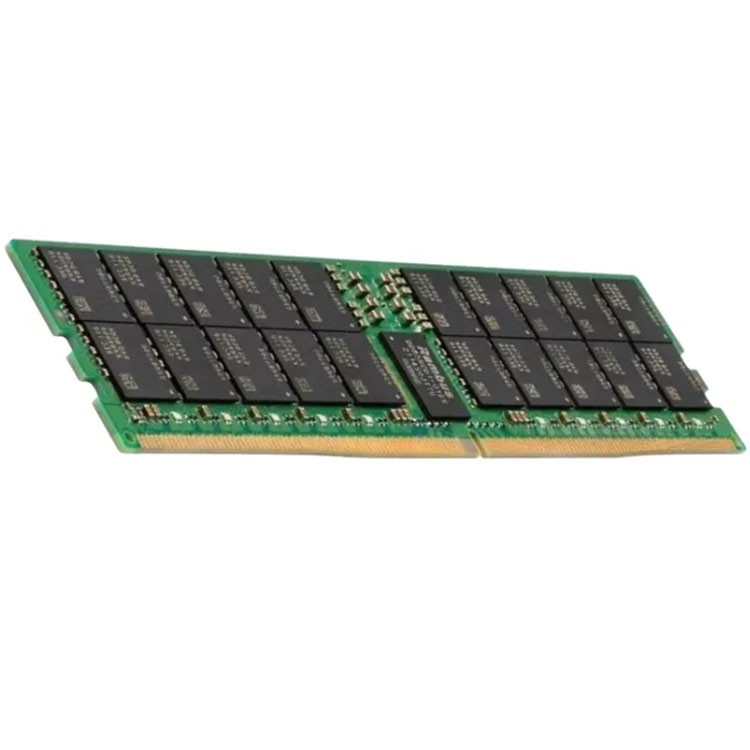
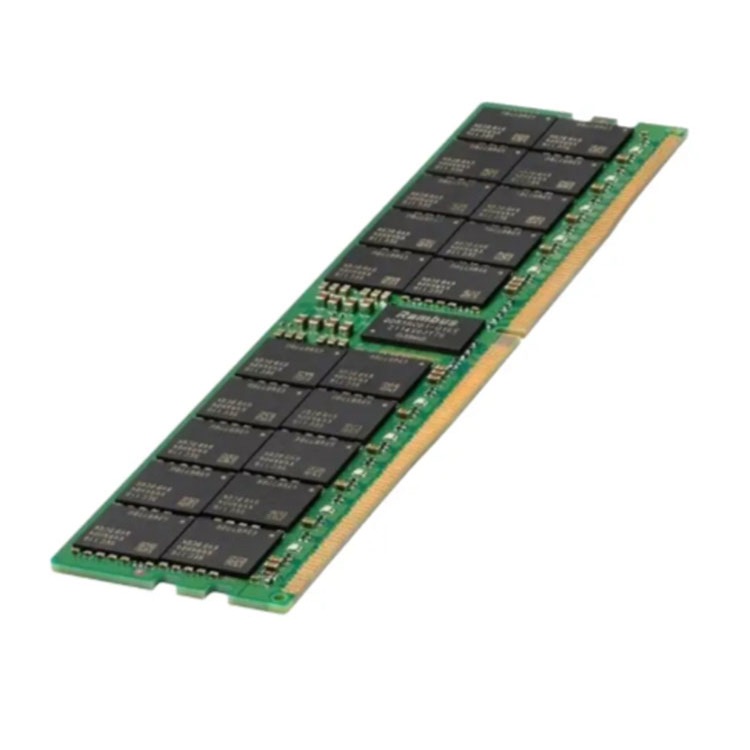
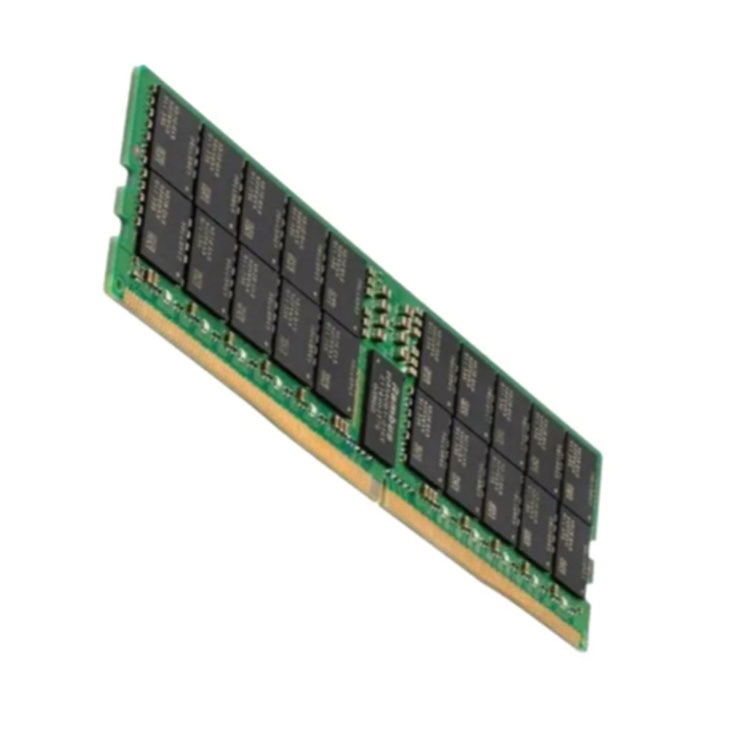
For enterprise sourcing, that is where a bulk server RAM supplier becomes more relevant than another processor quote, especially when the real requirement is DDR3, DDR4, DDR5, ECC, RDIMM, LRDIMM, tested used stock, or repeatable capacity planning across a fleet.
RAM Upgrade vs CPU Upgrade: The Decision Matrix Nobody Wants to Read
Here is the clean version. If your system is slow because it lacks memory headroom, a faster CPU will still wait. If your system is slow because it lacks compute throughput, more memory will only make a well-fed slow CPU look more honest.
Application logs, SQL Server max memory, VM reservations
Slow only during large file exports, compiling, rendering, encoding
Maybe
Often yes
CPU threads, cache behavior, storage throughput
Many VMs or containers competing for memory
Yes
Maybe later
VM ballooning, overcommit ratio, NUMA locality
Server has empty DIMM channels
Often yes
Not yet
Memory population guide, CPU memory channel layout
Database working set bigger than installed RAM
Yes
Rarely first
Buffer cache hit ratio, page life expectancy, I/O waits
Old dual-core laptop with 8 GB RAM already
Maybe not
Often yes
CPU generation, SSD status, OS support
DDR generation or DIMM type mismatch risk
Only after validation
Maybe
ECC, RDIMM, LRDIMM, rank, voltage, part number
The hard truth: CPU upgrade vs RAM upgrade is not a personality test. It is a bottleneck test.
Microsoft’s SQL Server documentation gives one of the bluntest signals: a high Memory: Pages/sec counter may indicate excessive paging, meaning the system is pulling data from disk because memory is not keeping up. That is not “the CPU being old.” That is memory pressure showing up as storage pain. Read Microsoft’s guidance on monitoring SQL Server memory usage.
And when someone says, “But the CPU is newer,” I usually ask: newer for what? A 16-core processor starved by a tiny memory pool can behave worse than an older CPU with enough RAM to keep hot data close.
The Five Signs You Need More RAM, Not a Faster Processor
1. Your system is paging while the CPU is not fully loaded
This is the classic RAM bottleneck. The machine feels sticky. Windows shows high memory pressure. Linux starts swapping. The SSD gets hammered by tiny reads and writes. The CPU graph looks bored.
That last detail matters.
If CPU utilization sits at 25%, 40%, or 55% while the system still crawls, I do not start with the processor. I look at memory commit, swap, standby lists, working sets, and whether the application is being forced to reload data it should have kept in RAM. Microsoft explains that committed memory and commit limits can be measured in Task Manager or with counters such as \Memory\Committed Bytes and \Memory\Commit Limit, which is exactly the kind of data buyers should inspect before approving hardware spend. See Microsoft’s page-file explanation on committed charge and commit limit.
Small sentence. Big bill.
2. Your workload has grown, but your memory capacity has not
This is where I see professionals lie to themselves. They say the PC or server “used to be fast,” as if software politely froze in 2020.
It did not.
Browsers got heavier. Endpoint security got heavier. Databases got bigger. Excel models became monsters. AI tools entered normal workflows. Docker containers multiplied quietly. Virtual machines got extra agents, extra logs, and extra monitoring. Then procurement acts surprised when 8 GB, 16 GB, or even 64 GB no longer behaves like it did three years ago.
For older enterprise platforms, the practical fix may be DDR4 server memory in 32 GB or 64 GB modules. For newer systems, it may be DDR5 server memory in 64 GB, 96 GB, or 128 GB modules, depending on platform support, rank, slot layout, and CPU memory-channel rules.
And no, “DDR5 is faster” is not the full answer. Capacity still matters.
3. Your database or VM host is fighting storage
If a database server has a working set larger than installed memory, the CPU becomes the wrong villain. SQL Server, PostgreSQL, MySQL, Redis, Elasticsearch, and virtualized file services all punish cheap memory planning.
I have seen teams buy a higher-bin CPU while their database kept dragging pages off disk because the buffer pool was too small. That is not performance engineering. That is buying shiny metal to hide a math error.
The better question is simple: can the workload keep its hot data in RAM?
If the answer is no, a RAM upgrade usually beats a CPU upgrade. More memory reduces disk trips, lowers latency, and can make the existing CPU appear “faster” because it finally has data ready when it asks for it.
4. Your memory channels are underpopulated
This one gets missed because people shop by module capacity instead of platform layout.
Modern server CPUs do not treat memory like a bucket. They use channels. Intel’s 4th Gen Xeon Scalable platform, for example, supports up to eight DDR5 channels per CPU, up to 16 DIMMs per socket, and speeds up to 4,800 MT/s in certain configurations. That means memory placement affects bandwidth, not just total capacity. Intel states these figures in its 4th Gen Xeon Scalable processor brief.
So when a server has one lonely DIMM per CPU side, I get suspicious. You may not need a new CPU. You may need correct population across channels.
For server buyers, this is why memory population order matters. A DIMM is not “correct” just because it fits the slot. It must fit the CPU topology, generation, rank limits, channel balance, and platform support matrix.
5. Your AI, analytics, or scientific workload hits the memory wall
Here comes the controversial opinion: the industry worships compute and underfunds memory.
Researchers have been warning about this for years, and AI made the problem louder. A UC Berkeley-linked IEEE article, “AI and Memory Wall,” argues that memory bandwidth can become the dominant bottleneck for decoder transformer models; the paper also notes that peak server hardware floating-point operations per second scaled far faster than DRAM and interconnect bandwidth over the past two decades. See the paper AI and Memory Wall.
This is not just academic theory. Reuters reported in November 2025 that Samsung raised some memory chip prices by up to 60%, with 32 GB DDR5 modules rising to $239 from $149 in September, while 128 GB DDR5 rose to $1,194. That kind of pricing pressure does not happen in a dead category; it happens when the market realizes memory is the choke point in AI servers, PCs, and data infrastructure. Read the Reuters report on Samsung memory chip price hikes.
So yes, CPU matters. But memory decides whether the CPU has anything useful to chew on.
When a CPU Upgrade Actually Makes Sense
A CPU upgrade makes sense when the processor is the measured bottleneck, not the suspected one.
I would seriously consider upgrading the CPU when:
CPU utilization stays near 90–100% during the slow task.
One or two cores are pegged because the application is poorly threaded.
The workload is compute-heavy: rendering, encoding, compiling, compression, simulation, encryption, or scientific math.
The CPU lacks required instruction sets such as AVX2, AVX-512, AMX, AES-NI, or newer virtualization features.
The system is thermally stable but still cannot process enough work per second.
The platform blocks larger memory capacity, making a CPU/platform change unavoidable.
That last point matters. Sometimes you need the CPU upgrade because the old platform cannot accept the memory upgrade you actually need.
For example, if a server’s installed processor limits memory speed, channel count, supported DIMM density, or total addressable capacity, then the CPU is part of the memory problem. In that case, buying RAM alone may be impossible or wasteful.
But do not jump there first.
The dishonest version of infrastructure planning says, “New processor, problem solved.” The professional version says, “Show me CPU wait, memory pressure, storage latency, NUMA behavior, and the workload profile.”
The Server Buyer’s Trap: Wrong RAM Is Worse Than Not Enough RAM
Desktop users can be sloppy and sometimes get away with it. Server buyers cannot.
A computer memory upgrade on a server must account for ECC, RDIMM, LRDIMM, DDR generation, module rank, voltage, part number, CPU socket population, BIOS support, and vendor validation. This is where cheap confidence gets people hurt.
I have seen buyers order “ECC server RAM” and then discover the system wanted RDIMM, not ECC UDIMM. I have seen RDIMM and LRDIMM treated like interchangeable inventory. They are not. ServerDimm’s guide on why server memory is not detected is worth reading before anyone bulk-orders mixed modules, because “the notch fits” is not a compatibility policy.
The sane path is boring:
Identify the server model and CPU generation.
Check the existing DIMM layout.
Confirm DDR3, DDR4, or DDR5.
Confirm ECC RDIMM, LRDIMM, 3DS RDIMM, or another required type.
Match capacity per module and rank limits.
Follow population order.
Test before mass deployment.
Boring wins.
ServerDimm’s server memory quality testing and warranty support page frames this correctly: specification review, ECC RDIMM validation, pre-shipment screening, and warranty handling are not decorative services. They are how you keep a simple RAM upgrade from becoming a weekend outage.
My Field Rule: Upgrade RAM First When the Machine Is Waiting, Not Working
Here is the line I use with skeptical buyers:
If the CPU is working flat out, investigate the CPU. If the CPU is waiting while memory, disk, or swap thrashes, investigate RAM.
That one sentence has saved more money than half the upgrade checklists floating around online.
For a laptop or office PC, this may mean moving from 8 GB to 16 GB or from 16 GB to 32 GB. For a workstation, it may mean 64 GB or 128 GB if the user handles CAD, Adobe After Effects, local AI models, large datasets, or VMs. For servers, it may mean moving from 256 GB to 512 GB, from 512 GB to 1 TB, or from uneven DIMM placement to a balanced channel layout.
The dirty secret: a RAM upgrade often feels like a CPU upgrade because the processor stops waiting.
That is why the question “should I upgrade RAM or CPU?” must start with symptoms, not ego.
FAQs
Should I upgrade RAM or CPU first?
You should upgrade RAM first when memory usage is consistently high, the system is paging or swapping, applications reload data, and CPU utilization is not maxed out during slowdowns; you should upgrade the CPU first when measured processor usage, core saturation, or compute throughput is clearly the limiting factor. After that, verify with actual counters instead of guessing. Use Task Manager, Resource Monitor, Performance Monitor, top, htop, vmstat, and workload-specific logs before buying anything.
How do I tell if I need more RAM?
You need more RAM when your active workload cannot stay in physical memory, causing paging, swapping, application freezes, tab reloads, database waits, VM ballooning, or out-of-memory errors while the CPU still has available headroom and the storage device shows unnecessary activity. The fast test is to watch memory pressure during the exact task that feels slow. If RAM usage stays above 85%, commit charge approaches the limit, and disk activity spikes without heavy file work, memory is the likely suspect.
What is a RAM bottleneck?
A RAM bottleneck is a performance limit caused by insufficient memory capacity, poor memory bandwidth, bad DIMM placement, or unsupported memory configuration, forcing the CPU and applications to wait for data instead of processing it at full speed. In plain English, the processor is ready, but the data is not. This can appear as paging, slow database response, VM lag, unstable servers, or weak performance despite a capable CPU.
Does adding RAM make the CPU faster?
Adding RAM does not increase the CPU’s clock speed, core count, cache size, or instruction-set capability, but it can make the whole system feel faster by reducing paging, improving workload residency, feeding the processor more consistently, and cutting storage delays caused by memory pressure. That distinction matters. More RAM improves performance only when memory was the limit; it will not fix a CPU that is genuinely saturated by compute-heavy work.
Is a RAM upgrade worth it for servers?
A RAM upgrade is worth it for servers when workloads are memory-resident, virtualized, database-heavy, cache-dependent, analytics-driven, or suffering from paging, but only if the selected DIMMs match the platform’s ECC, RDIMM/LRDIMM, DDR generation, rank, capacity, and population rules. The financial case is strongest when added memory delays a full platform refresh, increases VM density, reduces database I/O, or stabilizes performance during peak load.
When should I avoid upgrading memory?
You should avoid upgrading memory when the system already has unused RAM during the slow workload, CPU cores are saturated, storage is failing, thermal throttling is present, the motherboard cannot support the target capacity, or the RAM type required is unavailable or too costly for the platform’s remaining life. In those cases, more memory may become a cosmetic purchase. Spend only after isolating the real bottleneck.
Your Next Steps
Do not buy a CPU because a slow machine embarrassed someone in a meeting. Measure first.
Check memory usage, commit charge, swap activity, page faults, CPU utilization, storage latency, VM pressure, and application logs during the real workload. Then decide. If the evidence points to memory, plan the RAM upgrade around capacity, generation, ECC support, DIMM type, rank, channel layout, and future workload growth.
For server fleets, send the server model, current memory layout, target capacity, required DDR generation, preferred brands, and quantity before ordering. A clean specification beats a heroic rescue every time.
ServerDimm supplies new and used branded server memory for distributors, OEM buyers, resellers, and data center teams. We support DDR4 and DDR5 sourcing with tested inventory, compatibility checks, and responsive quote service.