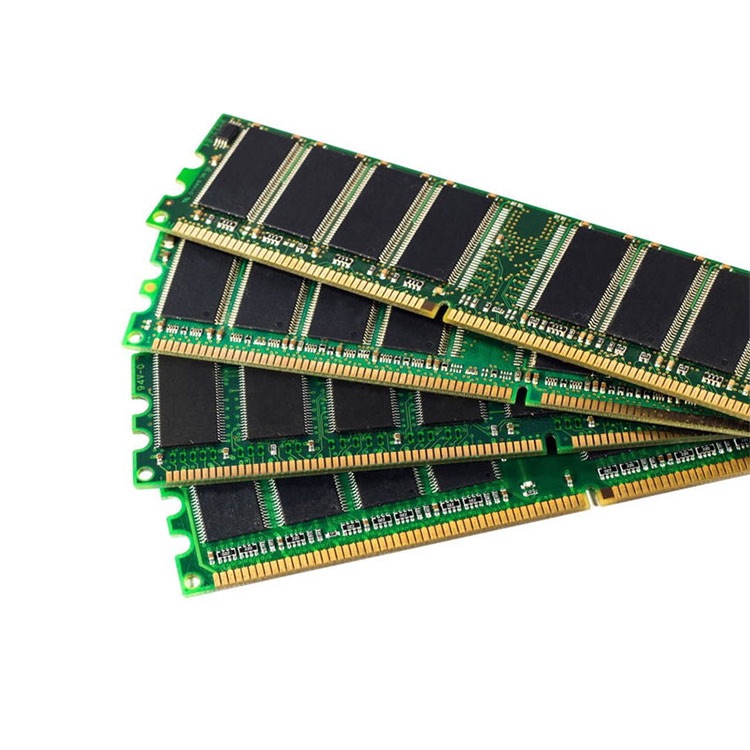
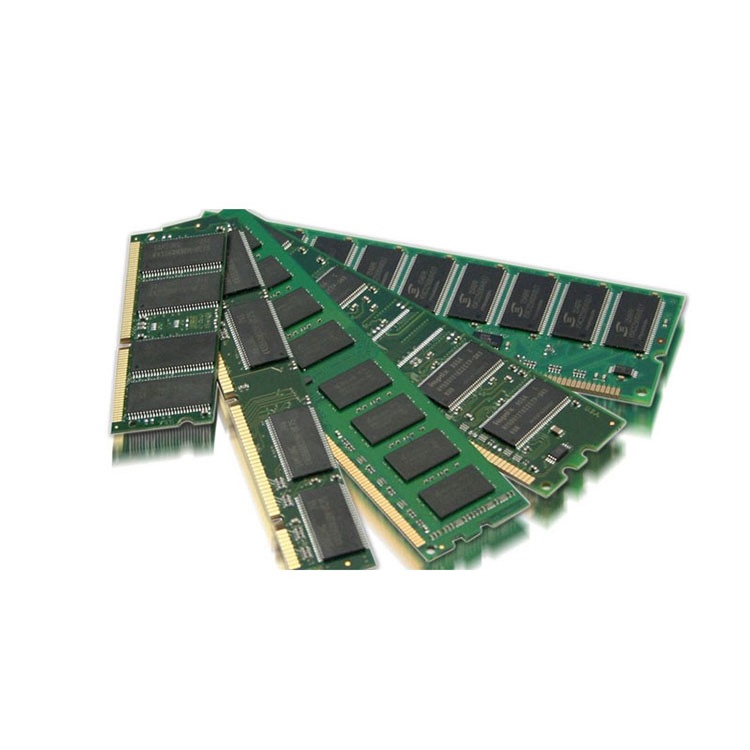
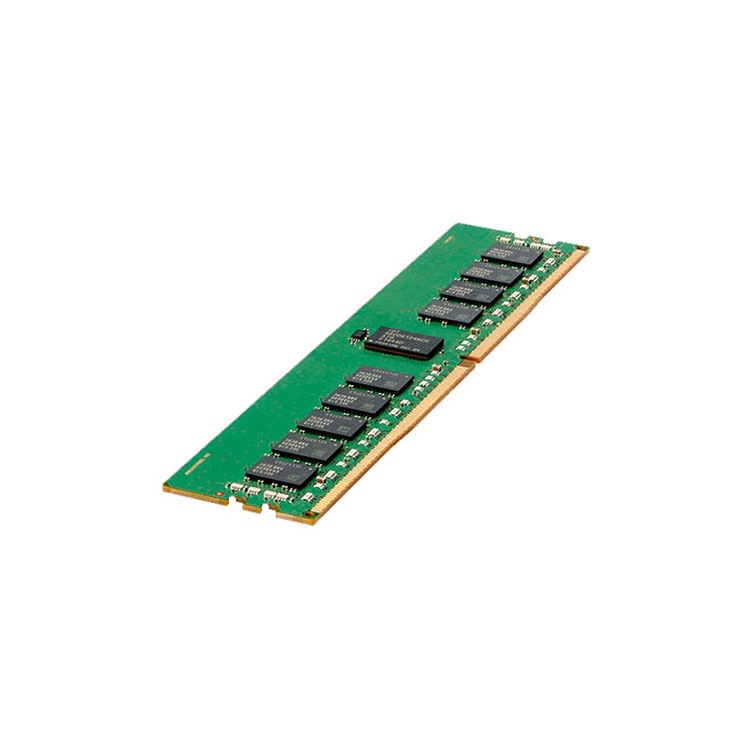
A Server Memory Sourcing Checklist for Procurement Teams
Server memory sourcing is not a price hunt. It is a compatibility, traceability, testing, warranty, and supplier-control exercise where one lazy quote line can turn into downtime, RMAs, and blown deployment schedules.
The Server Memory Mistake That Still Burns Professional Buyers
Start with labels.
When a procurement team treats a 64GB DDR5 ECC RDIMM as a generic commodity instead of a platform-bound, rank-sensitive, warranty-sensitive component, it invites a failure chain that starts in purchasing and ends in a maintenance window no one budgeted for. Why make the server prove what the quote should have proved?
I’ll be blunt: most bad server memory buys are not caused by bad RAM. They are caused by lazy sourcing. A reseller says “compatible.” A buyer sees Samsung, Micron, SK Hynix, or Kingston. The price looks tolerable. Then nobody checks RDIMM versus LRDIMM, 2Rx4 versus 4Rx4, DDR4 versus DDR5, speed downclocking, CPU socket symmetry, BIOS support, or the exact manufacturer part number.
That is how procurement creates IT incidents.
The market is less forgiving now, too. Reuters reported in November 2025 that Samsung raised prices on certain server memory chips by 30% to 60%, with 32GB DDR5 contract pricing moving from $149 in September to $239 in November, while 64GB and 96GB DDR5 rose by more than 30% Reuters on Samsung memory price hikes.
So yes, server memory is a procurement category. But it is not a stationery category. It behaves more like aviation parts: boring until the wrong identifier enters the system.
For a procurement team building a repeatable process, I would start with a supplier that is visibly organized around bulk server RAM supply for enterprise and data center buyers, then force every quote to carry enough technical detail to survive review by infrastructure, finance, and receiving. ServerDimm’s own supply page lists DDR3, DDR4, DDR5, ECC, RDIMM, and LRDIMM coverage, plus bulk stock and tested inventory support, which is the right framing for B2B procurement rather than casual ecommerce.
The Checklist Procurement Should Use Before Any Server RAM Purchase
A server memory sourcing checklist should verify platform compatibility, DIMM type, ECC support, capacity, rank, speed, exact manufacturer part number, condition, testing status, warranty, lot consistency, supplier history, and delivery terms before a purchase order is approved. The goal is not just cheaper memory; the goal is fewer surprises after installation.
Here is my working checklist. Not elegant. Useful.
1. Lock the Server Platform Before Talking Price
Write the exact platform down.
Not “Dell server.” Not “HPE rack.” Not “Intel box.” I want the full model and generation: Dell PowerEdge R740, R750, R760, HPE ProLiant DL380 Gen10 or Gen11, Lenovo ThinkSystem SR650 V2, Supermicro X12, Supermicro X13, and so on.
Then confirm:
Sourcing Field
What Procurement Must Capture
Why It Matters
Server model
Exact OEM model and generation
Determines supported DDR generation and memory population rules
CPU configuration
One CPU or two CPUs, plus CPU model
Memory channels and supported speeds depend on CPU layout
Existing memory map
Slot-by-slot installed DIMMs
Prevents unsupported mixing and unbalanced layouts
BIOS or firmware level
Current version if available
Some memory behavior changes with firmware support
Target workload
Virtualization, AI-adjacent compute, database, analytics, backup, spare pool
Prevents underbuying or overbuying capacity
Deployment scope
10 modules, 200 modules, 2,000 modules
Controls pilot testing, lot control, and delivery risk
Dell’s PowerEdge memory guidance is a clean example of why this matters: for an R740-style upgrade, Dell says RDIMMs and LRDIMMs cannot be mixed, the memory configuration between two CPUs must be identical in size and position, and only two different capacity sizes are allowed in that example path Dell PowerEdge supported memory configuration guide.
That is not a preference. That is a buying rule.
2. Match DIMM Type Before Brand
The logo is overrated.
I would rather approve two properly matched enterprise server memory modules from different approved brands than approve a “same brand” lot where half the modules are RDIMM and half are LRDIMM. Brand continuity is nice. Type continuity is survival.
Full manufacturer part number and approved alternates
If your team still buys from vague quote lines like “64GB DDR4 server RAM compatible with Dell,” stop. That is not a quote. That is a future argument.
For older installed estates, compare requirements against a structured DDR4 server memory catalog where examples show real fields like 32GB DDR4 2666 2Rx4 and 64GB DDR4 3200 2Rx4. For newer density-driven projects, use a DDR5 server memory sourcing path and pay special attention to 64GB, 96GB, and 128GB modules.
3. Force the Full Manufacturer Part Number Into the Quote
This is where weak suppliers hide.
A serious server RAM procurement quote should include the full manufacturer part number, not just the sales title. That means codes like M393A4K40DB3-CWE, M321R8GA0BB0-CQK, HMAA8GR7AJR4N-XN, HMCG94AEBRA109N, MTA36ASF8G72PZ-3G2, or similar exact identifiers depending on brand and generation.
If the supplier cannot provide the exact MPN before payment, I treat the deal as conditional at best.
ServerDimm already has a useful guide on how to read a server memory part number, and that topic belongs directly inside procurement training. The page explains why capacity, DDR generation, speed, ECC status, module class, rank structure, chip width, and exact manufacturer identity all matter before a buyer approves a PO.
4. Separate New Inventory From Tested Used Inventory
New is not always smarter. Used is not always risky.
That sentence makes some buyers nervous, but professionals know the real question is not “new or used?” The real question is whether the module is fit for the project, tested properly, documented cleanly, and backed by a warranty path that will still exist when an RMA appears.
Use new server memory when:
The rollout is a new platform standard
You need long repeatability
The customer contract demands new branded parts
The project involves DDR5 density tiers such as 96GB or 128GB
The deployment is visible, high-value, or politically sensitive
Use tested used server memory when:
You are maintaining older DDR4 fleets
You need continuity for installed platforms
The budget cannot justify new stock
You need spare pools for already-deployed hardware
The supplier can prove testing, labeling, warranty, and RMA controls
But do not confuse “tested used” with “random pulls in anti-static bags.” Those are different animals.
ServerDimm’s quality testing and warranty support page is worth linking here because it names the controls procurement should demand: specification review, ECC RDIMM configuration validation, pre-deployment testing, part-number verification, packing review, warranty communication, and RMA coordination.
Supplier Risk: The Quiet Part Nobody Wants in the PO Meeting
Counterfeit and gray-market infrastructure hardware is not folklore. In May 2024, the U.S. Department of Justice said Onur Aksoy was sentenced to six years and six months in prison for trafficking counterfeit Cisco networking equipment; the DOJ said the scheme generated more than $100 million in revenue and reached hospitals, schools, government agencies, and military systems DOJ counterfeit Cisco equipment case.
No, that was not a server memory case. But procurement people should stop pretending the lesson is limited to switches.
The lesson is traceability.
A server memory supplier should be able to answer these questions without acting insulted:
Supplier Control Questions I Would Ask Before Approval
Supplier Question
Good Answer
Bad Answer
Can you provide exact manufacturer part numbers?
Yes, before PO approval
“Same spec, don’t worry”
Can you support lot-level consistency?
Yes, subject to stock and project size
“Mixed lots are normal”
Can you confirm RDIMM/LRDIMM type?
Yes, with label photos or spec sheet
“It is server RAM”
Can you support pre-shipment testing?
Yes, process documented
“Factory tested” with no detail
Can you handle RMA terms in writing?
Yes, stated before payment
“We will help if needed”
Can you support recurring orders?
Yes, with approved alternates
“Depends what we find”
Can you ship with clear labels and packing?
Yes, receiving-friendly documentation
Loose or unclear packaging
Hard truth: the cheapest server memory supplier often becomes expensive only after the return window starts closing.
That is why I would point procurement teams to ServerDimm’s server memory buying and sourcing tips and its broader server memory guides when building internal SOPs. The site’s blog index is already organized around ordering specs, part numbers, mixing server RAM, and detection problems, which mirrors the real failure points in enterprise purchasing.
Capacity Planning Is Now a Power and Budget Conversation
Server memory sourcing is no longer just about DIMM slots. It is tied to node density, virtualization consolidation, AI infrastructure, power limits, and cash timing.
The U.S. Department of Energy said data center electricity usage rose from 58 TWh in 2014 to 176 TWh in 2023, and it projected 325 to 580 TWh by 2028, equal to about 6.7% to 12% of total U.S. electricity consumption DOE data center electricity demand report.
That changes how I look at memory.
If a procurement team can consolidate workloads by moving from 32GB DIMMs to 64GB, 96GB, or 128GB server memory modules in supported platforms, the question is not only “What is the DIMM price?” The better question is: “What is the cost per stable workload, per rack unit, per watt, and per maintenance window?”
ServerDimm’s article on which server memory capacities and types are most in demand lines up with what buyers are feeling: 96GB DDR5 ECC RDIMM at 5600 MT/s is showing up in AI-adjacent compute, analytics, and dense virtualization discussions, while 128GB DDR5 ECC RDIMM or LRDIMM belongs to high-density hosts, in-memory databases, and analytics clusters.
Here is the unpopular procurement view: density can be cheaper even when the DIMM price is higher. But only if the platform supports it, the workload benefits from it, and the supplier can keep the configuration repeatable.
The Practical Server Memory Sourcing Checklist
Use this before you approve a quote. Print it. Annoy people with it.
Compatibility Checklist
Confirm exact server model and generation.
Confirm CPU model, CPU count, and populated channels.
Confirm DDR generation: DDR3, DDR4, or DDR5.
Confirm ECC requirement.
Confirm module type: RDIMM, LRDIMM, 3DS LRDIMM, MRDIMM, or another supported type.
Confirm rank and chip width: 1Rx8, 2Rx4, 4Rx4, 8Rx4.
Confirm current installed memory map.
Confirm OEM population rules.
Confirm BIOS or firmware constraints.
Confirm whether speed will downclock with mixed speeds.
Require lot consistency statement for bulk orders.
Require warranty terms in writing.
Require RMA process in writing.
Require lead time and shipping method.
Require commercial validity period because memory pricing can move fast.
Receiving Checklist
Match delivered labels to the PO.
Check MPN, capacity, rank, speed, and type.
Separate lots physically.
Photograph labels before staging.
Record serials or batch markers where available.
Reject ambiguous substitutions before installation.
Run pilot validation before fleet rollout.
Deployment Checklist
Test a small sample before bulk installation.
Monitor POST behavior.
Check BIOS-recognized capacity and speed.
Review ECC counters and system logs.
Validate NUMA balance in dual-socket systems.
Document final approved configuration.
Feed the approved configuration back into procurement records.
And please, for everyone’s sanity, read Can You Mix Server RAM? before approving any “equivalent” substitute. The article makes the right point: mixing is possible only inside strict platform rules, and the real risk is not the logo; it is type, generation, ECC behavior, rank, capacity layout, CPU socket symmetry, BIOS support, and downclock behavior.
FAQs
What is a server memory sourcing checklist?
A server memory sourcing checklist is a procurement control document that verifies server platform compatibility, DIMM type, ECC support, capacity, rank, speed, manufacturer part number, testing status, warranty terms, supplier reliability, and delivery conditions before a purchase order is approved. It protects buyers from wrong modules, failed installs, and avoidable returns.
In practice, the checklist should be shared by procurement, infrastructure, receiving, and finance. Server RAM procurement fails when those teams work from different assumptions.
How do you source server memory for procurement teams?
You source server memory for procurement teams by starting with the exact server model, current memory configuration, target capacity, supported DIMM type, approved part numbers, supplier testing process, warranty terms, and delivery timeline before negotiating price. The safest process treats compatibility and traceability as approval gates, not afterthoughts.
I would never begin with “send best price for 64GB.” That phrase invites vague substitutions. Start with platform evidence, then ask for stock.
What is the difference between RDIMM and LRDIMM in server RAM procurement?
RDIMM is registered server memory that buffers command and address signals, while LRDIMM is load-reduced server memory designed to support higher-capacity configurations by reducing electrical load on the memory controller. Procurement teams must not treat them as interchangeable because server platforms often support one type, the other, or strict population rules.
The dangerous mistake is assuming equal capacity means equal fit. A 64GB RDIMM and a 64GB LRDIMM can belong to very different upgrade paths.
Should procurement buy new or tested used server memory?
Procurement should buy new server memory for new platform rollouts, strict contract requirements, high-density DDR5 projects, and long repeatability, while tested used server memory can make sense for legacy DDR4 maintenance, spare pools, budget-controlled refreshes, and installed-base continuity. The decision depends on validation, warranty, traceability, and project risk.
The real divide is not new versus used. It is controlled versus uncontrolled supply.
Why does ECC RAM matter for servers?
ECC RAM matters for servers because it detects and corrects certain memory errors that can otherwise affect uptime, data integrity, workload stability, and system reliability in enterprise environments. Procurement teams should confirm ECC support, module class, platform rules, and BIOS recognition before buying memory modules for servers or data center deployments.
ECC is not a decorative acronym. It is one reason server memory is not the same as desktop memory.
What should a server memory supplier provide before purchase?
A server memory supplier should provide exact manufacturer part numbers, module specifications, condition status, available quantity, brand details, supported alternates, testing approach, warranty terms, RMA process, shipping timeline, and compatibility review support before purchase. For bulk server memory orders, lot consistency and labeling clarity should also be discussed upfront.
If the supplier will not document the basics before payment, expect confusion after delivery.
Final Thoughts: Turn Server Memory Sourcing Into a Controlled Process
Do not buy server memory from a title. Buy it from evidence.
Before your next enterprise server memory order, build a short approval packet: server model, current DIMM map, target capacity, supported module type, exact MPNs, approved alternates, testing requirement, warranty terms, and delivery schedule. Then send that packet to a supplier that understands bulk server memory, not just ecommerce listings.
If your team is sourcing DDR4, DDR5, ECC RDIMM, LRDIMM, or high-density server memory for a real deployment, start with ServerDimm’s bulk server RAM supplier page, compare the relevant DDR4 server memory or DDR5 server memory categories, and request a quote with your exact platform details, required quantities, target timeline, and warranty expectations.
ServerDimm supplies new and used branded server memory for distributors, OEM buyers, resellers, and data center teams. We support DDR4 and DDR5 sourcing with tested inventory, compatibility checks, and responsive quote service.