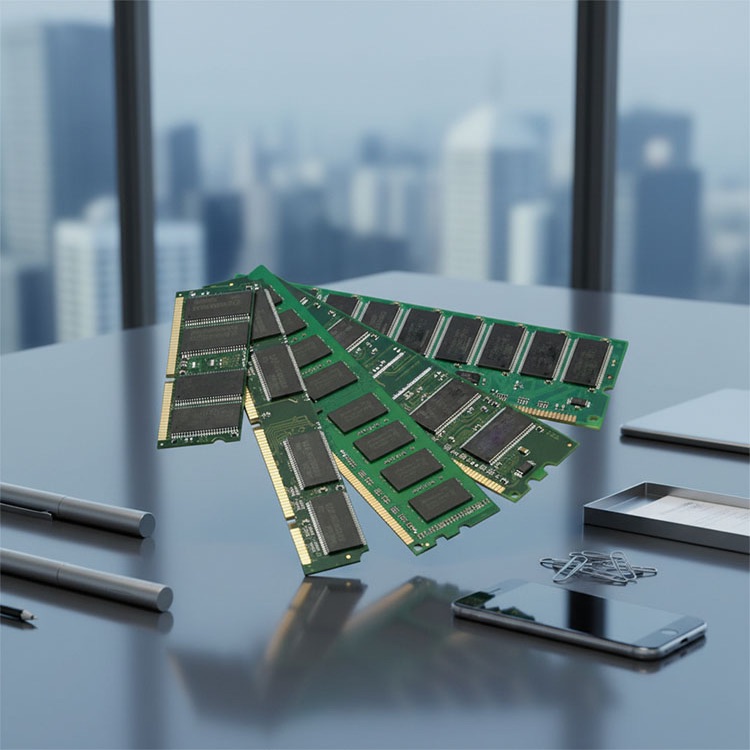
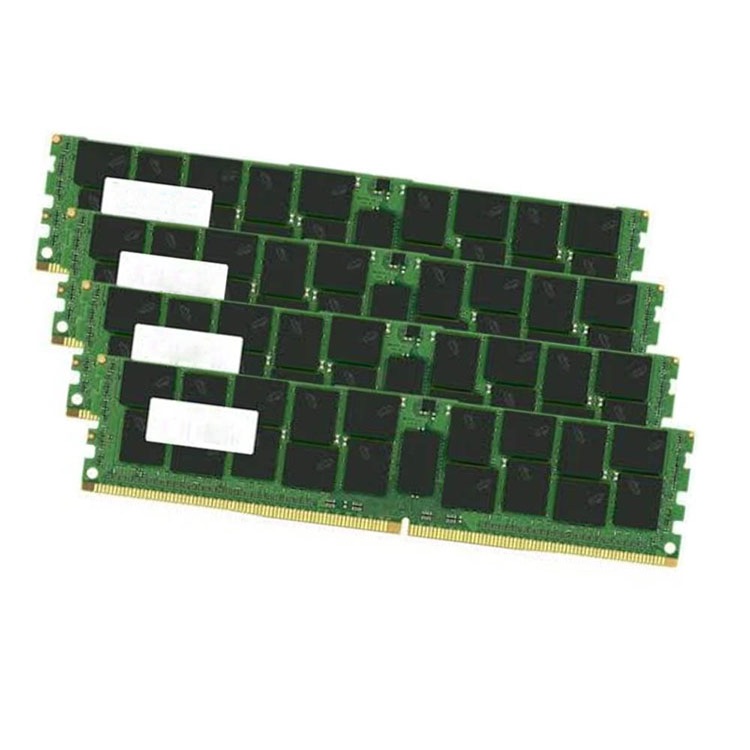
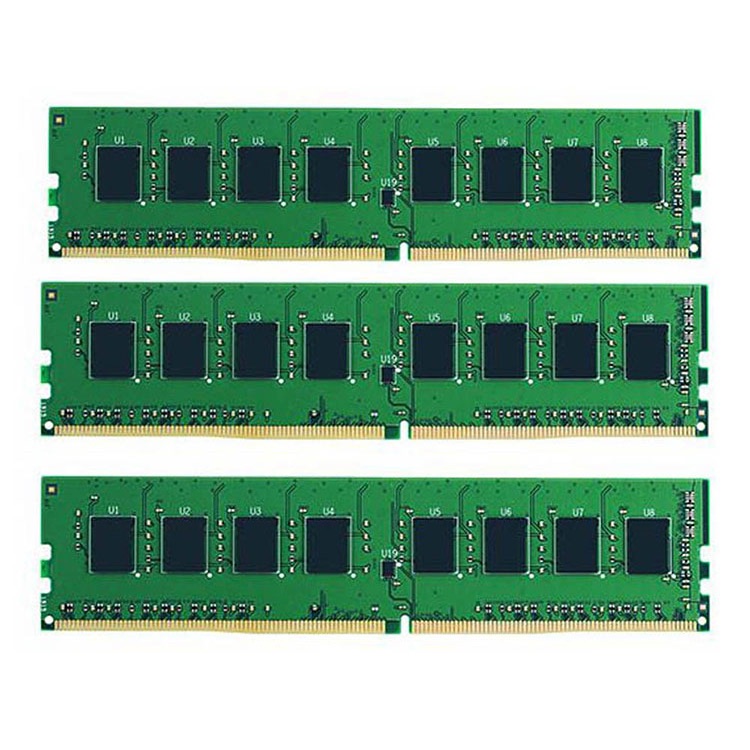
Edge servers fail differently than data center servers. This guide explains how to plan a server memory upgrade that respects latency, thermals, ECC reliability, DIMM configuration, and real procurement constraints.
Latency is unforgiving. When an edge node is asked to filter camera feeds, run local inference, cache telemetry, maintain security agents, and keep services alive during WAN degradation, the memory plan decides whether the server behaves like infrastructure or becomes another blinking box that somebody has to reboot at 2:17 a.m. So why do so many teams still buy edge computing server RAM by capacity sticker alone?
I’ll be blunt: a server memory upgrade for edge servers is not a shopping task. It is a risk-control exercise.
Edge computing moves workloads closer to devices and local data sources; IBM describes it as a distributed framework that brings enterprise applications closer to IoT devices, local servers, and data origin points for faster response and better bandwidth use (IBM edge computing overview). (IBM) That sounds neat in a slide deck. In a factory, telecom cabinet, retail branch, hospital closet, or roadside micro data center, it means fewer human hands, tighter power limits, dirtier thermal conditions, and less tolerance for “we’ll fix it during the next maintenance window.”
The hard truth: edge server memory upgrade failures are rarely dramatic at first. They show up as lower trained speed, uneven channels, silent capacity waste, kernel logs nobody reads, VM ballooning, swap storms, and one angry application team saying the “network is slow.”
It is not the network.
It is often RAM.
Start With the Workload, Not the DIMM
Before buying anything, I want three numbers: working-set memory, peak concurrency, and failure headroom. Not vendor folklore. Not “the old server had 128GB, so 256GB should be fine.” Real measurements.
For an edge server running containers, local databases, NVR workloads, CDN cache, Kubernetes edge clusters, or AI inference, the useful question is not “How much RAM can the motherboard take?” The better question is: how much hot data must remain in RAM when the link to the central cloud is slow, expensive, or down?
A clean edge server memory upgrade plan should separate memory demand into four buckets:
This is where server memory compatibility checks matter more than procurement teams like to admit. ServerDimm’s quality workflow focuses on generation, module type, part number, capacity target, ECC requirements, and platform fit before shipment, which is exactly how edge deployments should be handled when remote rollback is expensive.
One more point. Power is now part of the RAM conversation.
The U.S. Department of Energy says data centers consume 10 to 50 times more energy per floor area than typical commercial offices and account for about 2% of total U.S. electricity use (DOE data centers and servers). (The Department of Energy’s Energy.gov) Reuters also reported that a DOE-backed Berkeley Lab study projected U.S. data-center electricity use could reach 6.7% to 12% of total U.S. consumption by 2028 (Reuters on data-center power demand).
Edge sites are smaller, yes. But they are not magic. A bad memory configuration that forces more servers, more retries, more disk I/O, or more cooling load is still a power problem.
ECC Is Not Optional Unless You Enjoy Gambling
I have no patience for edge servers running serious workloads without ECC memory. That opinion will annoy some budget buyers. Good.
Google’s large production study, “DRAM Errors in the Wild,” analyzed memory errors across a server fleet for 2.5 years and found more than 8% of DIMMs affected by errors per year, with error rates far higher than older assumptions (Google Research DRAM error study). (Google Research) If an edge server is handling industrial control data, retail transactions, medical imaging cache, logistics telemetry, or local AI decisions, pretending memory errors are theoretical is not thrift. It is negligence.
ECC memory for edge servers is the baseline because remote sites often lack the luxury of instant technician access. A correctable memory event should be logged and managed, not converted into corrupted application state or a mysterious system crash.
That is why I prefer procurement paths that document ECC RDIMM or LRDIMM type clearly. ServerDimm’s quality testing and warranty support for server memory page is a useful internal reference because it frames memory buying around specification review, ECC/module-type review, part-number checking, and pre-shipment screening rather than the usual “cheap stock, fast ship” routine.
Small sentence. Big bill.
DIMM Configuration Is Where Edge Upgrade Plans Usually Break
A DIMM is not correct because it fits the slot. It is correct because the server trains it properly, maps it across channels cleanly, and supports it under the CPU’s memory rules.
For edge servers, DIMM configuration best practices usually come down to five controls:
Populate Channels Symmetrically
Memory channels are not decoration. If a server platform expects balanced DIMM placement across CPU channels, half-populated or lopsided layouts can reduce bandwidth and create uneven latency. For edge workloads doing real-time analytics or local inference, that “minor” imbalance can turn into jitter.
ServerDimm’s guide on why memory population order matters in servers defines population order as the installation sequence that keeps CPU memory channels supported, balanced, and electrically sane. (Site Title) I would link to that any time the article discusses DIMM slot order, because this is exactly where technicians and buyers talk past each other.
Do Not Mix RDIMM and LRDIMM
No poetry here. Do not do it.
RDIMM and LRDIMM solve different scaling problems, and many platforms reject mixed module classes outright. If the site already has 32GB DDR4 RDIMM modules and the upgrade request says “add 64GB LRDIMM because it was cheaper,” stop the purchase. Ask for the server model, CPU generation, existing module labels, BIOS revision, and supported memory matrix.
Treat Rank Layout as a Compatibility Signal
A 2Rx4 module is not the same planning object as a 1Rx8 module. Rank, chip width, generation, and speed bin affect support behavior. This is why I like forcing exact part numbers into every quote.
ServerDimm’s server memory part number guide is a good internal support page here because it teaches buyers to read capacity, DDR generation, speed, ECC status, module class, rank structure, and manufacturer identity before approving a PO.
Respect Thermal Limits
Edge servers often live in worse rooms than central data center gear: telecom huts, warehouse cages, retail back offices, mobile enclosures, wall cabinets, and dusty “temporary” rooms that somehow become permanent.
More DIMMs can mean more heat. Higher-density DIMMs can mean different airflow behavior. Memory upgrade strategies for edge servers must include thermal review, not just capacity math.
Keep Spare Strategy Local
If an edge site runs a non-standard memory mix, your spare pool becomes a mess. I prefer repeatable configurations: same generation, same module class, same rank plan, same speed family, same vendor lot when practical.
Boring wins.
DDR4, DDR5, RDIMM, LRDIMM: The Upgrade Decision Matrix
DDR5 looks attractive because the numbers are bigger. Bigger is not always better if the platform is DDR4, the workload is capacity-bound rather than bandwidth-bound, or the site needs a low-risk maintenance upgrade on an existing fleet.
Use this decision table before arguing about “best RAM for edge servers.”
Upgrade Scenario
Recommended Memory Direction
Why It Works
What Can Go Wrong
Existing DDR4 edge fleet with stable CPUs
Add matched DDR4 ECC RDIMM where supported
Lower disruption, easier standardization, often enough for cache and VM density
Mixed ranks or wrong speed can downclock
New edge AI node with modern platform
DDR5 ECC RDIMM with supported high-density modules
More bandwidth and newer platform runway
Cost, stock risk, BIOS support gaps
Memory-heavy virtualization host
Higher-capacity RDIMM or supported LRDIMM
Better VM consolidation and less swapping
LRDIMM may not mix with existing RDIMM
Remote site with poor technician access
Standardized ECC modules plus spare pool
Faster replacement and cleaner RMA
Capacity-only buying creates mismatch
Tight thermal enclosure
Conservative density and airflow review
Lower heat risk and better stability
Overfilling slots can raise thermal stress
For live category context, ServerDimm’s DDR5 server memory catalog shows examples such as Micron 96GB DDR5 5600 2Rx4 and SK Hynix 128GB DDR5 4800 2S2Rx4 modules, which are the kind of exact strings buyers should compare instead of vague “128GB server RAM” listings. (Site Title) For older fleets, the DDR4 server memory category shows used DDR4 options across Samsung and SK Hynix modules, which can be relevant for controlled maintenance programs where platform continuity matters.
The Upgrade Workflow I Would Actually Trust
Here is the practical workflow I would use before approving a server memory upgrade for edge servers.
Step 1: Pull the Current Inventory
Document server model, CPU model, BIOS version, installed DIMMs, slot placement, module type, capacity, rank, speed, and manufacturer part number. Photos help, but labels must be readable.
Step 2: Measure the Real Bottleneck
Look for paging, swap, cache misses, VM ballooning, container OOM kills, database buffer pressure, and disk I/O spikes. A CPU upgrade may look tempting, but many edge nodes are simply memory-starved.
This is where ServerDimm’s article on when to upgrade memory instead of the CPU fits naturally, because it argues for RAM first when the machine is waiting on memory rather than truly CPU-bound.
Step 3: Build the Target Configuration
Do not say “upgrade to 512GB.” Say “8 × 64GB DDR4-3200 ECC RDIMM, 2Rx4, populated according to the platform guide, symmetrical across CPU channels.” That sentence saves money.
Step 4: Quote by Exact Specification
The cheapest quote is often the quote with the least truth in it. Ask for part numbers, condition, testing evidence, warranty terms, substitution policy, lead time, and landed cost.
ServerDimm’s guide on comparing server memory quotes from different suppliers makes the right point: compare exact module identity, platform compatibility, testing evidence, warranty terms, availability, landed cost, and supplier replacement policy before unit price.
Step 5: Pilot Before Fleet Rollout
For a single edge site, test one server. For a fleet, test one site type. Run memory diagnostics, boot cycles, application load, temperature checks, and log review. Then ship volume.
Skip this step and you are not moving fast. You are hiding risk.
FAQs
What is the best server memory upgrade strategy for edge servers?
The best server memory upgrade strategy for edge servers is a workload-first plan that measures real memory pressure, confirms ECC support, follows the server’s DIMM population rules, standardizes module type and rank, and validates the target configuration before bulk deployment across remote sites. After that, procurement can compare price safely.
In practice, I would start with monitoring data, then check platform documentation, then match RDIMM or LRDIMM type, capacity per channel, supported speed, and spare-pool requirements. The buying decision comes last, not first.
How much RAM does an edge server need?
An edge server needs enough RAM to hold its operating system reserve, application working set, local cache, virtualization overhead, and outage-mode buffer without sustained paging or swap under peak local load. The correct number may be 64GB, 128GB, 256GB, 512GB, or more depending on workload density and site autonomy.
A lightweight gateway may run well with modest ECC memory. A local AI inference node, video analytics server, or database cache node may need far more. Average utilization is not enough; size for worst-hour behavior.
Is ECC memory required for edge servers?
ECC memory is required for serious edge servers because it detects and corrects many memory errors before they become application corruption, unexplained crashes, or remote-site downtime. For workloads involving telemetry, transactions, industrial systems, AI decisions, or regulated data, non-ECC memory is a false economy.
I would not treat ECC as a premium add-on. I would treat it as the entry ticket for server-class edge infrastructure, especially where truck rolls are slow and expensive.
Can I mix different server RAM modules in an edge server?
Different server RAM modules should only be mixed when the server vendor’s rules explicitly allow the exact generation, module type, rank, speed, capacity, and slot arrangement being installed. Unsupported mixing can prevent boot, force downclocking, break channel balance, or create intermittent errors that are painful to diagnose remotely.
Mixing DDR4 and DDR5 is not possible. Mixing RDIMM and LRDIMM is generally a bad idea. Mixing capacities may work on some platforms, but “works” is not the same as “runs optimally.”
Should I choose DDR4 or DDR5 for edge server memory upgrades?
Choose DDR4 when upgrading an existing DDR4 platform for stable capacity expansion, and choose DDR5 when deploying a newer edge server platform that officially supports DDR5 and benefits from higher bandwidth or larger validated module densities. The platform decides first; the workload decides second; price decides last.
For many edge fleets, DDR4 remains practical because installed servers, spare inventory, and maintenance procedures already exist. For new AI-heavy edge nodes, DDR5 may make more sense if the platform and budget support it.
Your Next Steps
Do not approve an edge server memory upgrade from a capacity-only quote. Send the server model, current DIMM labels, target capacity, workload type, required quantity, preferred brands, and shipping destination to a supplier that will verify compatibility before taking the order.
ServerDimm supplies new and used branded server memory for distributors, OEM buyers, resellers, and data center teams. We support DDR4 and DDR5 sourcing with tested inventory, compatibility checks, and responsive quote service.