Can BIOS or firmware affect memory compatibility? Yes. In many real systems, firmware decides whether RAM trains, downclocks, reports correctly, or refuses to boot. This guide explains what actually happens behind the screen.
BIOS and firmware can affect RAM compatibility because the system firmware initializes the memory controller, reads the DIMM’s SPD data, applies voltage and timing rules, enforces motherboard RAM compatibility limits, and decides whether the installed memory can train successfully before the operating system ever loads.
So why do buyers still blame the RAM first?
I have seen this mistake in procurement conversations too many times: a buyer orders “the same” 64GB DDR4 ECC RDIMM, swaps it into a production server, hits a boot failure, and then starts arguing with the supplier before checking the BIOS revision, UEFI release notes, population rules, or the memory QVL list. That is not investigation. That is panic wearing a headset.
Table of Contents
The Dirty Secret: RAM Compatibility Is Negotiated Before the OS Exists
RAM compatibility is not just about capacity, speed, or brand. It is a negotiation between the CPU memory controller, motherboard traces, BIOS memory reference code, firmware tables, DIMM SPD data, ECC behavior, rank structure, and vendor validation rules.
Tiny things matter.
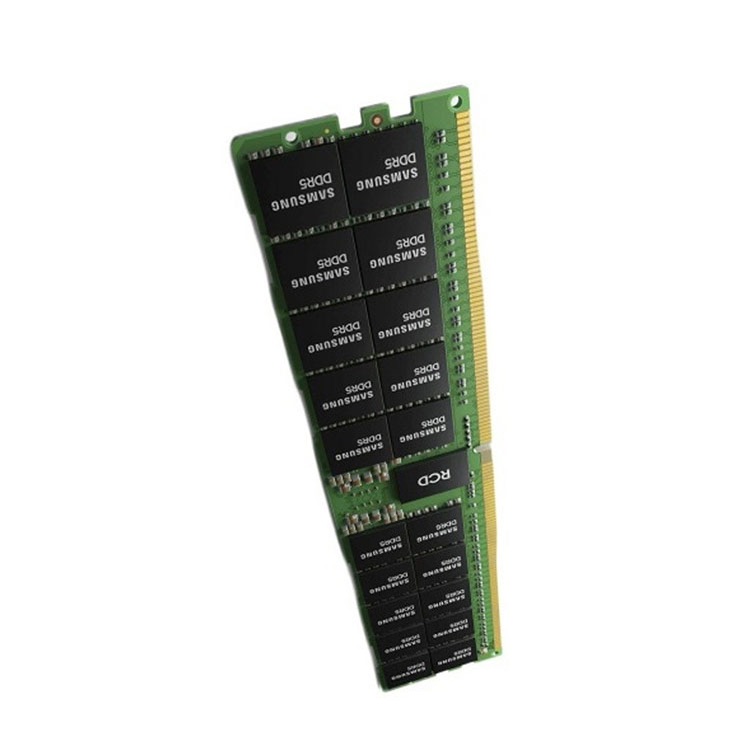
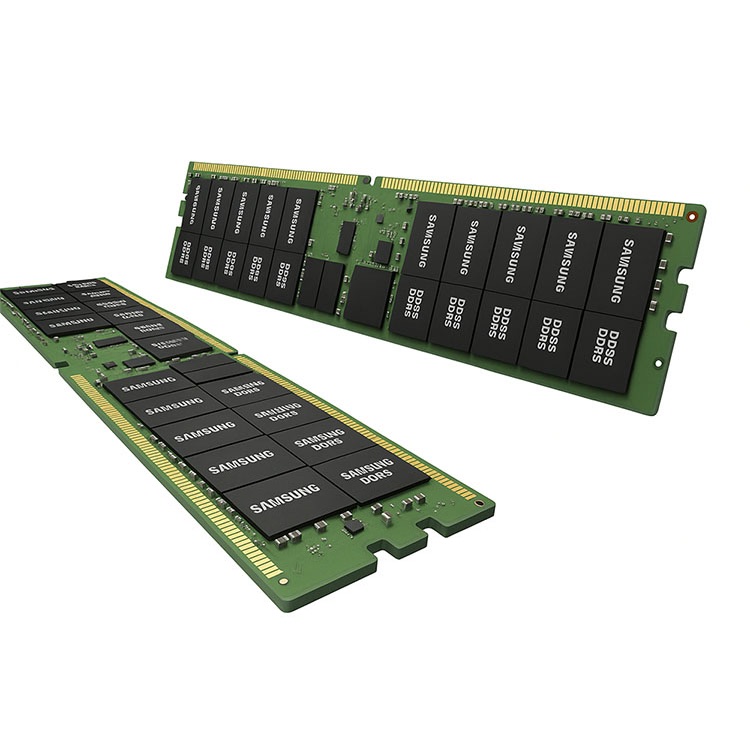
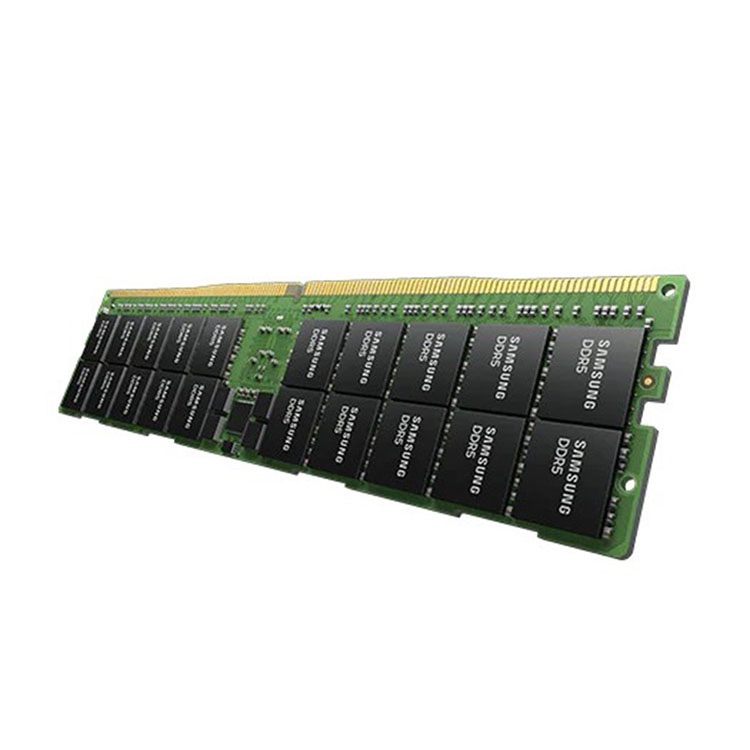
A module labeled DDR5-4800 may physically fit, but that does not mean the platform firmware knows how to train that exact density, rank layout, or timing profile; Lenovo’s own ThinkSystem memory documentation says some branded memory can exceed the printed DIMM label specification and that the server’s UEFI firmware may need to be updated to support such DIMMs in the field. Read Lenovo’s note in its ThinkSystem Memory Summary.
That single point should kill a lot of lazy advice online.
If you are buying server RAM, the sane workflow starts with a server memory compatibility check, not with a marketplace filter. ServerDIMM’s own compatibility guide gets the sequence right: platform first, installed module second, supplier quote third. That order prevents the classic “correct capacity, wrong behavior” failure.
What BIOS Actually Does to Memory
BIOS, or UEFI on modern systems, performs memory initialization before the operating system starts. It reads the Serial Presence Detect data from each DIMM, applies supported timings, checks population rules, tests training stability, configures ECC where supported, and exposes final memory size, type, and speed to the platform.
Dell’s PowerEdge R750 BIOS reference is blunt about this: the BIOS memory settings screen reports system memory size, memory type, and memory speed. That sounds boring until a server shows 382GB instead of 512GB or drops a DDR5 kit to a lower MT/s profile after a firmware change. See Dell’s PowerEdge BIOS Memory Settings.
The BIOS is not wallpaper. It is the gatekeeper.
And in server memory, gatekeepers matter more than logos.
BIOS Update RAM Compatibility: Fix, Risk, or Both?
A BIOS update can improve RAM compatibility by adding memory reference code, expanding DIMM support, improving DDR5 training, fixing ECC reporting, changing default memory behavior, or supporting newer module densities. It can also break a previously stable configuration if the update changes timings, training thresholds, security defaults, or unsupported-but-working behavior.
Here is the hard truth: “Update your BIOS” is not always professional advice. Sometimes it is just what people say when they are out of ideas.
Dell’s own technical material on DDR4 Post Package Repair and memory retraining says PowerEdge systems should be on current or near-current systems management firmware, and it explains that memory retraining happens early in the “configuring memory” stage to optimize signal timing and margining for each DIMM slot. That is real firmware-level memory behavior, not forum superstition. Dell also notes that BIOS changes, memory configuration changes, operating temperature, and DIMM aging can affect memory signal timing and margining. See Dell’s DDR4 Post Package Repair and Memory Retraining Enhancements.
So yes, a firmware update can rescue a memory upgrade.
But it can also expose a bad assumption.
If a buyer mixes RDIMM and LRDIMM, no BIOS update should be expected to bless that mess. If the installed modules violate CPU-channel symmetry, rank limits, or vendor population rules, firmware may simply enforce what the platform always required. ServerDIMM’s guide on whether you can mix server RAM makes the point clearly: server RAM mixing only works inside strict generation, ECC, DIMM type, speed, rank, and slot-placement rules.
The Firmware Update Rule I Actually Trust
Do not update firmware blindly on a production fleet.
Test first.
On one node, document the current BIOS/UEFI version, BMC/iDRAC/iLO/XCC version, installed DIMM part numbers, memory speed before and after update, ECC status, event logs, and boot-training time. Then update. Then run the same checks again.
A serious firmware update plan should answer five questions before anyone touches a rack:
Checkpoint
What to Record
Why It Matters for RAM Compatibility
BIOS/UEFI version
Current and target release
Memory support often changes through firmware
BMC or management firmware
iDRAC, iLO, XCC, IMM version
Hardware inventory and error reporting may depend on it
DIMM identity
Brand, MPN, capacity, rank, speed, ECC class
Capacity alone does not prove compatibility
Memory behavior
Reported size, speed, channel mode, ECC status
Confirms whether the system trained correctly
Event logs
Correctable errors, training failures, slot warnings
Shows whether the platform is accepting or tolerating the RAM
This is where a server memory part number guide becomes more than a blog post. If you cannot read 2Rx4, PC4-3200AA, PC5-4800B, ECC RDIMM, LRDIMM, 3DS RDIMM, or a manufacturer code like MTA36ASF8G72PZ, you are not really diagnosing RAM compatibility. You are guessing with better formatting.
Memory QVL Lists Are Useful, but They Are Not Holy Scripture
A memory QVL list is a vendor-tested compatibility list showing RAM modules that a motherboard or server platform maker has validated under specific BIOS versions, CPU conditions, and configuration limits. It is useful evidence, but it is not a complete map of every DIMM that can work.
That distinction matters.
QVL lists are often frozen snapshots. A module may work without appearing on the list. A listed module may only be validated under a specific BIOS version, DIMM count, CPU family, voltage profile, or slot layout. And a substitute module with the same capacity and speed may fail because the rank structure, DRAM organization, or SPD profile differs.
So what should professionals do?
Use the QVL as a starting point, then verify the exact part number, firmware version, population guide, CPU memory-channel rules, and supplier substitution policy. ServerDIMM’s server memory quote comparison guide is useful here because it attacks a real problem in the market: quotes that look equal until you inspect part numbers, condition, testing evidence, warranty terms, and replacement policy.
Cheap quotes are loud. Bad quotes are louder after install.
And the market is getting nastier. Reuters reported on January 5, 2026, that global memory supply was being squeezed by AI infrastructure demand, with prices in some memory segments more than doubling since February 2025, according to TrendForce. That makes every compatibility mistake more expensive, because replacement stock is not always sitting on a shelf waiting to forgive your sloppy RFQ. Read the Reuters report on the memory supply crunch.
DDR5 Memory Compatibility Is Less Forgiving Than Buyers Want
DDR5 memory compatibility has more moving parts than DDR4. Higher speeds, new PMIC behavior, on-die ECC, different density options, 4800/5600 MT/s server modules, and platform-specific training rules all make firmware support more visible.
This is not consumer RGB drama.
In servers, DDR5 compatibility means checking CPU generation, board support, ECC RDIMM or 3DS RDIMM requirements, speed fallback rules, slot population, BIOS version, and whether the vendor supports the target density. A 96GB DDR5-5600 ECC RDIMM and a 64GB DDR5-4800 2Rx4 module may both be “DDR5 server memory,” but they do not represent the same validation problem.
If you are sourcing newer builds, browse the DDR5 server memory catalog and look at the fields that matter: capacity, DDR generation, speed, rank notation, OEM identity, and whether the module is positioned for B2B compatibility checks rather than retail guesswork. ServerDIMM’s DDR5 category already reflects the kind of 64GB, 96GB, and 128GB module density conversations buyers are having now.
The Industry Opinion Some Vendors Hate
Brand is not your compatibility strategy.
Samsung, SK hynix, Micron, and Kingston all make legitimate memory. That does not mean every module from those brands belongs in your platform. A Samsung RDIMM and a Micron RDIMM may coexist in a supported configuration. A Samsung RDIMM and a Micron LRDIMM should not be magically treated as compatible because both names look respectable.
The platform decides.
Firmware enforces.
The invoice suffers.
Real Data: Memory Problems Are Not Edge Cases
Memory errors are not rare academic trivia. Google’s large-scale study, DRAM Errors in the Wild, analyzed a large fleet of commodity servers over 2.5 years, covering multiple vendors, DRAM capacities, technologies, and many millions of DIMM days. That is exactly the kind of field evidence buyers should respect before treating RAM compatibility issues as isolated bad luck.
One more ugly layer: firmware is not only a compatibility issue; it is also a trust issue. CERT/CC’s 2024 PKfail note described insecure hard-coded Platform Keys in UEFI firmware that could undermine Secure Boot trust relationships and allow manipulation of sensitive system settings. That does not mean every BIOS update is dangerous. It means firmware belongs in change control, not in casual superstition. Read the CERT/CC PKfail UEFI vulnerability note.
Here is my position: if firmware can decide whether memory trains, reports, self-heals, logs, downclocks, or exposes platform trust failures, then treating BIOS as a side issue is negligent.
Not inefficient. Negligent.
BIOS, Firmware, and RAM Compatibility Failure Modes
Failure Mode
What the Buyer Sees
Likely Firmware Link
Practical Fix
No POST after upgrade
Fans spin, no boot, memory LED, error code
Unsupported DIMM type, rank, density, or outdated BIOS memory code
Confirm QVL, update BIOS on test node, verify exact DIMM class
Memory downclocking
DDR5-5600 runs at 4800 MT/s
CPU limit, slot population, BIOS training rule
Check CPU memory table and population guide
Partial memory visible
Installed 512GB, OS reports less
Training failure, reserved memory, slot issue, firmware inventory mismatch
Check BIOS inventory and event logs before blaming OS
Firmware changed training, security, or validation behavior
Roll back only after reviewing release notes and logs
Random corrected errors
System boots but logs memory alerts
Marginal DIMM, timing margin, slot signal issue
Run vendor diagnostics, retrain memory, isolate DIMM and slot
This is why a professional buyer should not ask, “Is this RAM compatible?” in isolation.
The better question is: “Is this exact module compatible with this exact platform, CPU, BIOS version, slot layout, memory mode, and firmware policy?”
That question sounds annoying because it is the right one.
FAQs
Can BIOS affect RAM compatibility?
BIOS can affect RAM compatibility because it initializes memory before the operating system loads, reads DIMM SPD information, applies timings and voltage behavior, checks memory population rules, and decides whether installed RAM can train successfully. A newer BIOS may add support for newer DIMMs, while a bad or outdated BIOS may cause boot failures.
Can a BIOS update fix memory compatibility issues?
A BIOS update can fix memory compatibility issues when the update includes newer memory reference code, better training logic, improved ECC reporting, or support for newer DIMM densities and speed profiles. It is safest to test the update on one system first, record before-and-after memory behavior, and avoid blind fleet-wide updates.
Can firmware make compatible RAM stop working?
Firmware can make previously working RAM stop working if the update changes memory training thresholds, security defaults, supported timing tables, or validation behavior. In some cases, the RAM was never officially supported; the older firmware merely tolerated it until a stricter update exposed the unsupported configuration.
What is a memory QVL list?
A memory QVL list is a qualified vendor list showing RAM modules tested by a motherboard or server manufacturer under defined platform conditions. It helps verify motherboard RAM compatibility, but it should not be treated as a complete compatibility universe because BIOS version, CPU model, DIMM count, and memory population rules still matter.
Does DDR5 need newer BIOS support?
DDR5 often needs newer BIOS support because DDR5 platforms rely heavily on firmware memory training, SPD interpretation, PMIC behavior, density recognition, and speed fallback rules. New DDR5 modules, especially higher-density ECC RDIMM and 3DS RDIMM parts, may require UEFI updates before a server can detect, train, or run them correctly.
How do I check if server RAM is compatible?
You check server RAM compatibility by identifying the server model, CPU generation, BIOS or UEFI version, supported DDR generation, ECC requirement, RDIMM or LRDIMM type, rank structure, speed limits, and slot population rules. Then match those facts against the exact DIMM part number, not just the advertised capacity or brand.
Your Next Steps
Do not buy RAM from a headline.
Before your next upgrade, pull the installed DIMM label, record the server model and CPU SKU, check the BIOS or UEFI version, read the memory population guide, and demand the exact replacement part number in writing. If the order affects more than one production node, pilot one machine first.
For B2B sourcing, start with a bulk server RAM supplier that treats compatibility checks, DDR4 and DDR5 sourcing, tested inventory, and quote accuracy as part of the sale—not as after-sales damage control. Then send the supplier the platform, current module label, target capacity, firmware level, and deployment quantity before asking for price. That is how professionals avoid expensive RAM compatibility problems before the shipment ever leaves the warehouse.
ServerDimm supplies new and used branded server memory for distributors, OEM buyers, resellers, and data center teams. We support DDR4 and DDR5 sourcing with tested inventory, compatibility checks, and responsive quote service.