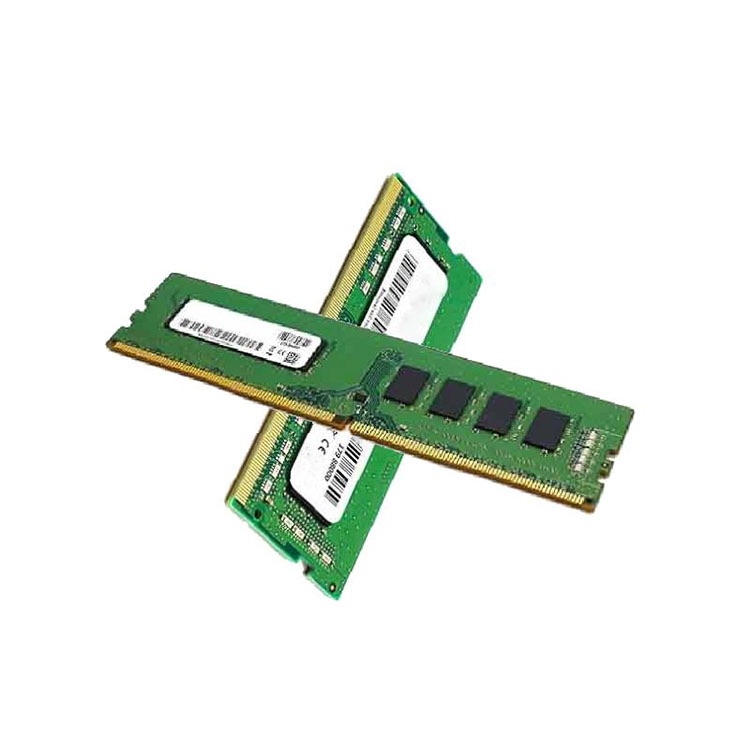
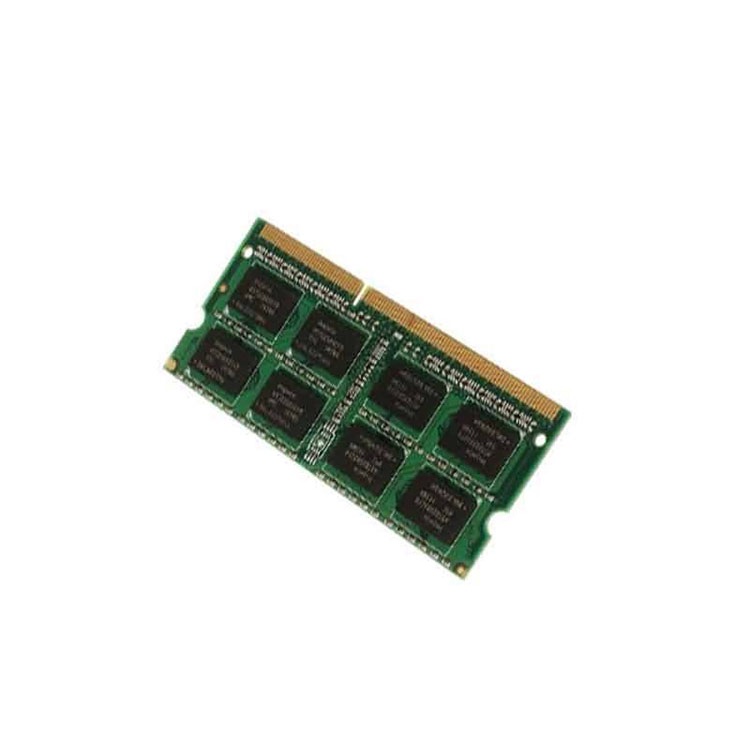
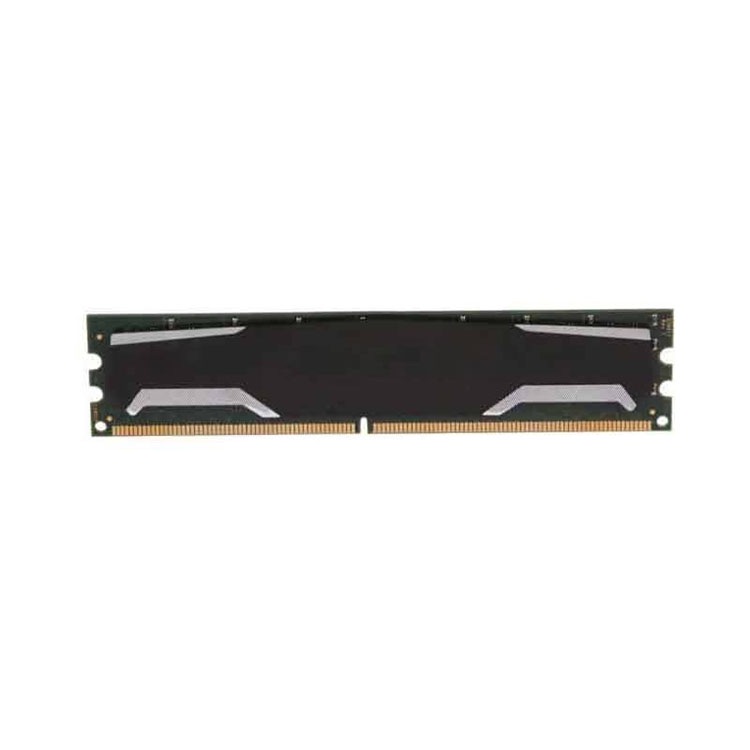
Used server memory can be a smart enterprise buy, but only when the module type, platform support, testing record, and supplier process are verified before purchase. This guide shows what serious buyers should check before buying used server RAM.
But when a procurement team buys used server memory by capacity alone, without checking ECC behavior, RDIMM versus LRDIMM type, rank structure, BIOS support, population rules, and supplier testing, the “deal” can turn into a failed maintenance window, a panicked RMA thread, and a very expensive lesson hidden inside a very small line item. Why do smart buyers still let a 32GB sticker do the thinking?
I’ll say the unpopular part first: used server RAM is not automatically risky. Lazy sourcing is risky.
The best used server RAM usually comes from predictable, tested, traceable stock: Samsung, Micron, SK hynix, Kingston, and other enterprise-grade modules pulled from working systems, screened properly, matched to the target platform, and sold with a warranty that means something after the invoice is paid.
The worst used server memory comes from mystery lots. No full part number. No rank detail. No test method. No clear RMA window. No proof that the seller understands Dell PowerEdge, HPE ProLiant, Lenovo ThinkSystem, or Supermicro memory population rules.
That difference matters because DRAM is not decoration. In Google’s large-scale field study, more than 8% of DIMMs were affected by errors per year. Alibaba and CUHK later studied production data from 250,000 servers and more than 3 million DIMMs, connecting DRAM error behavior with 2,137 server failures. That is not trivia for academics. That is a warning for anyone buying memory by search-filter confidence.
If your fleet still depends on DDR4 ECC RDIMMs, start with a real inventory path like tested used DDR4 server memory instead of treating every marketplace listing as equal. Used is fine. Vague is not.
What “Used” Really Means in Server RAM
Used server memory is enterprise RAM that has been previously installed, removed from a working system, and resold for reuse after inspection, testing, or refurbishment. In serious procurement, the phrase should imply identified part numbers, verified module type, confirmed capacity, platform-fit review, and a replacement policy, not just “pulled from server” written in a product title.
That sounds obvious. It isn’t.
The used memory market has at least four categories buyers quietly confuse:
Category
What It Usually Means
Buyer Risk
When I Would Consider It
Used server memory
Pulled enterprise DIMMs from working systems
Medium if untested, low if validated
Legacy fleet expansion, spare pool, controlled refresh
Refurbished server memory
Used modules inspected, cleaned, tested, and resold
Almost never, unless testing is done before deployment
Here is the hard truth. “Refurbished server memory” is not a magic phrase. It can mean disciplined screening, or it can mean somebody wiped dust off a DIMM and uploaded a photo.
So I care less about the adjective and more about the evidence. Full vendor part number. ECC support. DDR generation. Speed bin: 2133, 2400, 2666, 2933, 3200 MT/s for DDR4; 4800, 5600, 6400 MT/s for DDR5. Rank: 1Rx4, 2Rx4, 2Rx8, 4DRx4. Module type: RDIMM, LRDIMM, 3DS RDIMM. Voltage. Quantity. Lot consistency. Warranty terms.
Small labels matter.
And when a buyer says, “We just need 64GB DDR4,” I already hear the problem, because a Dell PowerEdge R740, HPE DL380 Gen10, Lenovo SR650, and Supermicro X11/X12 board may not behave the same way with every DIMM shape even when the capacity looks identical. Is the module compatible, or merely similar?
Compatibility Is Where Most Bad Orders Begin
Server memory compatibility is the match between a server platform and a memory module across DDR generation, ECC support, DIMM class, rank, speed, slot population, CPU memory-channel rules, and BIOS support. A compatible module is not just physically installable; it is supported, trainable, stable, and appropriate for the actual workload and platform layout.
I do not trust listings that lead with capacity and hide everything else.
Dell’s own PowerEdge R740 guidance says RDIMMs and LRDIMMs must not be mixed. That one rule alone should kill half the sloppy quote requests in the market. A Samsung 64GB DDR4 RDIMM and a Micron 64GB DDR4 LRDIMM are not interchangeable just because both contain “64GB DDR4” in the title.
Before buying used server memory, I would run a compatibility audit in this order:
Start With the Server, Not the DIMM
The server model decides the memory generation. The CPU generation decides supported speeds and channel behavior. The motherboard and BIOS decide whether a module trains cleanly.
Pull one current DIMM and record the full label. Not “32GB.” The full label.
You want the vendor part number, capacity, speed, rank, type, and whether the installed module is ECC RDIMM, LRDIMM, or another supported class. A good supplier can map from that information. A weak supplier will say, “Same spec, no problem.” That phrase makes me nervous.
Check Population Rules
Memory channels punish sloppy layouts. A dual-socket server with unbalanced memory across CPUs can boot but still leave performance on the table. Some systems downclock when moving from 1DPC to 2DPC. Some platform rules prefer specific slot order. Some density combinations are supported only in certain patterns.
The sticker is not the system behavior.
Why Used DDR4 Server RAM Still Moves in 2026
Used DDR4 server RAM remains valuable because many enterprise fleets still run stable DDR4 platforms where adding 32GB or 64GB ECC RDIMMs is cheaper, faster, and less disruptive than replacing the whole server. It is especially useful for spare pools, virtualization hosts, staged upgrades, repair stock, and budget-controlled infrastructure extensions.
I know the industry loves acting like every rack has already moved on.
It hasn’t.
Plenty of companies still run Dell PowerEdge R640/R740/R740xd, HPE ProLiant DL360/DL380 Gen10, Lenovo ThinkSystem SR650, and Supermicro DDR4 platforms because those boxes still do useful work. Finance does not approve a platform refresh just because a vendor wants to sell DDR5. Operations keeps what works alive.
Reuters reported that AI infrastructure demand has tightened memory supply, with DRAM inventory levels falling and price pressure spreading beyond the most fashionable HBM categories; one Reuters report noted DRAM inventory fell to eight weeks from 31 weeks in early 2023. That matters because used and legacy memory markets do not float outside the wider DRAM cycle. When new supply gets tight, old assumptions get expensive.
So the real question is not “Is DDR4 old?” The real question is whether a DDR4 upgrade gives the business another 12, 24, or 36 months of stable output without forcing a platform migration.
Sometimes it does.
The Buyer’s Checklist: What I Would Demand Before Paying
A serious used server memory quote should include enough detail to verify compatibility, quality, and replacement risk before approval. At minimum, buyers should demand exact part numbers, capacity, generation, ECC support, RDIMM or LRDIMM type, rank, speed, test status, quantity, warranty window, lot consistency, shipping terms, and approved alternates.
Here is my working checklist.
Module Identity
Ask for the full module part number, not just capacity and speed. “32GB DDR4-2933 ECC RDIMM” is useful, but “Micron MTA36ASF4G72PZ-2G9” or the equivalent Samsung/SK hynix/Kingston identifier is better.
ECC Server Memory Support
ECC server memory detects and corrects many memory errors before they become visible application problems. For enterprise workloads, I treat ECC as normal, not premium. If the seller cannot clearly identify ECC support, I walk away.
RDIMM Memory Versus LRDIMM Memory
RDIMM memory is the common registered server DIMM choice for many enterprise systems. LRDIMM memory can support higher-density configurations on supported platforms, but it is not a casual substitute. Mixing RDIMM and LRDIMM is often unsupported, and the “same capacity” excuse does not fix that.
Rank and Density
A 64GB DDR4 module can be 2Rx4, 4DRx4, or another structure depending on generation and design. Some servers care. Some CPUs care. Some BIOS versions care. A supplier who ignores rank is guessing.
Test Evidence
I want to know whether modules were tested individually, tested by batch, visually inspected only, or validated in a system. For larger orders, I prefer pilot testing before rollout. ServerDimm’s quality and warranty support page fits naturally into that conversation because buyers should understand what happens if a DIMM fails, mismatches, or needs replacement.
Warranty and RMA Path
A warranty is not a sentence in small print. It is an operating process. Who pays return freight? How fast is replacement stock shipped? What happens if the same part number is no longer available? Can the supplier support repeat buys from the same family?
These questions are not rude. They are adult procurement.
Used vs New vs Refurbished Server Memory
Used server memory is often the better buy when the goal is extending an existing platform, while new memory is usually better for fresh builds, long warranty horizons, and standardized deployment programs. Refurbished server memory sits between those choices, but its value depends almost entirely on testing quality, compatibility review, and supplier replacement discipline.
New builds, warranty-heavy projects, long deployment cycles
Clean supply chain and stronger documentation
Higher cost, possible shortage exposure
Best for standard fresh rollouts
Mixed-source cheap lots
Emergency purchases and risky brokers
Low apparent price
Mismatch, no continuity, ugly RMA
Usually false economy
If you are still deciding between new and used, read ServerDimm’s guide to new vs tested used server memory before turning the choice into a price-only fight. The right answer depends on fleet age, uptime expectations, workload memory pressure, and how painful a failed rollout would be.
The Environmental Argument Is Real, But Don’t Abuse It
Buying used server memory can reduce hardware waste by extending the useful life of enterprise components, especially when modules are tested, reused, and deployed into compatible systems instead of discarded during refresh cycles. Reuse is not a substitute for quality control, but it is a practical way to reduce unnecessary electronic waste.
The EPA says reuse keeps operating electronics out of the waste stream longer, and that preventing waste is preferable to recycling when equipment can still serve a purpose (EPA electronics reuse guidance).
That is the responsible version.
The irresponsible version is using “green IT” as marketing perfume over random pulled stock. I do not buy that. Reuse only works when the component is fit for duty. A failed DIMM that creates downtime, extra shipping, emergency replacement, and labor waste is not sustainable. It is just cheap hardware wearing a halo.
So yes, used server RAM can support circular IT procurement. But only when the supplier can prove the modules deserve a second life.
How to Buy Used Server Memory Without Getting Burned
To buy used server memory safely, start by documenting the server model, CPU generation, installed DIMM part numbers, target capacity, DIMM type, rank, and population plan; then ask suppliers for tested inventory, exact matches or approved alternates, warranty terms, and pilot quantities before approving a full bulk purchase.
Here is the order I would use:
Identify the exact server platform.
Pull existing DIMM labels.
Confirm DDR3, DDR4, or DDR5 generation.
Confirm ECC RDIMM, LRDIMM, or another supported class.
Decide total target capacity per server.
Map slot population rules.
Request exact part numbers, not vague equivalents.
Ask for tested stock and warranty terms.
Buy a pilot batch for larger rollouts.
Record what worked so reorders do not restart from zero.
For newer platforms, the same logic applies to used DDR5 server memory, but I would be even stricter because DDR5 density, speed bins, and platform behavior can vary more sharply across current-generation systems.
And if the order is large enough to matter, send the supplier a compatibility brief through the ServerDimm contact team instead of sending a lazy “best price?” email. Weak requests attract weak answers.
FAQs
What is used server memory?
Used server memory is enterprise-grade RAM that has been removed from a previous server, identified by specification, and resold for reuse in compatible systems after inspection, testing, or refurbishment. Serious used server RAM buying focuses on ECC support, DDR generation, RDIMM or LRDIMM type, rank, speed, part number, and platform compatibility.
In plain English, it is not desktop memory with a better label. It is infrastructure inventory. Treat it like infrastructure inventory.
Is used server RAM reliable?
Used server RAM can be reliable when it comes from tested, traceable inventory and is matched to the correct server platform, memory generation, ECC requirement, DIMM class, rank profile, speed behavior, and population rule. Reliability depends less on the word “used” and more on screening, compatibility, lot discipline, and warranty support.
I would rather buy tested used Micron, Samsung, or SK hynix ECC RDIMM stock from a serious supplier than mystery “new” memory with weak documentation.
What should I check before buying refurbished server memory?
Before buying refurbished server memory, check the full part number, DDR generation, ECC support, RDIMM or LRDIMM type, rank structure, speed bin, voltage, tested status, warranty terms, supplier replacement process, and compatibility with your exact server model, CPU generation, BIOS level, and slot population plan.
Do not stop at capacity. Capacity is the headline. Compatibility is the decision.
Can I mix different brands of used server memory?
You can sometimes mix different brands of used server memory when the modules match the server’s supported generation, type, capacity class, ECC behavior, rank profile, voltage, speed behavior, and population rules. Brand mixing is usually less dangerous than spec mixing, but the final answer depends on OEM support and validation.
A Samsung 32GB DDR4-3200 ECC RDIMM and a Micron 32GB DDR4-3200 ECC RDIMM may work in the right configuration. A Samsung RDIMM and Micron LRDIMM should not be treated as equivalents.
Is DDR4 server RAM still worth buying?
DDR4 server RAM is still worth buying when the goal is maintaining or expanding proven DDR4 platforms without funding a full server refresh, especially for 32GB and 64GB ECC RDIMM upgrades in virtualization hosts, spare pools, repair programs, and staged lifecycle extensions. The business case depends on workload pressure and refresh timing.
Older does not mean useless. In many server rooms, DDR4 is still doing the work while DDR5 gets the headlines.
What is the best used server RAM for enterprise buyers?
The best used server RAM for enterprise buyers is tested ECC memory from a known manufacturer, matched by full part number or approved equivalent, supported by the target server platform, supplied in consistent lots, and backed by a clear replacement policy. Samsung, Micron, SK hynix, and Kingston modules are common choices when properly validated.
The best module is not always the cheapest. It is the one that fits, boots, holds stability, and can be bought again when the next batch is approved.
Final Thoughts: Buy the Proof, Not the Promise
Used server memory can be one of the smartest buys in enterprise hardware procurement, but only if you stop treating it like a bargain-bin commodity. Build the compatibility brief first: server model, CPU, installed DIMM label, target capacity, DDR generation, ECC requirement, RDIMM or LRDIMM type, rank, speed, quantity, warranty expectation, and rollout schedule.
Then ask for a quote.
If you are buying for a fleet, do not gamble on vague inventory. Review the used DDR4 or DDR5 stock, verify compatibility, confirm testing and warranty terms, and send a clean request to the supplier with the details that actually decide success. The next step is simple: document your server memory requirement and request a compatibility-backed quote before your next maintenance window becomes the test lab.
ServerDimm supplies new and used branded server memory for distributors, OEM buyers, resellers, and data center teams. We support DDR4 and DDR5 sourcing with tested inventory, compatibility checks, and responsive quote service.