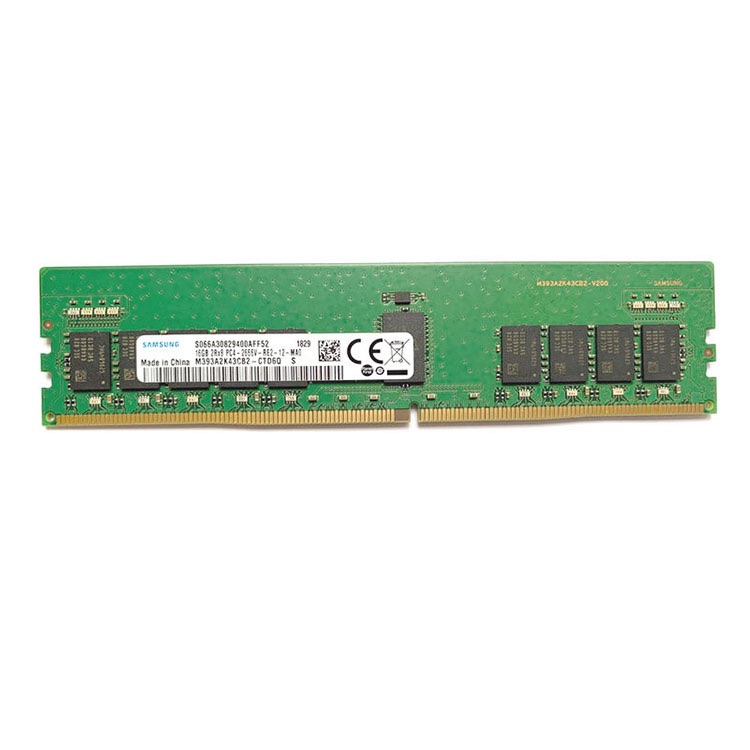
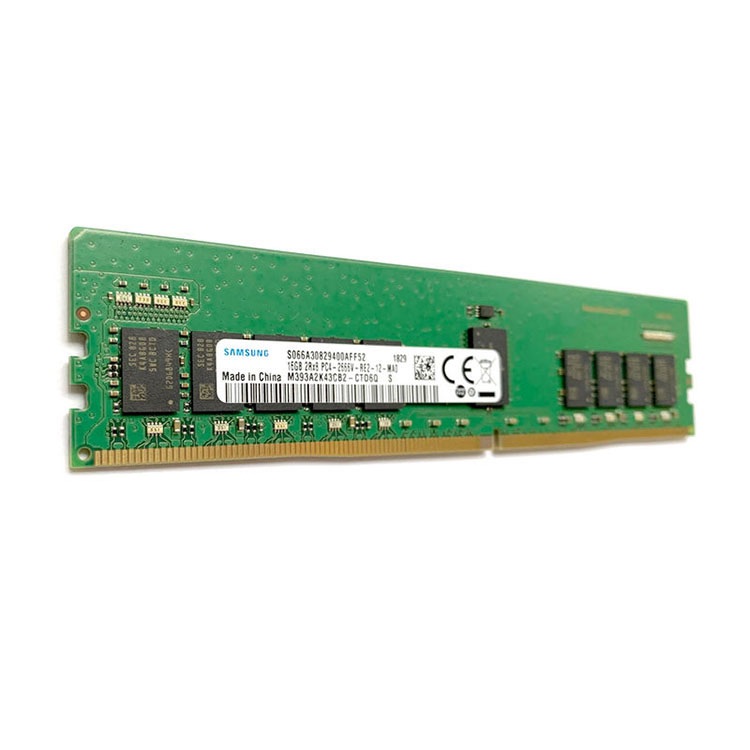
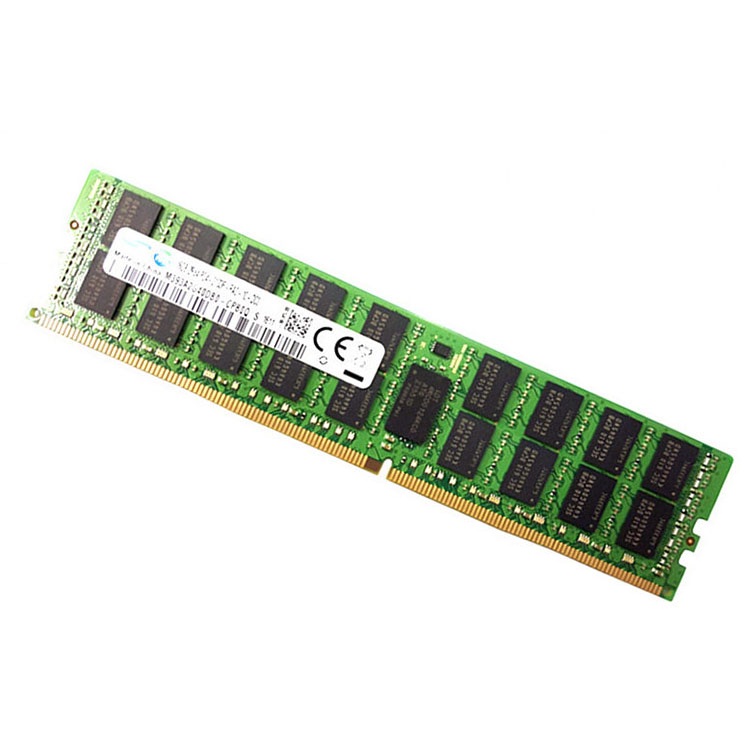
Server memory downclock is usually not a defect. It is the platform enforcing electrical, topology, rank, and BIOS rules that buyers should have checked before filling every DIMM slot.
The Ugly Truth: Your “5600 MT/s” DIMM Was Never a Promise
Speed lies first.
I know that sounds harsh, but in server memory procurement, the number printed on the module label is only the module’s rated capability under supported conditions, not a guarantee that your Dell PowerEdge, HPE ProLiant, Lenovo ThinkSystem, Supermicro, or AMD EPYC system will train every slot at that same speed after you load the channels, mix ranks, or push two DIMMs per channel. Why do buyers still treat a label like a contract?
Server memory downclock happens when the platform decides that the installed memory configuration cannot safely run at the advertised top speed. The usual suspects are boring: DIMM population rules, 1DPC versus 2DPC, memory rank, CPU memory controller limits, BIOS rules, channel balance, and module type. Boring, yes. Expensive, also yes.
I have a strong opinion here: most server RAM downclocking problems are not “RAM problems.” They are planning problems wearing an anti-static bag.
Intel’s own Eagle Stream platform documentation gives the cleanest example: 4th Gen Intel Xeon Scalable platforms support a maximum 2DPC DDR5 frequency of 4400 MT/s, while 5th Gen Xeon Scalable platforms support 4800 MT/s at 2DPC in that reference context. In plain English, adding the second DIMM per channel can cut speed even when the memory itself is rated higher. Read Intel’s note on maximum Intel DDR5 2DPC DIMM speed before blaming the DIMM.
And AMD is not magic dust either. AMD’s EPYC 9004 memory population guide says balanced memory configurations are needed to maximize bandwidth, that 4th Gen EPYC supports 12 memory channels, and that configurations can use either 1DPC or 2DPC. The guide also warns that improper configuration reduces bandwidth or increases latency. That is not marketing. That is the silicon telling you who is in charge. See AMD’s official EPYC 9004 memory population recommendations.
If your team is buying memory right now, start with server memory compatibility checks before you start comparing 64GB, 96GB, and 128GB quotes. ServerDimm’s compatibility guide correctly frames this around generation, module class, population rules, rank, density, and exact part matching, which is exactly where downclock surprises usually begin.
The Main Reasons Server Memory Downclocks
1. You Populated Two DIMMs Per Channel
This is the classic trap.
A single DIMM per channel, or 1DPC, gives the CPU memory controller a cleaner electrical job. Two DIMMs per channel, or 2DPC, adds load. The platform responds by reducing the memory transfer rate so the system can train reliably. That is not failure. That is engineering.
HPE’s Gen11 memory matrix gives a blunt example: 4800 MT/s memory SKUs can run at 4800 MT/s with 1 DIMM per channel and 4400 MT/s with 2 DIMMs per channel. HPE’s ProLiant Gen11 memory matrix says the quiet part out loud.
2. You Mixed Ranks or Density Without Understanding the Platform
A 64GB 2Rx4 RDIMM and a 64GB module with another rank or internal structure may look interchangeable to a buyer staring at a spreadsheet. They are not interchangeable to the memory controller.
This is where I get blunt with procurement teams: capacity is the least intelligent way to describe server memory. Rank, organization, voltage, generation, ECC type, buffer type, and platform qualification matter. If you are buying DDR5 server memory, you should be thinking in terms of CPU generation, channel layout, 1Rx4/2Rx4/2Rx8/3DS RDIMM, and total capacity per socket — not just “give me 64GB DDR5.” ServerDimm’s DDR5 category also makes the sourcing angle clear: the site positions DDR4 and DDR5 sourcing around tested inventory, compatibility checks, and quote support.
3. You Broke Channel Balance
Server memory does not like chaos.
On AMD EPYC 9004, AMD describes 12 memory channels and recommends balanced configurations because interleaving across channels is what gives the processor bandwidth. AMD also states that interleaving needs the same DIMM type, total memory capacity, and ranks across the channel set. If you fill channels unevenly, you may not just lose speed; you may lose the bandwidth shape the CPU was designed to use.
The hard truth: many “server memory speed drops” are self-inflicted. Somebody filled slots by convenience. Somebody reused leftovers. Somebody trusted “same capacity” and ignored rank. Somebody wanted to save money by mixing lots. Then the BIOS did what the BIOS was supposed to do.
4. The CPU Memory Controller Sets the Ceiling
The DIMM does not run the show. The CPU memory controller does.
On current server platforms, the CPU generation decides the supported memory generation, channels, max official speed, and behavior under 1DPC and 2DPC. A DDR5-5600 module in a platform that supports DDR5-4800 under that topology is not going to become 5600 MT/s because a reseller title says so.
This is why a server memory specification and compatibility review should happen before purchase approval, not after a maintenance window turns ugly. ServerDimm’s quality workflow describes reviewing generation, module type, part number, and capacity requirements before orders move forward, plus ECC RDIMM configuration validation and pre-shipment screening. That is the boring process that prevents dramatic weekends.
Downclocking Is Not Always Bad — But Blind Downclocking Is
Here is the uncomfortable part: sometimes downclocking is the right trade.
Would I rather have 1.5TB of stable memory at 4800 MT/s than a prettier but smaller 5600 MT/s configuration that forces the application into paging, NUMA pain, or higher host count? Often, yes. Not always. But often.
What I will not accept is accidental downclocking. That is when a buyer expected one speed, deployed another, and only found out after dmidecode, BIOS, iDRAC, iLO, XClarity, or IPMI reported a lower effective MT/s. That is not optimization. That is drift.
The economics are nastier now too. Reuters reported in January 2026 that AI infrastructure demand was driving a memory chip price surge, while Bloomberg Intelligence reported that data center demand for DRAM reached roughly 50% of global consumption in 2025, up from 32% five years earlier. So, yes, memory mistakes are getting more expensive at the same time that dense server builds are becoming less forgiving. See Reuters on surging memory chip prices and Bloomberg’s AI memory chip shortage analysis.
And power is now part of this conversation. The U.S. Department of Energy reported that U.S. data centers consumed about 176 TWh in 2023 and could reach 325 to 580 TWh by 2028. If a better memory plan lets you use fewer servers, fewer slots, fewer refresh mistakes, and fewer emergency purchases, that is not just a component decision. That is infrastructure discipline. See the DOE’s report on data center electricity demand.
Quick Diagnostic Table: Why Your Server RAM Speed Dropped
Symptom
Likely Cause
What To Check First
Hard Fix
DDR5-5600 reports as 4800 MT/s
CPU or platform speed ceiling
CPU SKU, BIOS memory page, OEM matrix
Use supported topology or newer platform
DDR5-4800 reports as 4400 MT/s
2DPC population
Slots per channel, DIMMs per CPU
Reduce to 1DPC or accept capacity-over-speed trade
One CPU reports different memory behavior
Unbalanced socket population
DIMM count, rank, capacity per CPU
Mirror both sockets exactly
Server boots but bandwidth is poor
Bad channel balance
Channel map and interleave mode
Populate all supported channels evenly
POST failure after upgrade
RDIMM/LRDIMM/3DS mismatch
Existing module label and OEM guide
Replace with approved module class
Random corrected errors after install
Marginal module, mixed lot, or thermal stress
ECC logs, BMC SEL, airflow, part numbers
Test, isolate, and replace suspect DIMMs
Google’s large DRAM field study analyzed measurements from a large fleet of commodity servers over 2.5 years and covered multiple vendors, capacities, technologies, and millions of DIMM days. That study was about errors, not downclocking, but the lesson still applies: memory behavior in production is not a lab brochure. See Google’s DRAM Errors in the Wild.
How To Fix Server Memory Downclocking Without Wasting Money
Step One: Stop Shopping by Sticker Speed
I would rather see a buyer ask for “12-channel balanced 1DPC EPYC 9004 configuration using 96GB 2Rx4 RDIMMs” than “fastest DDR5.” The first buyer understands the machine. The second buyer understands a filter menu.
If you need more capacity per slot, a module like 96GB DDR5 5600 2Rx4 server RAM can be useful, but only when the target server supports that density, rank, speed grade, and population plan. ServerDimm’s listing identifies the Micron 96GB DDR5 module as 2Rx4, PC5-5600B, and server/data center targeted, which is the kind of exact detail buyers should preserve in their quote file.
Step Two: Choose Capacity Per Channel, Not Just Total Capacity
If you need 768GB per socket, you can arrive there in different ways. Some layouts keep 1DPC. Some force 2DPC. Some use higher-density modules. Some look cheap and then punish you with lower MT/s or lower bandwidth.
This is where new vs tested used server memory becomes a real decision, not a budget slogan. Tested used DDR4 can be rational for stable legacy fleets. New DDR5 can be rational for fresh platforms. The wrong choice is pretending both projects have the same risk profile.
Step Three: Validate Before the Bulk Rollout
Pilot first.
I do not care how confident the quote looks; if you are deploying across dozens or hundreds of nodes, install a pilot batch, confirm BIOS-reported speed, check ECC logs, test under workload, and document the exact part numbers before the full shipment goes live. Why gamble the whole maintenance window on a spreadsheet?
ServerDimm’s main site says it supplies DDR3, DDR4, DDR5, ECC, RDIMM, and LRDIMM modules for enterprise and data center applications, including brand-new and pulled server RAM options with bulk-order support. That is useful only if the buying team brings real platform data into the conversation. Start with bulk server RAM supply only after the platform rules are known.
FAQs
What does server memory downclock mean?
Server memory downclock means a server automatically runs installed RAM below the module’s advertised speed because the CPU memory controller, DIMM rank, channel population, BIOS rules, or mixed module configuration cannot safely train the memory at the label speed in that exact platform. It is usually a platform-enforced stability decision, not proof that the DIMM is fake or defective.
Why does DDR5 server memory downclock at 2DPC?
DDR5 server memory downclocks at 2DPC because two DIMMs per channel increase electrical loading and signal-integrity demands, so the platform often chooses a lower supported MT/s value to protect training stability, reduce marginal timing errors, and stay inside the CPU and motherboard qualification limits. That is why 1DPC configurations often run faster than fully loaded channels.
How do I fix server RAM downclocking?
You fix server RAM downclocking by checking the CPU memory support table, using the OEM DIMM population guide, balancing channels across sockets, avoiding unsupported rank or module-class mixing, updating BIOS firmware, and choosing a memory layout that matches the platform’s rated 1DPC or 2DPC speed. Sometimes the correct fix is fewer higher-density DIMMs, not more cheap modules.
Does downclocking mean my server memory is bad?
Downclocking does not automatically mean your server memory is bad; it usually means the server is enforcing supported operating speed for the installed topology, especially when channel load, rank count, 2DPC population, or mixed module behavior exceeds the top-speed condition. Bad RAM is possible, but topology mismatch is far more common.
Is it better to use fewer larger DIMMs to avoid downclocking?
Using fewer larger DIMMs can help avoid downclocking when it keeps the system at 1DPC, preserves balanced channel population, and stays inside the CPU’s supported density and rank limits, but it can also cost more or reduce future expansion flexibility. The right answer depends on total capacity target, memory bandwidth needs, platform support, and procurement risk.
Final Thoughts: Do Not Let the BIOS Expose Your Buying Process
The BIOS is a ruthless auditor.
It does not care what the quote promised, what the module label advertised, or what the sales email implied; it trains the memory based on what the CPU, motherboard, firmware, channels, ranks, and slots can actually tolerate at boot. That is why server memory downclock is not a mystery. It is evidence.
Your next step is simple: document the server model, CPU SKU, current DIMM part numbers, target capacity per socket, preferred 1DPC or 2DPC layout, and acceptable speed floor before requesting a quote. Then send that bundle for a compatibility review, test a pilot batch, and only then approve bulk purchasing.
ServerDimm supplies new and used branded server memory for distributors, OEM buyers, resellers, and data center teams. We support DDR4 and DDR5 sourcing with tested inventory, compatibility checks, and responsive quote service.