Why Some Older Server Memory Modules Cost More Than Newer Ones
Some buyers think old server RAM should always be cheap. That is wrong. In the server memory market, a discontinued 32GB DDR3 ECC RDIMM can be more expensive than a newer DDR4 or DDR5 module when supply dries up and infrastructure teams still need exact replacements.
The Uncomfortable Truth: Old Server RAM Is Not Always Cheap
Old is expensive.
When a plant shifts wafer starts away from DDR3 or low-density DDR4 and the installed base still needs exact ECC RDIMM replacements for Dell PowerEdge R740, HPE ProLiant DL380 Gen10, Lenovo ThinkSystem SR650, or Supermicro X11 servers, the so-called obsolete module becomes a constrained spare part with a very real outage price attached.
Why would it get cheaper just because it got older?
That is the mistake I see in server RAM buying logic. People apply consumer electronics thinking to infrastructure parts. They assume a module loses value because DDR5 is newer, faster, cleaner, and more fashionable. But server memory is not fashion inventory. It is compatibility inventory.
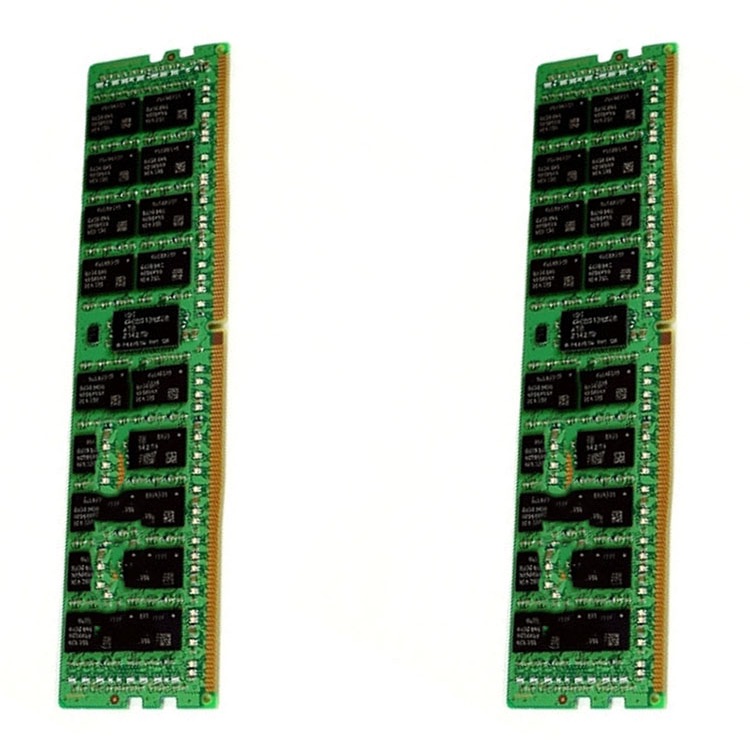
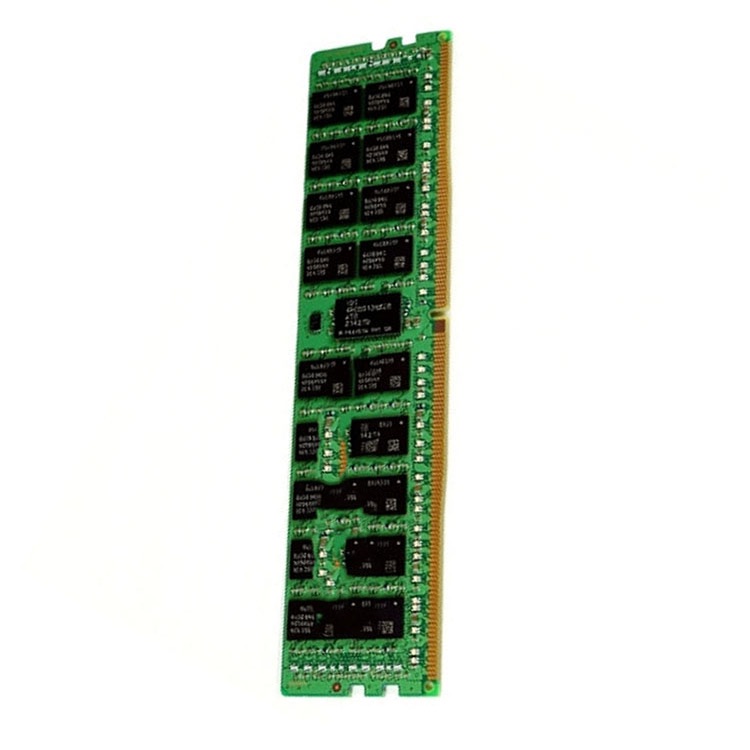
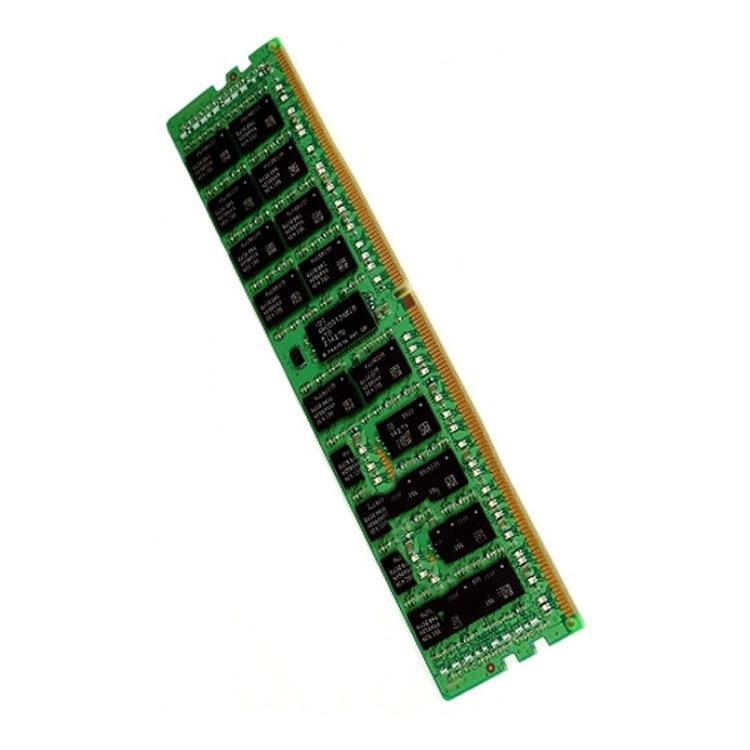
A 32GB DDR3-1600 PC3-12800R ECC RDIMM, a 64GB DDR4-2933 2Rx4 RDIMM, and a 96GB DDR5-5600 ECC RDIMM are not just capacity labels. They are different electrical, platform, validation, and supply-chain stories. If your production cluster only accepts one of them, the global price of the others is almost irrelevant.
The hard truth is simple: older server memory modules cost more when they become scarce while the machines that require them are still making money.
That sentence annoys finance teams. Good. It should.
A server that runs billing, ERP, storage, virtualization, lab automation, telecom routing, or industrial control does not care that DDR5 exists. If the board needs DDR3 ECC RDIMM or a specific DDR4 LRDIMM configuration, “newer RAM is cheaper” becomes a useless sentence.
Reuters reported in late 2025 that AI infrastructure demand had helped trigger a wider memory shortage, with prices in some segments more than doubling since early 2025 and DRAM inventory falling to roughly 2–4 weeks of supply. That matters because DRAM makers chase margin. HBM3E, DDR5, LPDDR5X, and AI server memory get capacity attention first; older server RAM gets whatever supply is left, if any. Reuters’ supply-chain reporting is not about one reseller having a bad month. It is about allocation pressure across the memory market.
And there is another pressure point: compatibility. Dell’s own PowerEdge memory guidance says RDIMMs and LRDIMMs cannot be mixed, dual-CPU memory layouts must match in size and position, and supported memory configurations depend on the platform. Dell’s PowerEdge memory configuration guidance is a useful reality check for anyone who thinks “same GB, same speed” is enough.
So yes, a newer DDR5 module can look cheaper per gigabyte while an older legacy server memory module costs more per piece. That is not irrational. That is the market charging for certainty.
DDR3, DDR4, DDR5: The Generation Gap Is Not the Whole Story
A lazy article would say DDR5 is better than DDR4, DDR4 is better than DDR3, and old parts should decline in price.
That article would be wrong.
DDR5 server memory is technically impressive. Micron says its DDR5 RDIMM technology scales up to 9200 MT/s and can deliver up to 2x memory bandwidth compared with DDR4-3200 SDRAM, while supporting high-capacity 128GB RDIMMs. Micron’s DDR5 DRAM overview makes the performance case clearly.
But a DDR5-5600 RDIMM is not a drop-in replacement for a DDR4-3200 RDIMM. A DDR4 RDIMM is not a drop-in replacement for a DDR3 registered ECC module. Even within the same generation, rank, voltage, speed bin, capacity, x4/x8 organization, and BIOS support can change the outcome.
High demand from current builds, but broader production support
Platform generation mismatch, BIOS limits
Refurbished server RAM
Cost-controlled maintenance and fleet expansion
Good tested inventory can be more valuable than random new stock
Poor traceability, unknown pull history
I would rather buy tested, traceable refurbished server RAM than gamble on suspicious “new” inventory with vague part numbers and no warranty. That opinion gets pushback. Fine. The module that passes validation is worth more than the module with cleaner marketing language.
For used supply, the better path is not bargain hunting in the dark. It is checking structured categories such as used DDR4 server memory and used DDR5 server memory where the generation, module type, brand, and capacity can be reviewed before a quote conversation starts.
ECC Memory Is the Reason Cheap Can Become Expensive
ECC server memory is not a luxury sticker. It exists because memory errors are real.
The classic large-scale study “DRAM Errors in the Wild,” published by researchers from the University of Toronto and Google, analyzed a large fleet of commodity servers over 2.5 years and covered many millions of DIMM-days. The study found that DRAM errors are a common form of hardware failure in compute clusters. Google Research’s summary is still one of the most useful pieces of evidence for why serious buyers should not treat ECC as decoration.
This is where the older server memory modules pricing story becomes sharper. A random desktop DIMM is not a replacement for ECC server RAM. A non-ECC UDIMM is not a replacement for RDIMM memory. A module that physically fits may still be electrically, logically, or firmware-incompatible.
And if the workload is boring? That makes ECC more important, not less.
Financial records, medical imaging, manufacturing logs, telecom routing tables, database indexes, VM host memory, and backup catalogs do not become less sensitive because the server is old. In many cases, the older server is still running precisely because nobody wants to disturb it.
That is why I care about server RAM quality and warranty checks more than I care about a beautiful one-line quote. Tested inventory, RMA terms, serial traceability, brand consistency, and replacement speed are not paperwork. They are insurance against a bad maintenance window.
Scarcity, Not Speed, Explains the DDR3 Server RAM Price Problem
The DDR3 server RAM price problem is usually not about performance. It is about survival supply.
A DDR3-1333 or DDR3-1600 ECC RDIMM is slow by 2026 standards. Nobody serious argues otherwise. DDR5-5600, DDR5-6400, and newer MRDIMM discussions make DDR3 look ancient on a spec sheet. But when a data center, lab, telecom integrator, or embedded system operator needs the exact older server memory module to keep a platform alive for another 18 months, speed is no longer the buying variable.
Supply becomes the buying variable.
The memory industry does not keep every old die, package, PCB layout, register chip, SPD profile, and module build alive forever. Manufacturers rationalize production. Distributors clear old lots. Brokers consolidate remaining stock. Then one day, the buyer discovers that a “cheap old part” has become a rare maintenance component.
That is when legacy server memory starts behaving like aircraft spares, not consumer RAM.
So the real question is not “Why does DDR3 cost this much?” The better question is: “What does downtime cost if this exact module is unavailable?”
Compatibility Rules Turn Ordinary RAM Into Controlled Inventory
Compatibility is where many buyers lose money.
Server RAM is controlled by the server model, CPU memory controller, chipset generation, BIOS version, DIMM type, rank, speed, voltage, and population order. In dual-socket systems, balance across CPU sockets can matter. In large memory configurations, RDIMM versus LRDIMM can decide whether the system boots cleanly or throws a memory initialization error before the operating system even appears.
This is why I like linking buyers to a practical explainer before they place an order. The issue is not just price; it is whether the module belongs in the machine. A useful starting point is ServerDimm’s guide on whether you can mix server RAM, especially for teams dealing with partial upgrades, pulled modules, and mixed-brand lots.
Here is the blunt hierarchy I would use:
Server model first
CPU generation second
DDR generation third
DIMM type fourth: RDIMM, LRDIMM, UDIMM, MRDIMM
ECC behavior fifth
Rank, capacity, speed, and population rules sixth
Brand last
Yes, last.
Samsung, Micron, SK hynix, and Kingston all make serious memory. The brand name does not rescue the wrong module type. A Micron DDR4 RDIMM and a Micron DDR4 LRDIMM are not interchangeable because the logo matches. A Samsung 32GB DDR4-3200 2Rx4 RDIMM and a Samsung 32GB DDR4-3200 2Rx8 RDIMM may behave differently depending on platform rules.
The Refurbished Server RAM Debate: My Strong Opinion
Refurbished server RAM is not the problem. Bad refurbished server RAM is the problem.
There is a difference between tested pulled inventory from known enterprise systems and a mixed-bin lot with mystery labels, unknown burn-in history, erased traceability, and optimistic seller language. I will take the first one. I will reject the second one, even at half the price.
A professional refurbished server RAM program should answer basic questions without drama:
Checkpoint
Good Answer
Bad Answer
Module identity
Exact part number, capacity, speed, rank, ECC type
This is why the cheapest quote often becomes the expensive one. A failed batch can burn a maintenance window, create overtime, delay a rollout, and force emergency buying from a second supplier. At that point, the original “savings” looks childish.
Why Newer DDR5 Can Be Cheaper Per GB But Still Not the Better Buy
DDR4 vs DDR5 server memory comparisons often miss the business question.
DDR5 may win on bandwidth, density, and long-term platform direction. New servers built around Intel Xeon Scalable 4th/5th/6th Gen platforms or AMD EPYC DDR5 systems need DDR5. For dense virtualization, AI-adjacent workloads, analytics, and high-capacity nodes, DDR5 server memory is often the rational path.
But replacing an entire stable DDR4 fleet just because DDR5 pricing looks attractive is not automatically smart.
A 64GB DDR4-3200 ECC RDIMM upgrade may extend a virtualization host’s useful life without changing the motherboard, CPU, chassis, RAID controller, cabling, licensing, hypervisor validation, or support workflow. A DDR5 migration may deliver better performance, but it may also require a full platform refresh.
So the buyer has two prices:
The DIMM price.
The system-change price.
The second one is usually larger.
This is why older server memory modules can command real money. They let businesses avoid larger capital spending. A $70, $120, or $180 module can be expensive compared with another DIMM and still cheap compared with replacing a working host.
FAQs
Why is older server RAM more expensive than newer RAM?
Older server RAM can be more expensive than newer RAM because discontinued production, limited tested supply, strict ECC/RDIMM compatibility, and ongoing legacy server demand can outweigh normal depreciation. When businesses need exact DDR3 or DDR4 modules to keep validated systems running, scarcity and uptime risk set the price, not age alone.
The market does not price server RAM like a used phone. It prices the ability to keep a specific machine operational. If the module is rare, tested, compatible, and available in quantity, it can cost more than a technically newer part.
Is DDR3 server RAM still worth buying?
DDR3 server RAM is worth buying when it supports a stable legacy server that still performs a useful business function and the upgrade cost is lower than replacing the full platform. It is not worth buying for new builds unless the project is tied to existing hardware, software validation, or industrial lifecycle requirements.
I would not build fresh infrastructure around DDR3 in 2026. But I would absolutely buy tested DDR3 ECC RDIMM inventory to keep a validated storage node, industrial controller, or legacy application server alive during a planned transition.
Is refurbished server RAM safe for production servers?
Refurbished server RAM can be safe for production servers when it is tested, traceable, correctly specified, covered by warranty, and matched to the server’s supported memory configuration. The danger is not refurbishment itself; the danger is unknown pull history, mixed lots, counterfeit labels, weak testing, and unsupported platform combinations.
The buyer should ask for exact part numbers, module type, rank, capacity, speed, ECC status, and replacement terms. “Pulled from working servers” is not enough for serious infrastructure buying.
Is DDR5 server memory better than DDR4 server memory?
DDR5 server memory is generally better for new-generation platforms because it supports higher bandwidth, higher density options, and current server architectures, but it is not automatically better for every fleet. DDR4 can remain the better economic choice when the server platform is stable, compatible, already validated, and cheaper to expand than replace.
The practical answer depends on workload, server generation, slot count, CPU support, BIOS support, and refresh timing. DDR5 is the future path. DDR4 is still doing real work.
What should I check before buying legacy server memory?
Before buying legacy server memory, check the exact server model, CPU generation, DDR generation, ECC requirement, RDIMM or LRDIMM type, module rank, speed, capacity, voltage, population rules, BIOS support, warranty terms, and supplier testing process. Price should come after compatibility, not before it.
A cheap module that causes a no-POST event, downclocking, or unstable VM behavior is not cheap. It is a delayed incident report.
Your Next Steps: Buy the Part Number, Not the Myth
Do not ask for “cheap server RAM” and expect a clean result.
Ask for the exact module family, capacity, speed, rank, ECC type, and supported platform. Compare DDR3, DDR4, and DDR5 only after you know what the server can actually accept. Then decide whether new, tested used, or refurbished server RAM makes the most sense for the fleet.
Start with the server model. Confirm the memory rules. Build a one-page requirement sheet. Then request a quote from a supplier who can discuss compatibility, testing, warranty, and repeat availability without hiding behind vague stock language.
That is how professional buyers avoid the trap: they do not buy old memory because it is old, and they do not buy new memory because it is new. They buy the server RAM that keeps the system running.
ServerDimm supplies new and used branded server memory for distributors, OEM buyers, resellers, and data center teams. We support DDR4 and DDR5 sourcing with tested inventory, compatibility checks, and responsive quote service.