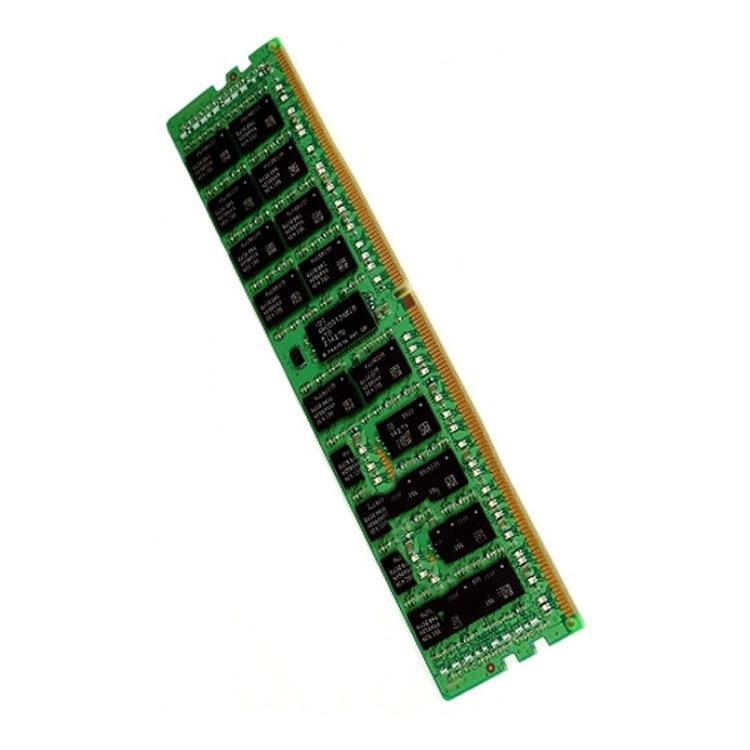
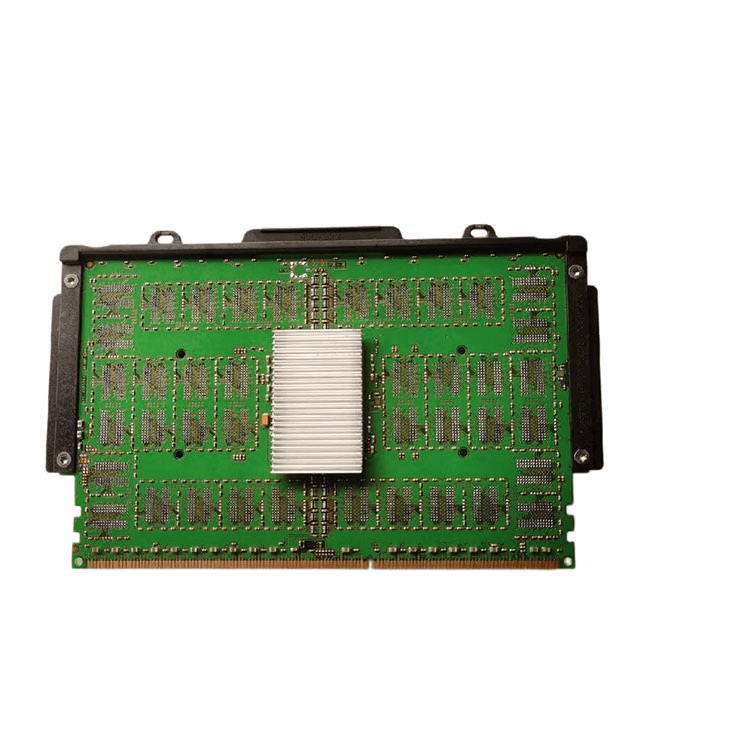
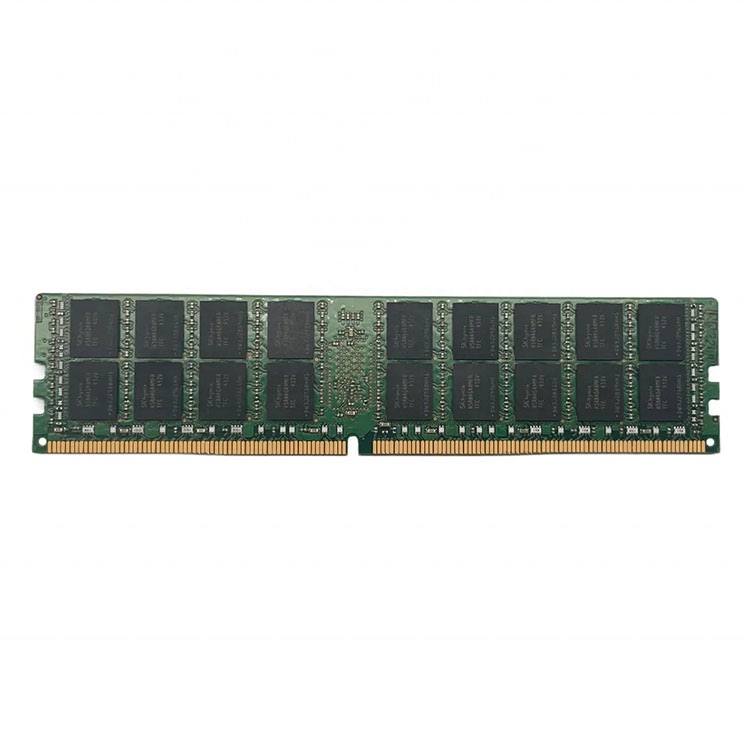
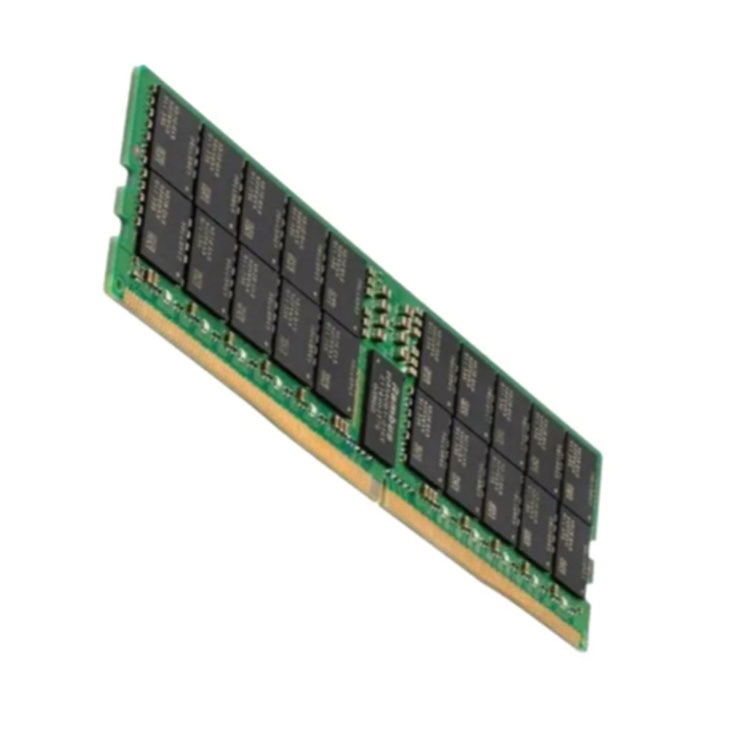
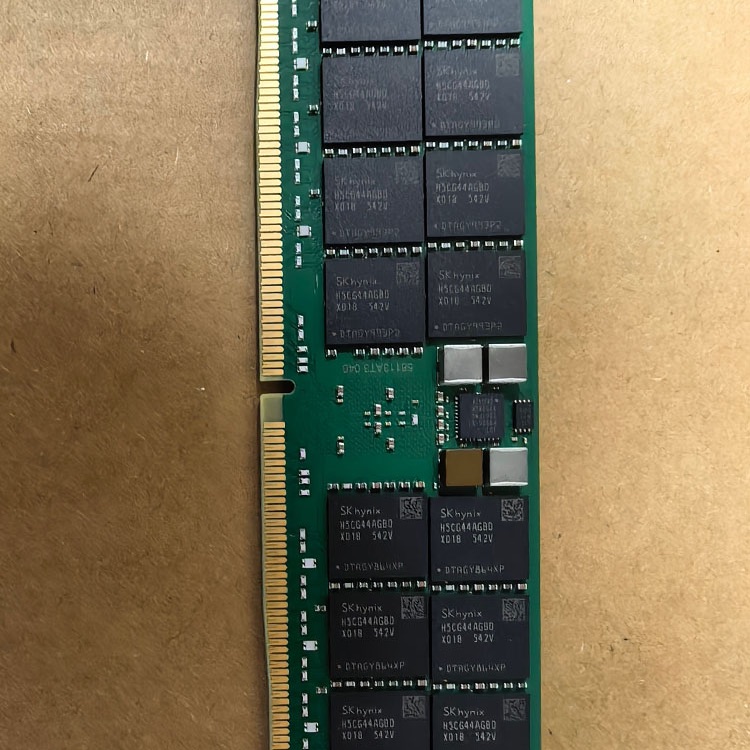
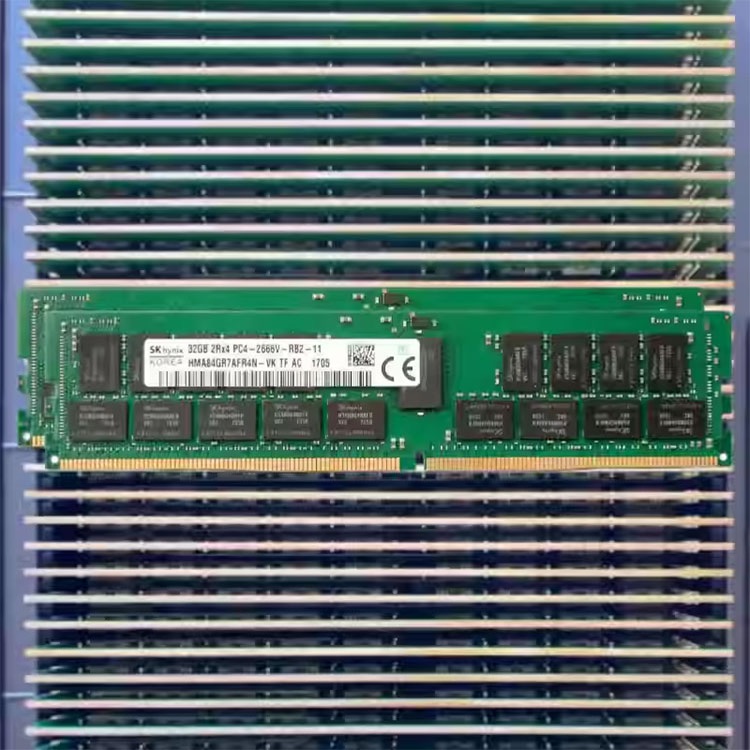
Server DIMM population order is not a neat little motherboard ritual. It decides whether your expensive RDIMMs use the available memory channels properly or crawl through an unbalanced configuration that procurement accidentally created.

Server memory downclock is usually not a defect. It is the platform enforcing electrical, topology, rank, and BIOS rules that buyers should have checked before filling every DIMM slot.

Buying server memory is not about picking the cheapest DIMM with the right capacity sticker. This guide explains how to choose server RAM by platform compatibility, ECC support, module type, density, validation evidence, supply risk, and real workload requirements.

A server that refuses to detect memory is usually not “mysterious.” It is telling you something about slot population, firmware, CPU memory channels, DIMM type, rank, part-number confusion, or a bad module. Here is how I would investigate it before blaming the RAM.

Most server memory orders do not fail because RAM is mysterious. They fail because buyers trust capacity, speed stickers, and vague “compatible with” claims instead of checking the platform, module class, rank, density, and population rules that OEMs and data center operators treat as non-negotiable.

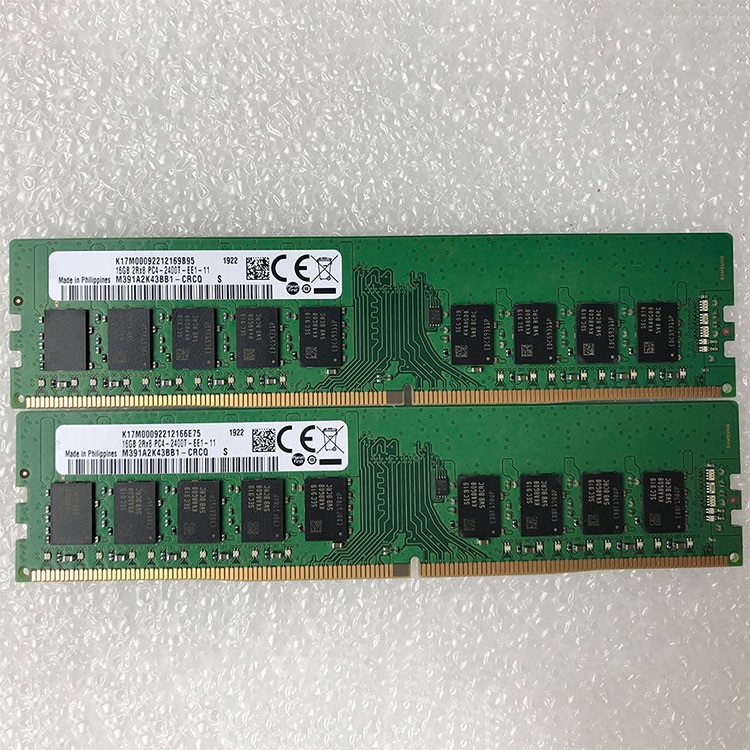
Most buyers read server memory labels like they are shopping for consumer RAM. That is how projects get burned. This guide shows how I read a server memory part number in the real world, what each field means, where buyers get fooled, and which details you should force into every quote before you approve a PO.

Mixing server RAM is possible only inside strict platform rules. The real risk is not the brand logo; it is type, generation, ECC behavior, rank, capacity layout, CPU socket symmetry, BIOS support, and whether the server silently downclocks or refuses to boot.

Higher-capacity DDR5 modules are showing up everywhere for one simple reason: the hardware stack finally rewards them. Denser dies, bigger memory ceilings, tighter rack economics, and AI-heavy workloads have turned 64GB, 96GB, and 128GB DDR5 DIMMs from premium oddities into rational defaults.

I’ve watched smart teams mis-size clusters because they trusted assigned vRAM, ignored restart behavior, and treated procurement like an afterthought. This article lays out the hard lessons from a virtualization memory planning project, with real statistics, vendor documentation, and internal links that actually fit the topic.

Most server RAM quotes stall because buyers send half the story. I break down the specific fields, part numbers, compatibility checks, and pricing triggers that turn a vague inquiry into a real quote.

Most teams buy server RAM the wrong way. They chase MT/s, ignore DIMM population rules, skip pilot validation, and then act surprised when the host downclocks, throws ECC noise, or still performs badly because capacity was the real bottleneck.

I’ve watched too many procurement teams buy enterprise server RAM like it was a commodity. In 2026, that mistake gets more expensive, because memflation, AI build-outs, and dense host designs punish lazy sourcing.

ServerDimm supplies new and used branded server memory for distributors, OEM buyers, resellers, and data center teams. We support DDR4 and DDR5 sourcing with tested inventory, compatibility checks, and responsive quote service.
Copyright © 2026 Shenzhen Lux Telecommunication Technology Co.,Ltd. All rights reserved